Faxitron CT Specimen Radiography System User Guide
Chapter 6: Faxitron CT Software Operation
Page 74 5081-9544 Revision 004
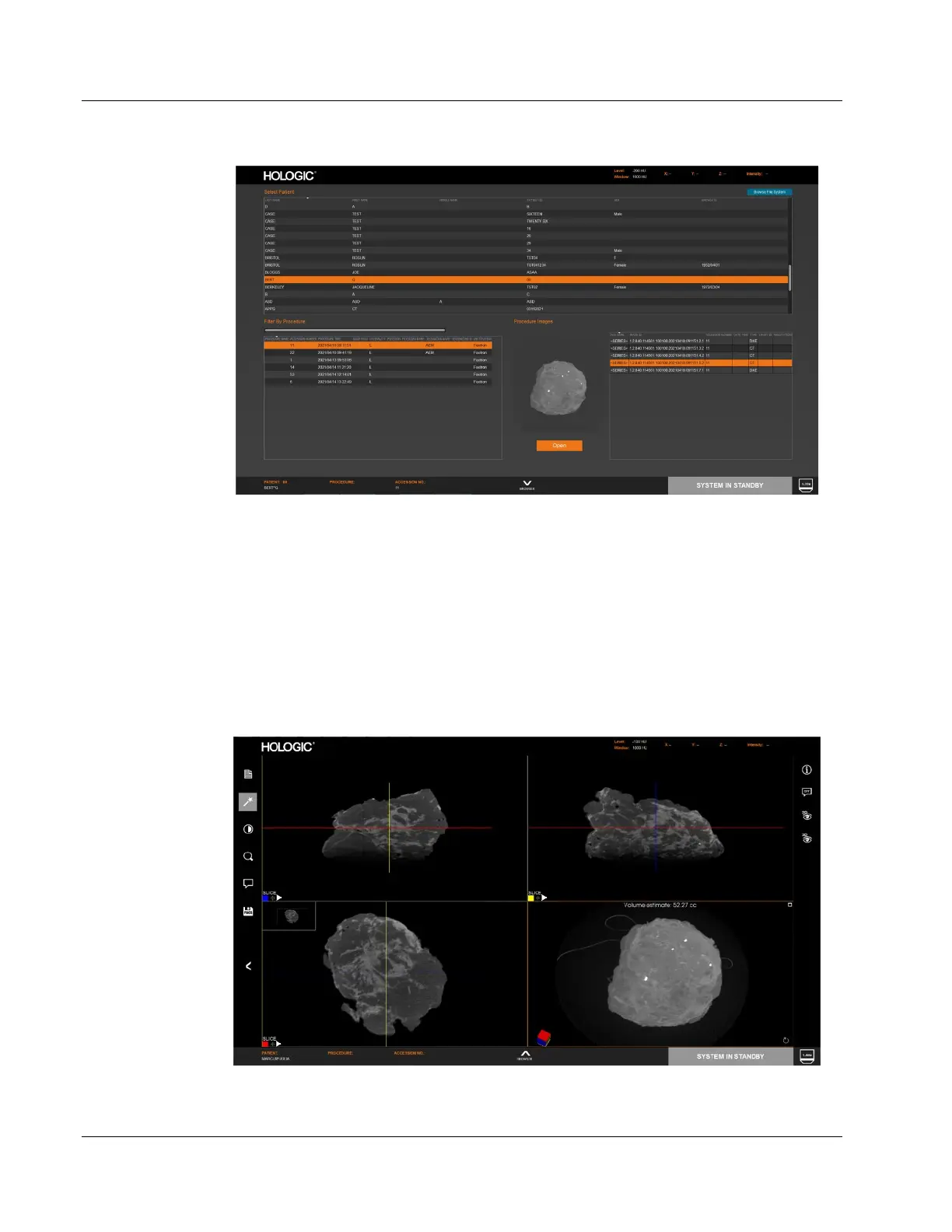
Figure 95: Review Page
Note that the system is in standby while in Review mode.
When the Review page is first opened only the Patient List will be populated. The lower
part of the screen will be empty. Selecting a patient opens the Procedure List in the lower
left part of the page. Selecting a procedure will then open the Image List in the lower
right part of the page. Clicking on an image in the list will display an image preview in
the lower middle section. Click the Open button to open the image in the viewer.
Once the image is opened it can be reviewed and manipulated in the same ways
described before, including sending them to PACS.
Figure 96: Viewer (Review Screen)













 To Next Page