Faxitron CT Specimen Radiography System User Guide
Chapter 6: Faxitron CT Software Operation
5081-9544 Revision 004 Page 77
There are four (4) additional categories of settings access through the Home Menu
Settings button:
Note
Access to most system settings is available only to authorized Hologic Service
personnel.
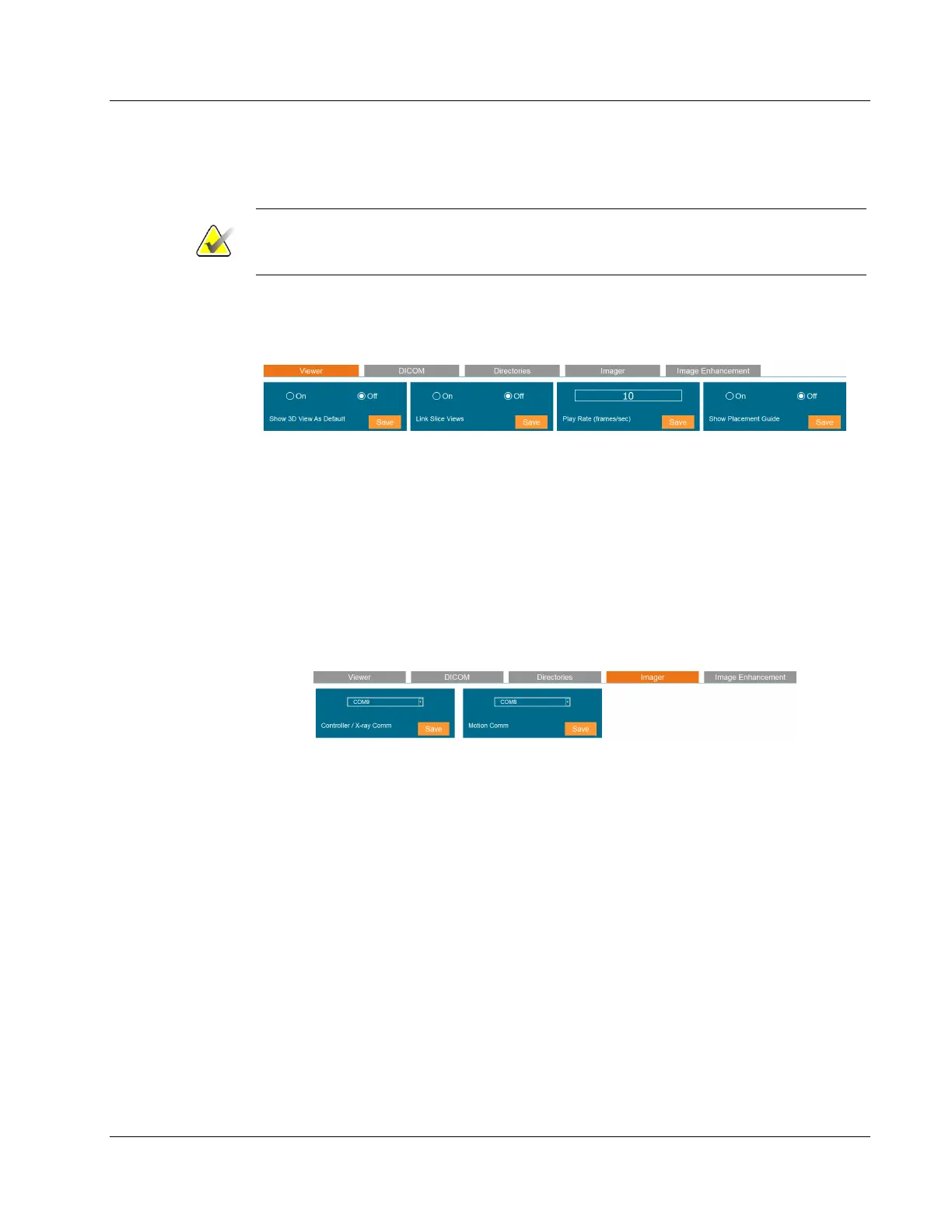
Viewer Settings
These settings affect the image panes or views.
Figure 101: Viewer Settings
Directories
The settings to define the Default Directories are only available to authorized Hologic
Service Personnel.
Imager Parameters
The 2 settings available to the user are the comm port settings for the x-ray subsystem
and pedestal movement. These settings should only be changed as directed by Hologic
personnel.
Figure 102: Imager Parameters
Image Enhancement
Image Enhancement settings are only available to authorized Hologic Service personnel.













 To Next Page