Basic Call Features
102
now this is 4-way conference)
10. A press line 4 key, the call is placed on hold.
11. A enter the number of E and then press send soft key or .
12. E answering the call.
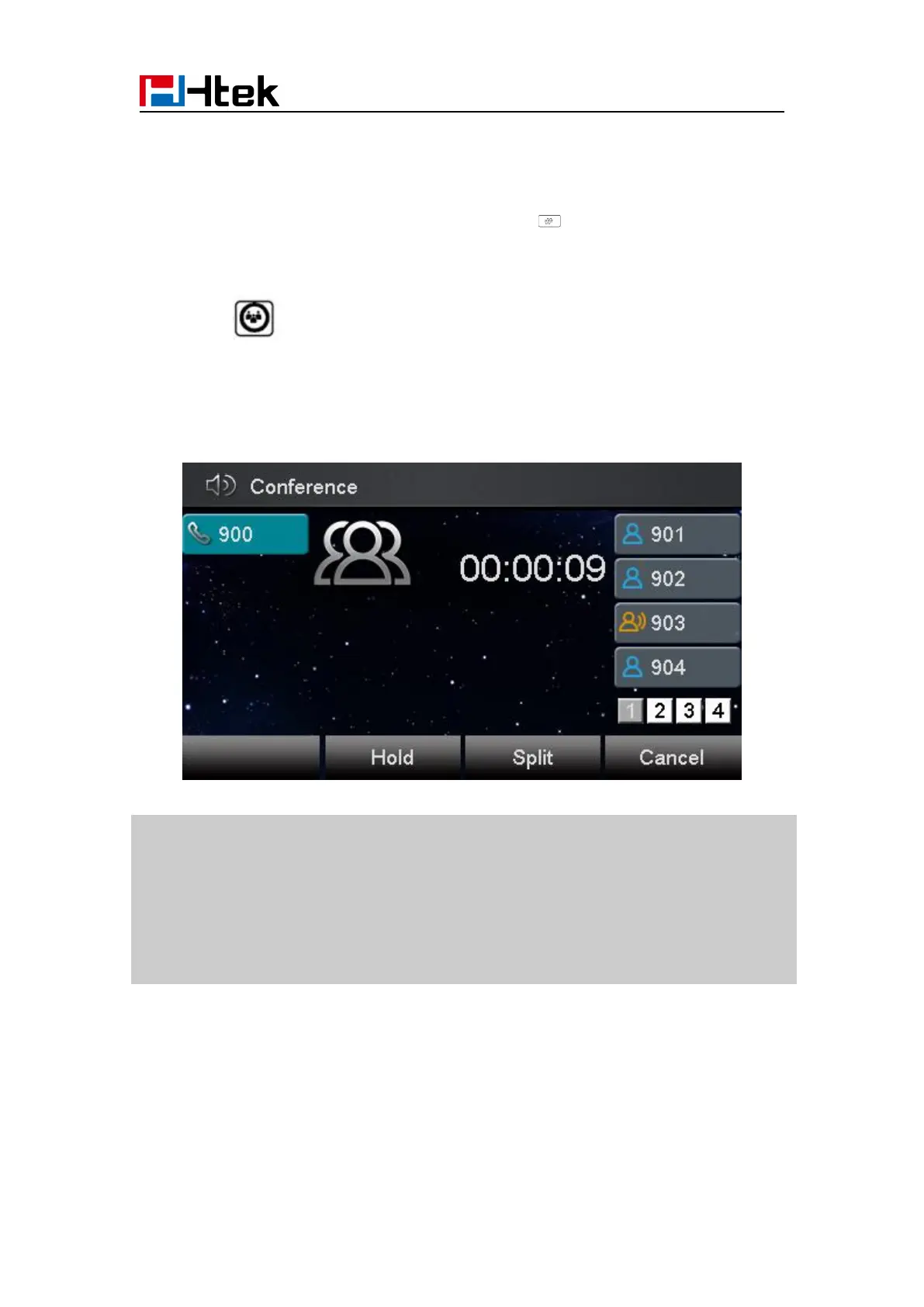
13. A press or the conference soft key, then A, B, C, D and E are now the 5-way
conference is built.
14. A end the call, the conference is finished.
1. If C does not answer the call, A can back to continue the conversation with B;
2. Once A hangs up the call, the conference is ended, while if B or C drops the call, A&C or
A&B conversation continues.
3. The conference feature is not available on all servers. For more information, contact your
4. To realize the 5-way conference, the line should be all available.
Call Forward
This phone supports static forward (always forward, busy forward and no answer forward) and
dynamic forward



 To Next Page