Basic Setting Configuration
86
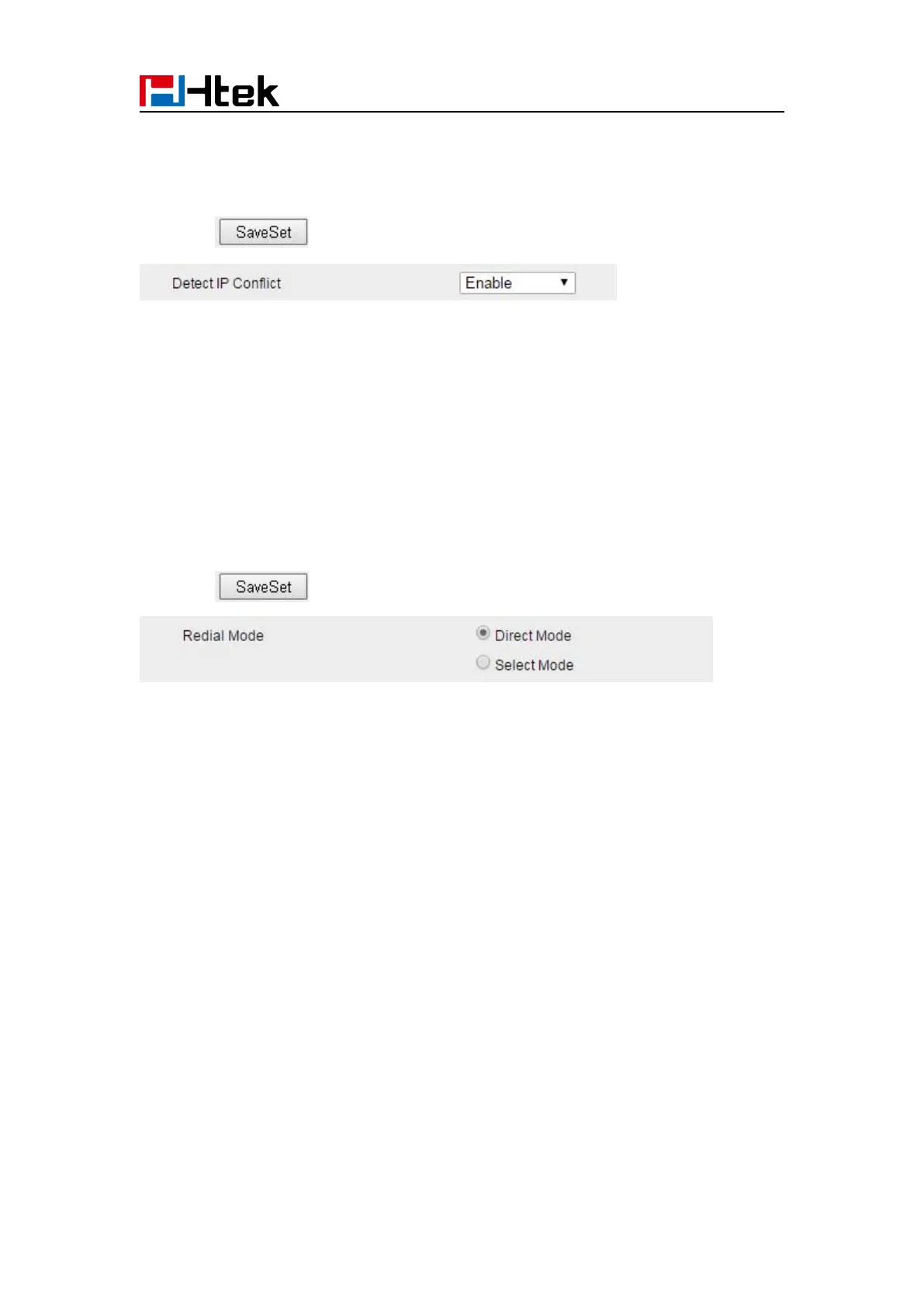
2. Set Enable or Disable for Detect IP Conflict.
3. Click for the setting.
Redial Mode
Call redial has two ways:(1) To redial the last placed call from the IP Phone (2) To redial the call
from all calls list
2. Set Direct Mode or Select Mode for Redial Mode.
3. Click for the setting.
Keypad Lock
To enable Keypad Lock via Phone
1. Press Menu--Settings--Advanced Setting--Phone Setting--Lock
2. Press Info or Switch to change choose lock type: All Keys Menu Key Function Key Lock &
Answer
3. Press Save or OK key to save the configuration.
To disable Keypad Lock via Phone
1. Press Menu--Settings--Advanced Setting--Phone Setting--Lock
2. Press Info or Switch to change to choose Off.
3. Press Save or OK key to save the configuration.
To enable Keypad Lock via Webpage



 To Next Page