Function Key Features and Settings
153
3. Enter the number in the value field.
4. Select the desired account from the pull-down list of Account field.
5. Click the button to save the configuration.
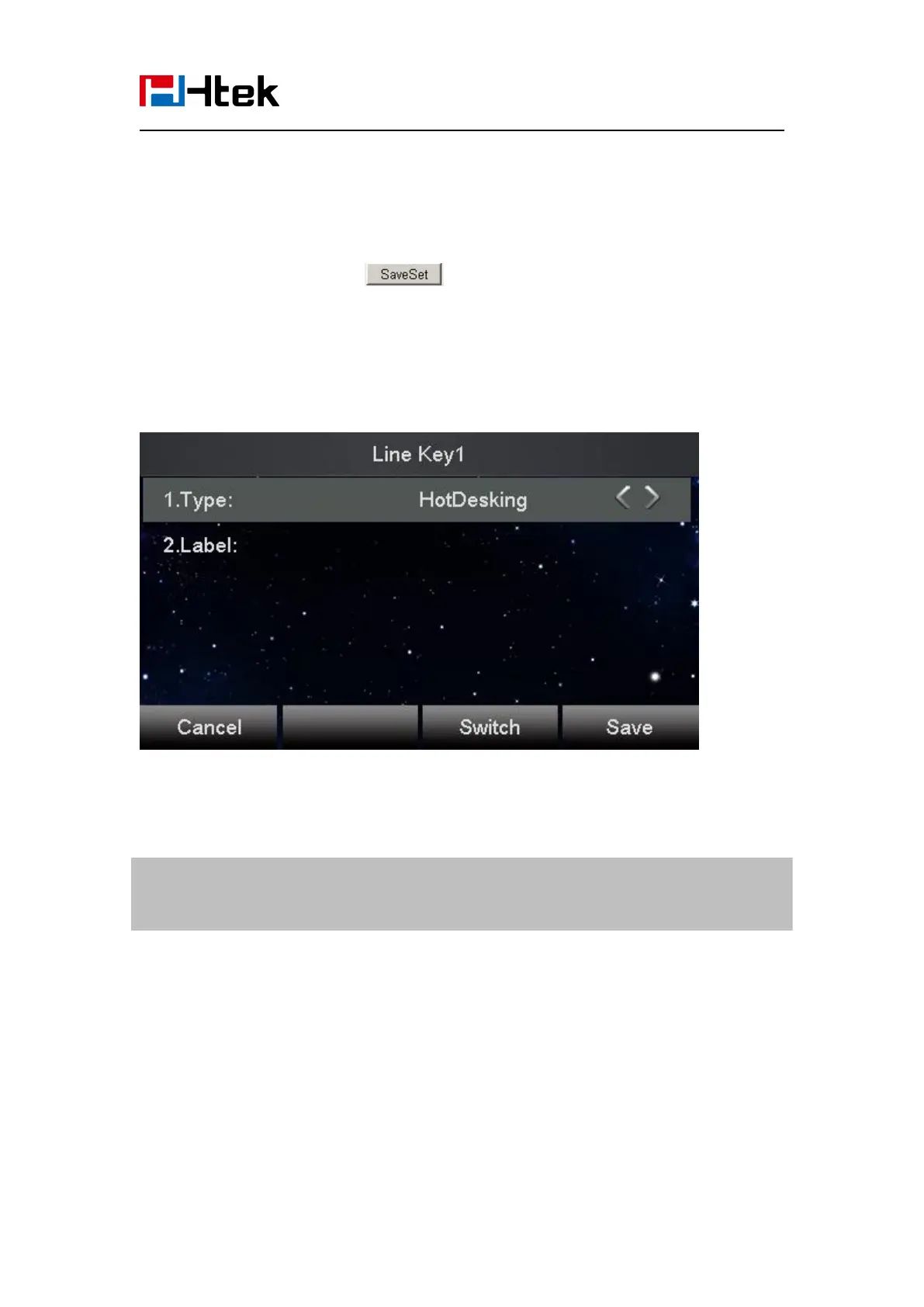
To use the Hot desking feature on the user interface:
1. Press the Hot desking key when the IP Phone is idle.
2. Enter the Extension number and password
You can see the account information which has changed.
Note:
This feature is not available on all servers. For more information, contact your system
administrator.
ACD
ACD feature is often used in offices for customer service, such as call center. The ACD system
handles large volumes of incoming calls from callers who have no need to talk to a specific person
but who require assistance from any of the different personnel at the earliest point. The ACD
feature on the Htek IP Phone allows the ACD system to distribute calls from large volumes of
incoming calls to the registered IP phone users. To use this feature, first you should configure an
ACD key in the advance settings.
To configure the ACD via phone interface



 To Next Page