Function Key Features and Settings
144
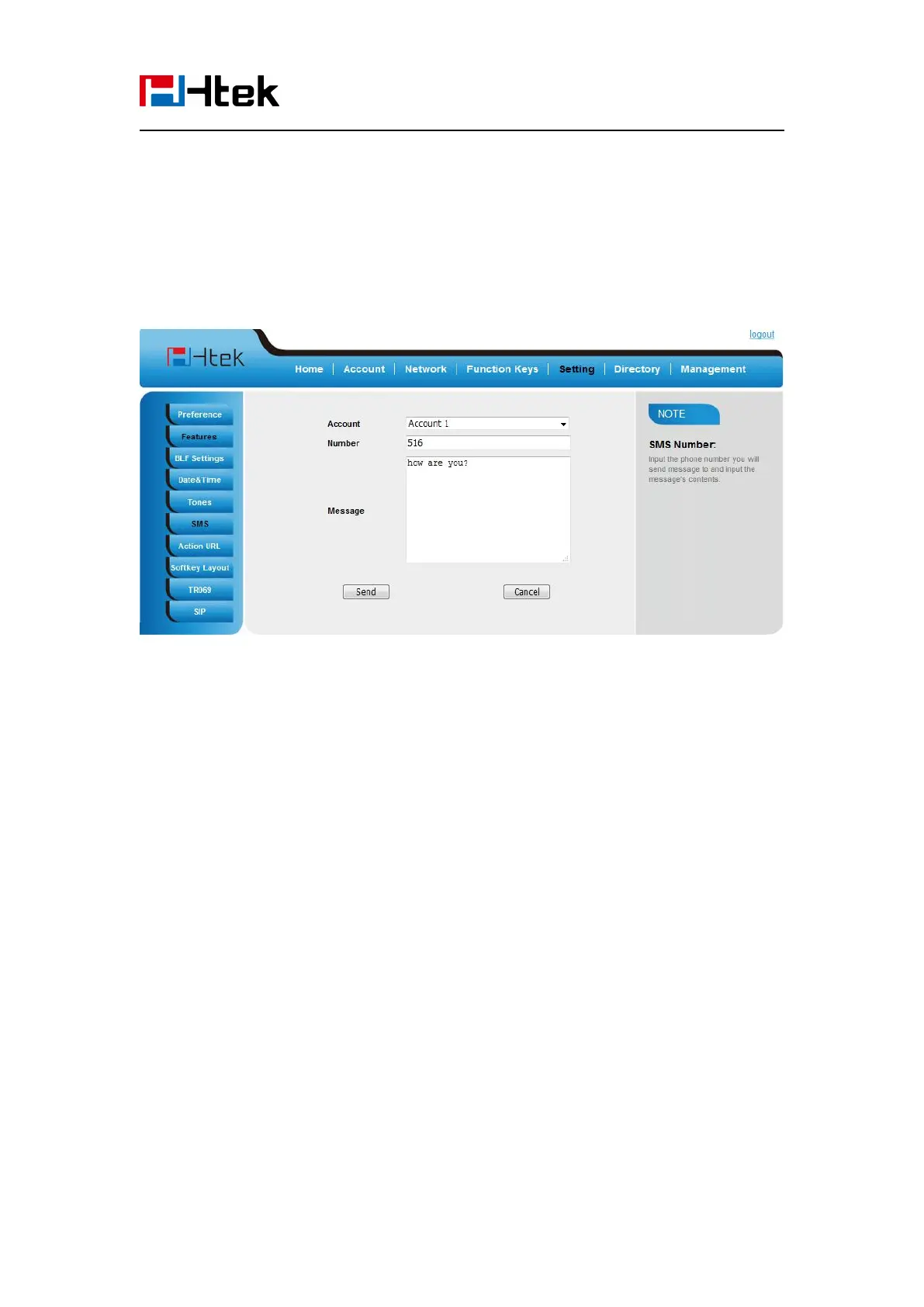
2. Select the account (from which account the SMS sent)
3. Enter the target number
4. Input the content of SMS, and click Send.
To send SMS via phone interface:
2. Enter the contents in the white field.
4. Select the account (from which account the SMS sent)
5. Enter the target number (to which account the number sent)
6. Press the Send button.
Set SMS Line Key
To configure the SMS via Phone Interface
1. Press Menu →Features →Function Keys→Line Keys as Function Keys → Line Key1(for
example)
2. Select the wanted Line Key.



 To Next Page