Basic Setting Configuration
85
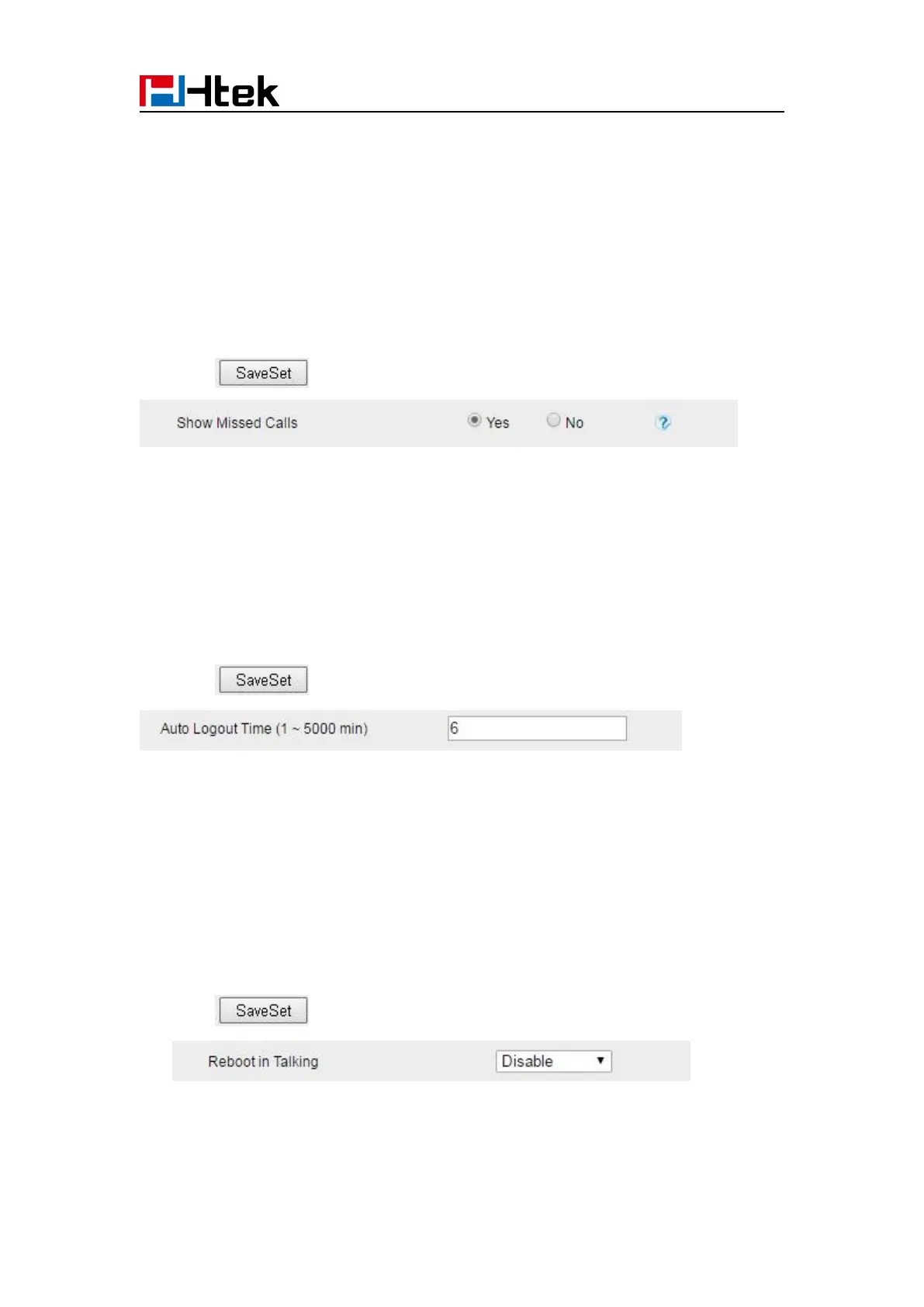
Show Missed Calls
Whether to show missed call notification on LCD
To configure Label Scroll via web interface:
2. Select Yes or No for Show Missed Calls.
3. Click for the setting.
Auto Logout Time
Set the Web login timeout
2. Set number 1~5000 min for Auto Logout Time.
3. Click for the setting.
Reboot in Talking
This function is to allow reboot during the calls or not
2. Set Enable or Disable for Reboot in Talking.
3. Click for the setting.
Detect IP Conflict
LCD can display message when IP conflict



 To Next Page