Basic Setting Configuration
42
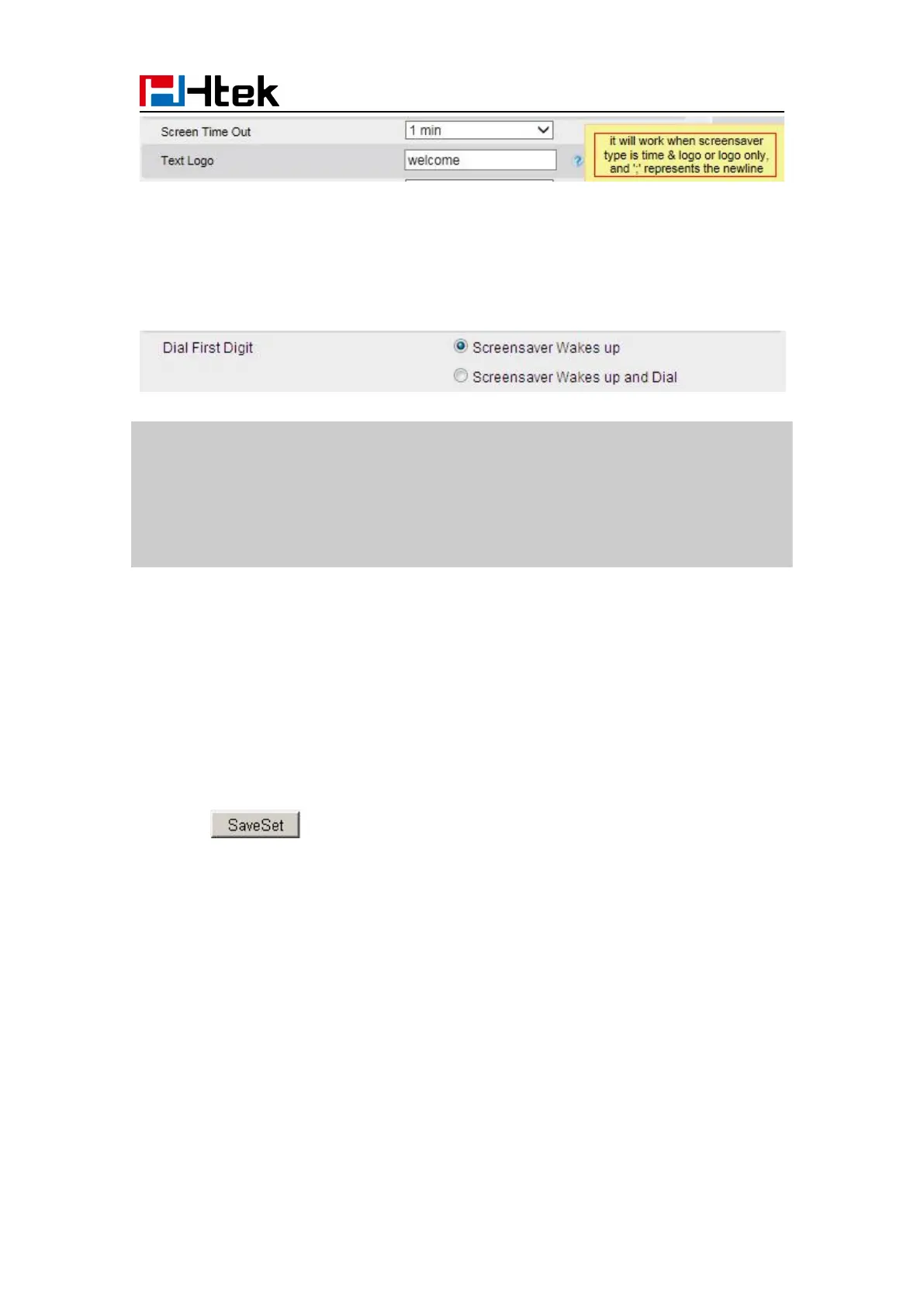
To wake up screen saver via Web interface:
1. Setting → Preference
2. Choose Dial First Digit: Screensaver Wakes up or Screensaver Wakes up and Dial
1. The upload Photo size should be less than 2MB, name length should be less than 48
characters, and the File name should be letters, numbers or underline '_' and photo
number should be less than 9.
2. The default screensaver photos cannot be deleted.
3. You can only upload screen photos in format of '.bmp' and '.jpg'.
Backlight
To set Backlight via web interface:
2. Enter the time for Backlight time (In seconds).
3. Click to save the configuration.
The default is 0, which means Backlight is always on.



 To Next Page