Basic Setting Configuration
59
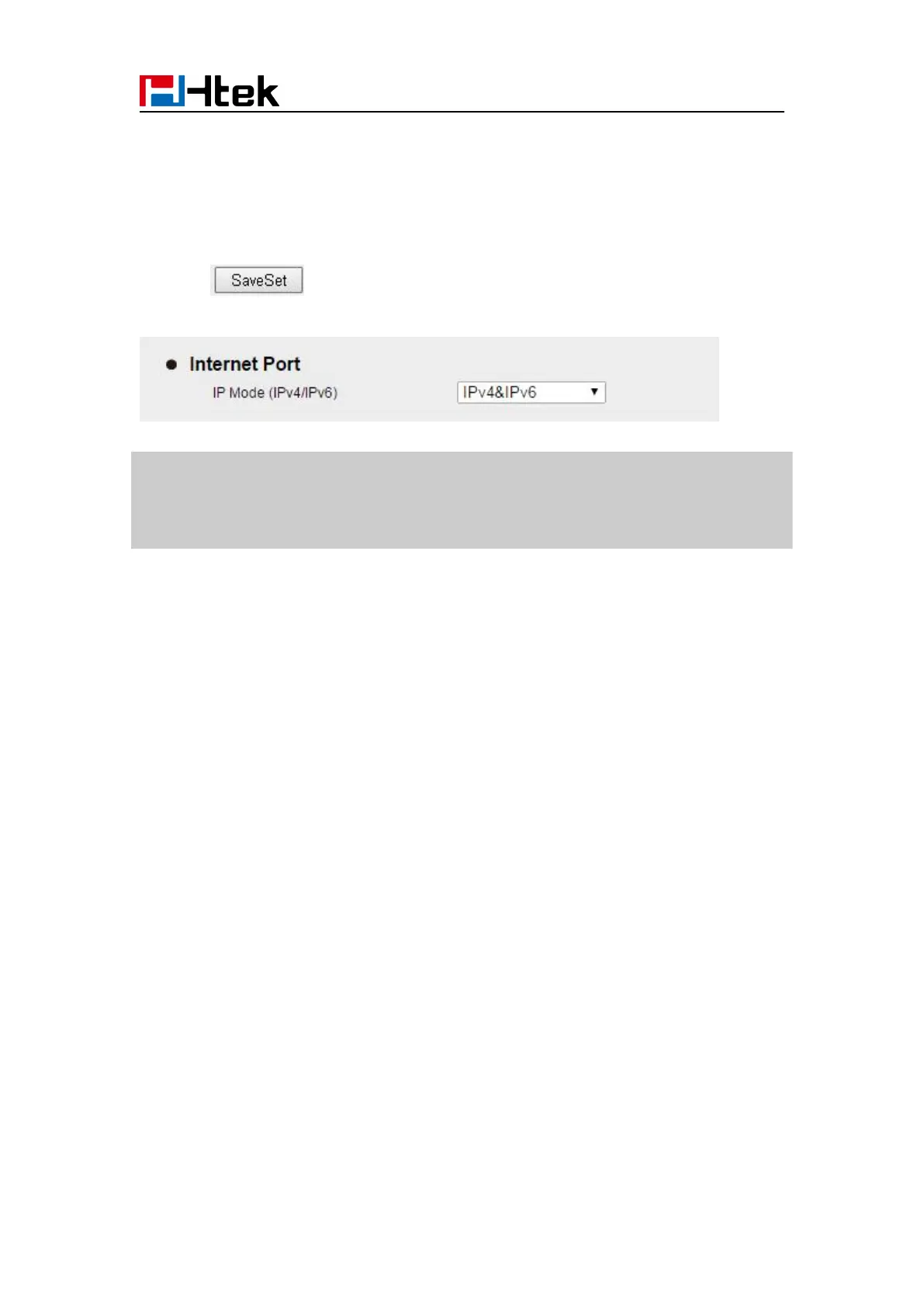
To configure IPv4&IPv6 via Web interface:
2. Select IPv4&IPv6 for Internet Port
3. Click for the setting.
Note:
Wrong network parameters may result in inaccessibility of your phone and may also have
an impact on your network performance. For more information about these parameters,
contact your system administrator.
PC Port
Three modes for PC port: bridge, connect to Expansion Module and router.
To configure PC Bridge via Phone interface:
Advanced Settings (password: admin)
mode.
3. Click the OK button, then the phone will reboot.
To configure PC router via Phone interface:
Advanced Settings (password: admin)
mode.
2. Enter the IP, Netmask and DHCP server
4. Click the OK button, then the phone will reboot



 To Next Page