Basic Setting Configuration
50
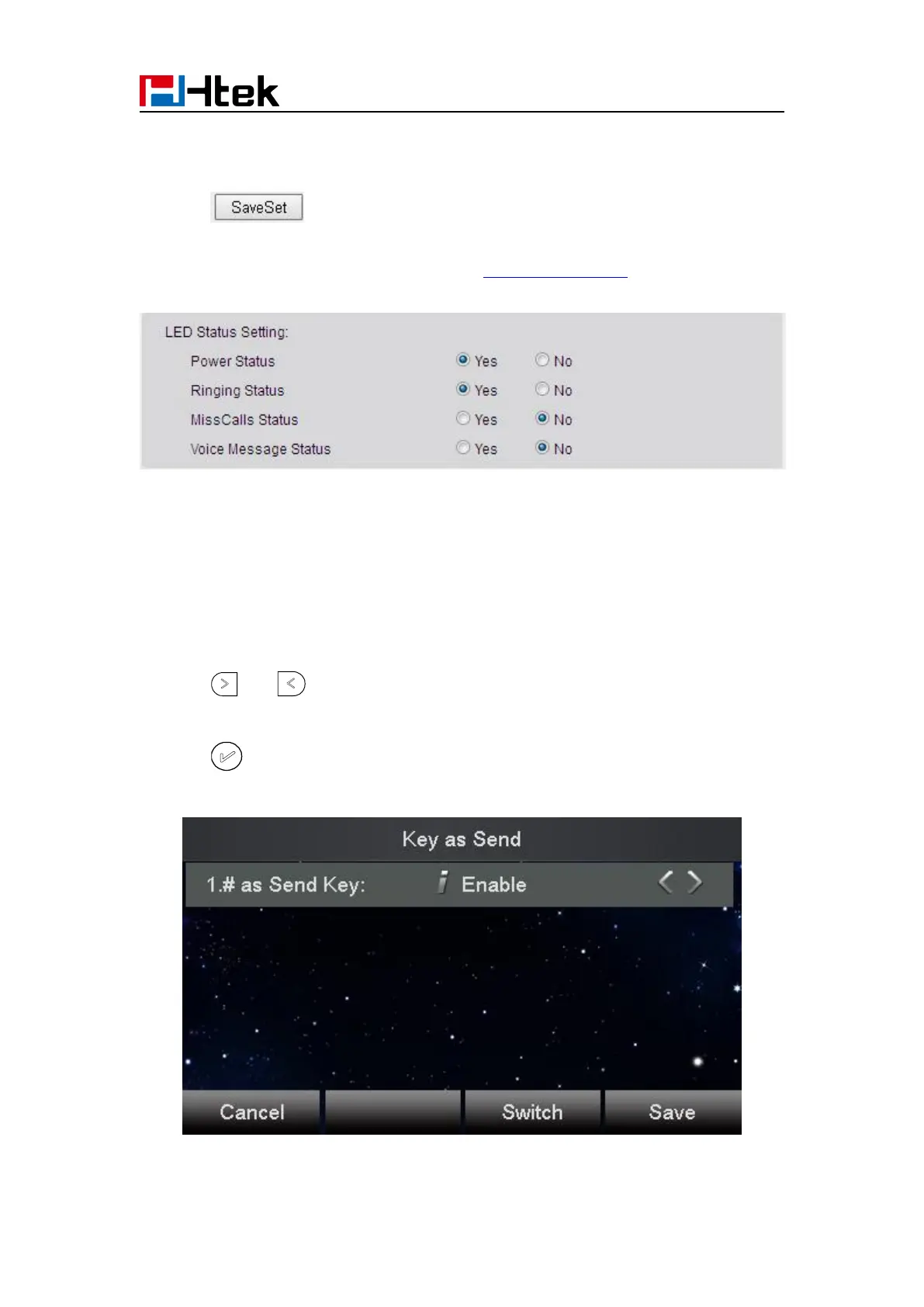
2. Select Yes or No for Power Status, Ringing Status, Miss Calls Status and Voice Message
Status.
3. Click for the setting.
For the LED status description, see: LED Instruction Power Indicator LED
Key as Send
To configure Key as Send via phone interface:
1. Press Menu →Features → Key as Send
2. Press and key to select the enable choice.
3. Press or Save soft key to save the configuration
To cancel # Key as Send via phone interface:



 To Next Page