Basic Setting Configuration
70
3. Press save or OK key to save the configuration.
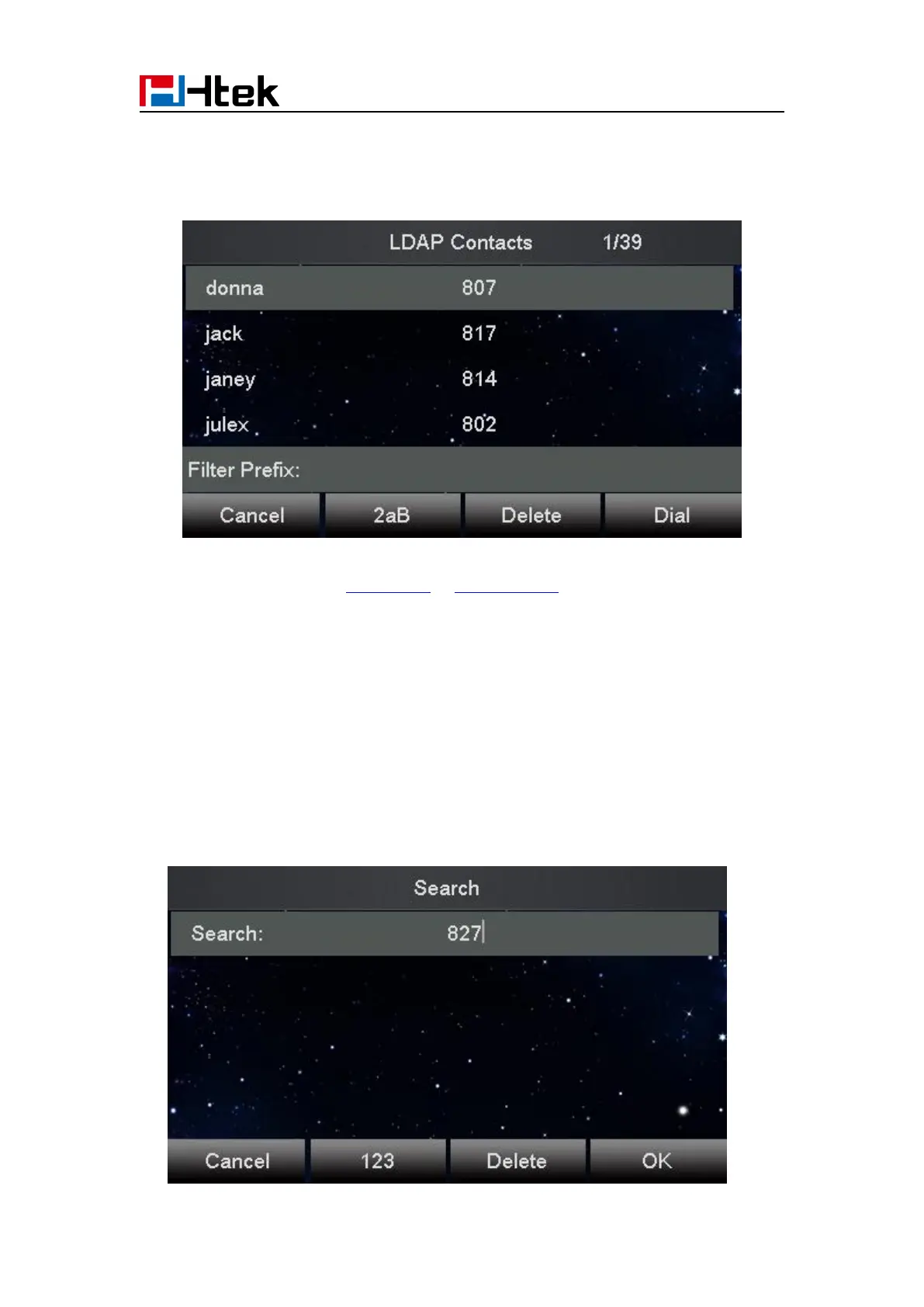
When press the LDAP Key the LCD will display as following:
For More detail, please refer to LDAP Notes on www.h-tek.com
Search Contact
You can search contact in all contacts, local contacts, remote contacts and LDAP contact.
To search contact in all contacts:
1. Click the Directory softkey on Idle interface.
2. Click the More Softkey, then you can see the Search softkey
3. Click the Search softkey, you can enter the desired part of name or part of number.
4. Click Ok softkey, then with the search content to match the contact will be displayed on the
LCD.



 To Next Page