Basic Setting Configuration
72
LCD.
Note:
If you don’t click the OK softkey, then IP Phone will display the relevant contacts automatically
within 5 seconds
To search contact in LDAP contacts:
1. Click the LDAP function key.
2. Enter the first character or more of contact’s name.
3. Select the desired the remote contact and click Enter softkey.
4. Then IP Phone will display the relevant contacts automatically within Search Delay.
Call History Setting
Call History
This phone maintains call history lists of Dialed Calls, Received Calls, Missed Calls and
Forwarded Calls. The call history list supports up to100 entries in all on phone interface and more
than 1500 items. You can check the call history, dial a call, add a contact or delete an entry from
the call history list. You should enable the history record feature in advance.
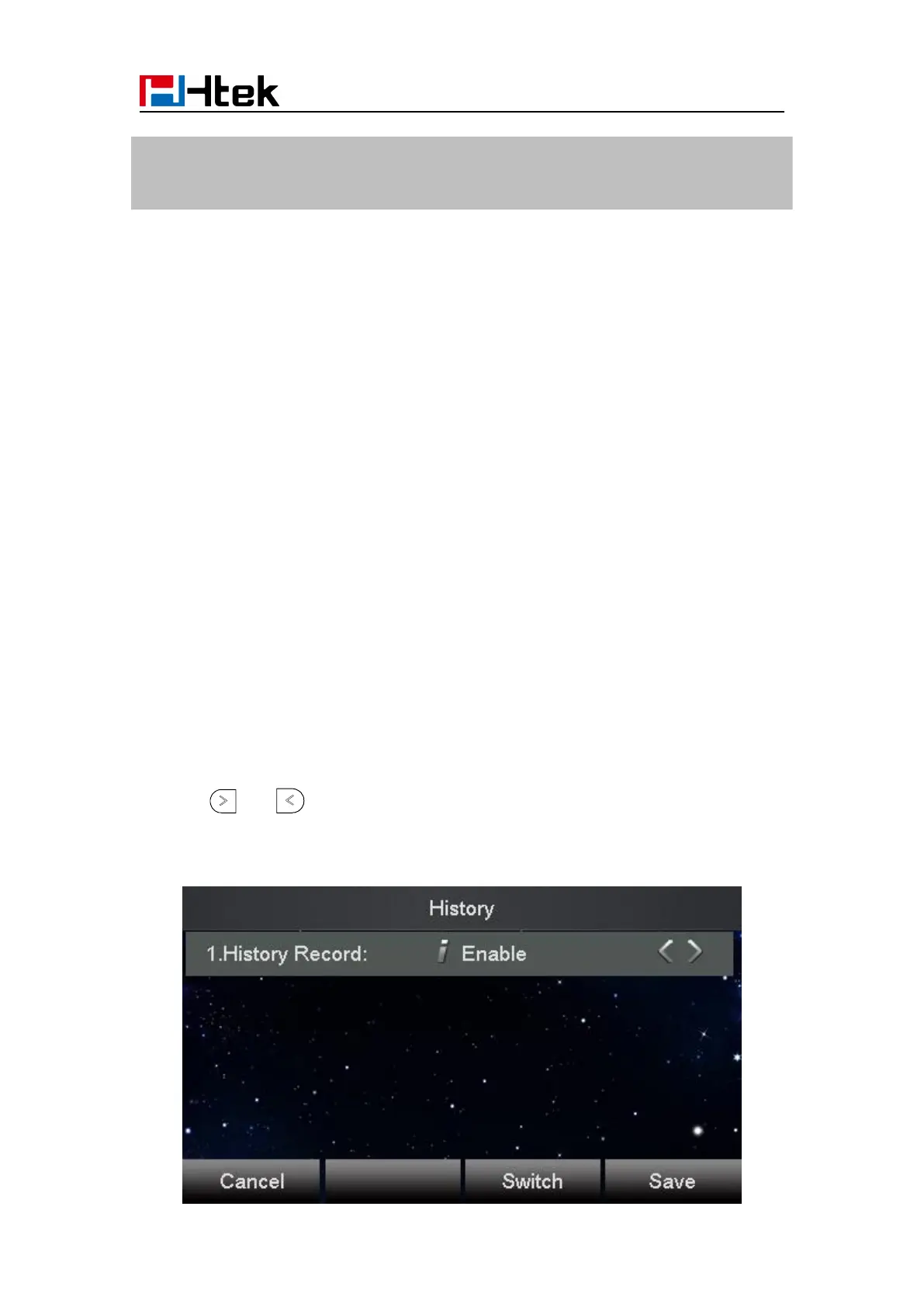
To enable the history record feature via phone interface:
2. Press and or Switch soft key to enable History record.
3. Press Save soft key to save the configuration.



 To Next Page