Basic Setting Configuration
81
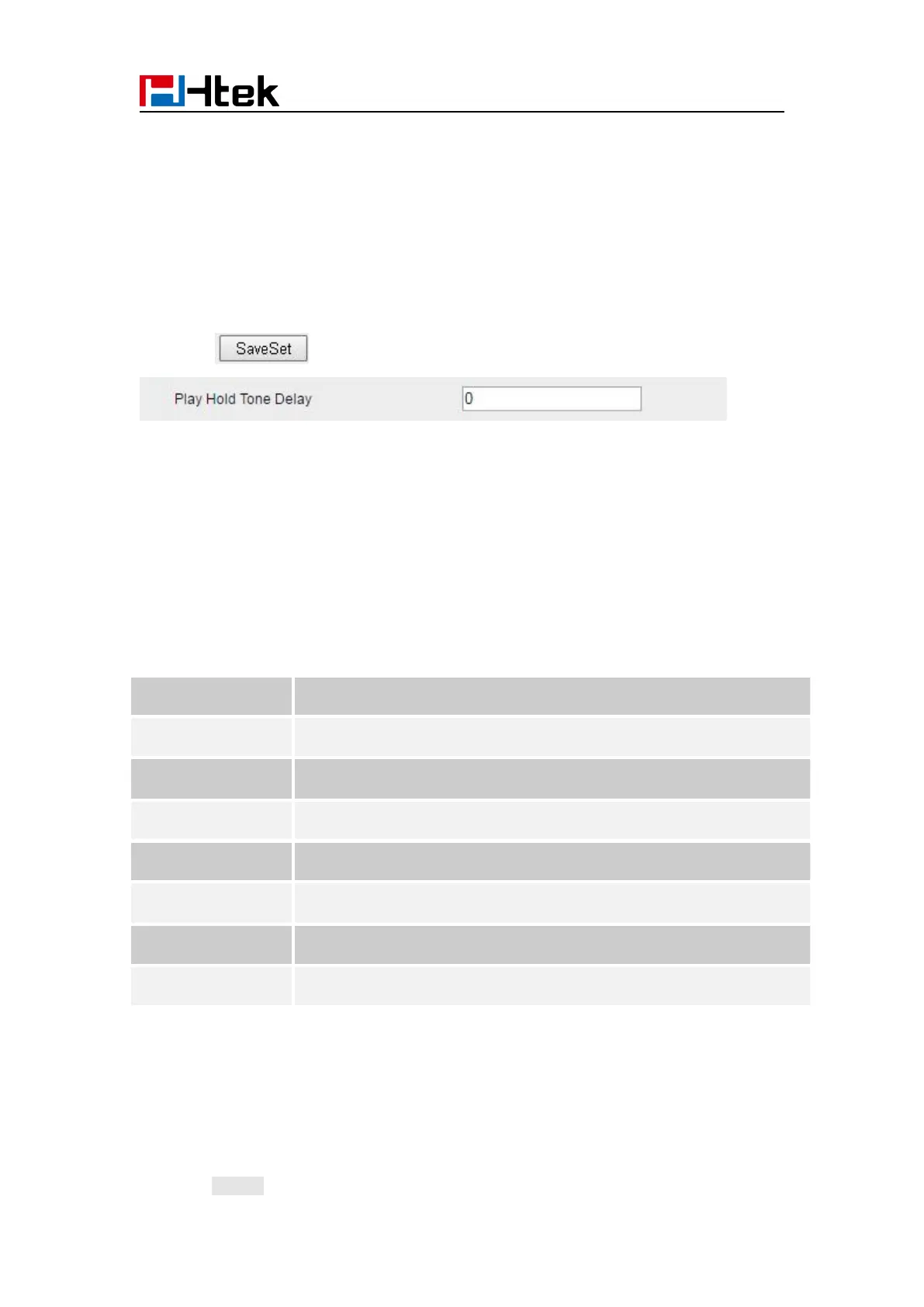
Play Hold Tone Delay
When you hold the phone. How many seconds to play beep?
2. Set Enable or Disable for Play Hold Tone Delay.
3. Click for the setting.
System Settings
Dial Plan
Dial plan is a string of characters that governs the way this phone processes the inputs received
from your phone keypad. This phone supports dial plan with following accept digits:
1,2,3,4,5,6,7,8,9,0, *, #
replace digit 2 with 011 when dialing.
To configure dial plan via web interface:
1. Click Account—Advanced—Dial Plan.
2. Filled the value in dial plan field.
3. Click SaveSet to save the configuration.



 To Next Page