Function Key Features and Settings
125
Voice Message
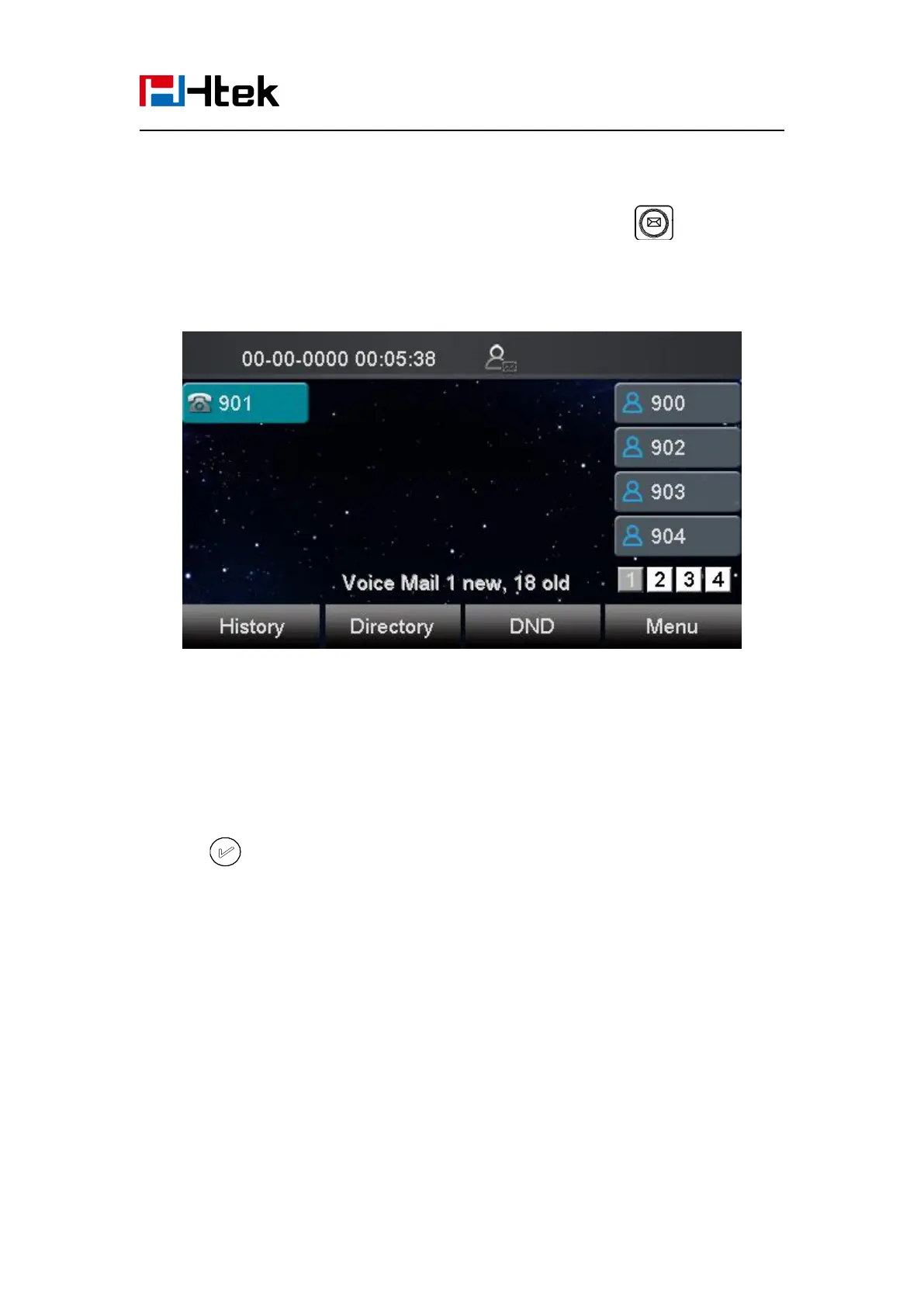
This phone supports Voicemail, and when there is a message, the message will light green.
Moreover, when you pick up the handset, or press speaker key, you will hear some faster busy
tone.
To configure the Voice mail feature via phone interface:
1. Press Menu→Messages→Voice Mail→Set Voice Mail.
2. Enter the Account1/2/3/4 NO.
3. Press or Save soft key to save the configuration
To configure Voice Mail Line Key via Web Interface:
1. Click Function keys → Line Key.
2. Select the wanted Key.
3. Enter the desired voicemail feature codes in the Value field.
4. Fill the Label name to be displayed on LCD.



 To Next Page