Basic Setting Configuration
39
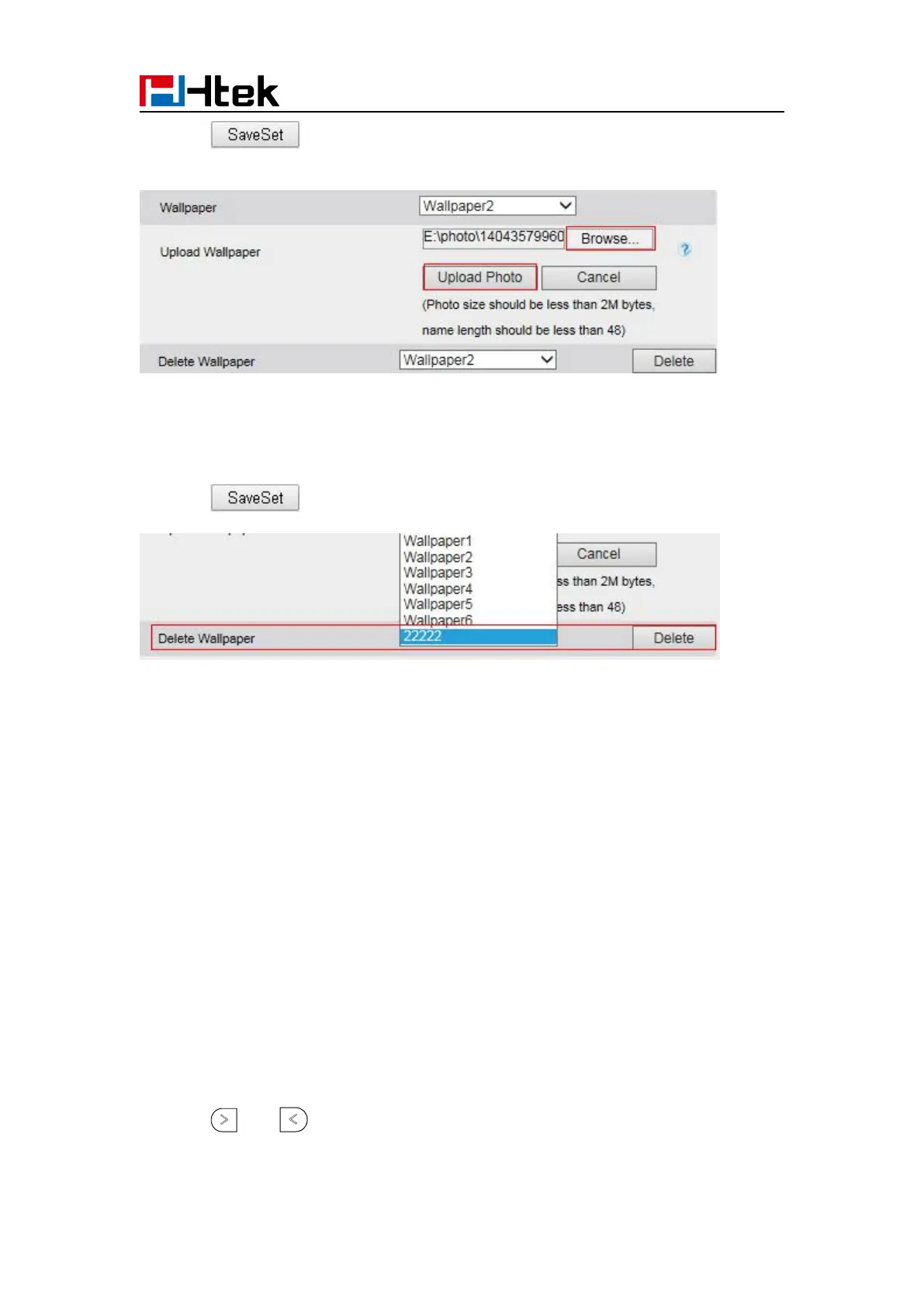
3. Click to save the setting.
To delete the wallpaper via web interface:
2. Select the desired wallpaper to delete.
3. Click to save the setting.
Note:
System wallpaper (Wallpaper1-Wallpaper6) cannot be deleted and only color IP Phone support
upload wallpaper.
Screen Saver
There are three types of screen saver: Time & Logo, Photo Switch and Static Photo.
Time & Logo: when the screensaver works, it will show Time and logo in turns.
Photo Switch: all screensaver pictures display one by one.
Static Photo: Only the selected picture will display as screensaver.
Text logo: It works with the Time & Logo, when enter the value, it will display the time and the
entered value in turns.
To enable screen saver via Phone interface:
1. To press Menu → Display → Screensaver...
2. Press and or press Switch soft key to Choose the Time-out as 1 min or 2/5/10/30
minute.



 To Next Page