Basic Setting Configuration
40
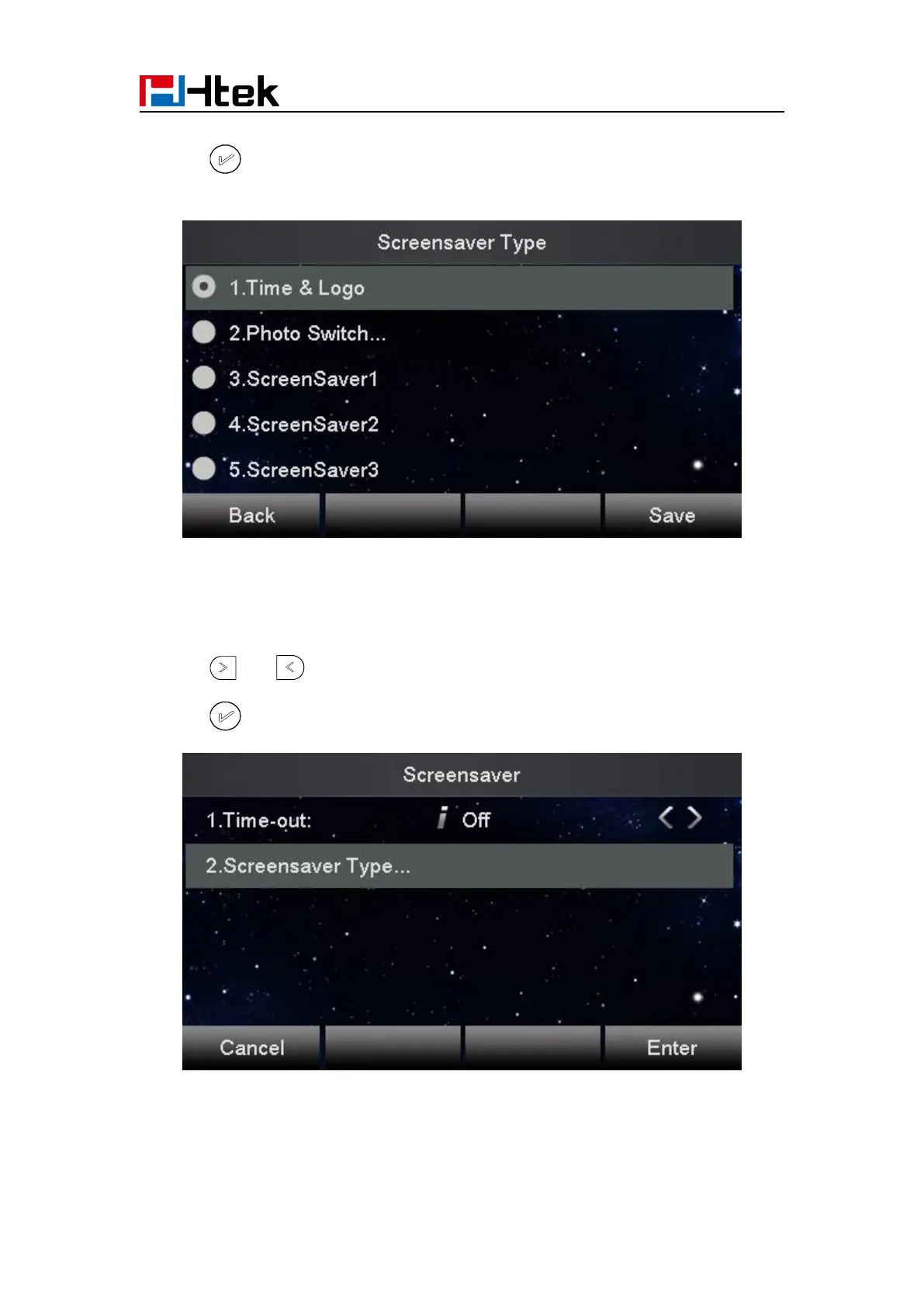
3. Enter the Screensaver Type to choose one of the type: Backlight off, Time & Logo and Photo
4. Press or Save soft key to save the selected configuration.
To disable screen saver via Phone interface
1. To press Menu → Display → Screensaver...
2. Press and or press Switch soft key to Choose the Time-out as off.
3. Press or Save soft key to save the selected configuration.
To upload screen saver via Web interface:
1. Setting → Preference



 To Next Page