Other features settings
89
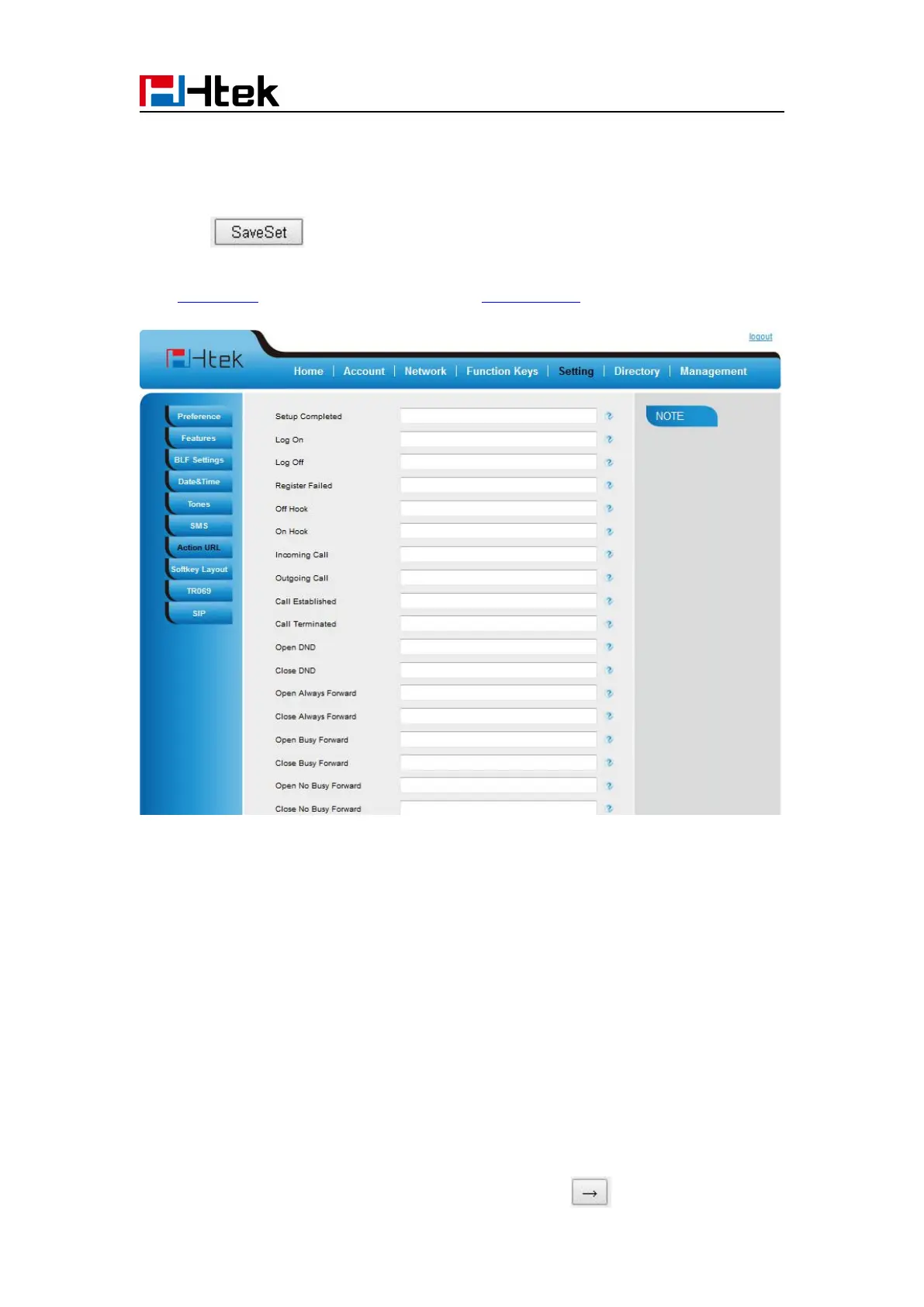
2. Fill the needed values in the designated blank spaces.
3. Click to save the setting.
Click Action URL for more how to use, or check on www.htek.com
Softkey Layout
This feature mainly defines which shown on the soft key in some status. For example, what the
soft key displays when dialing, or talking.
To configure Soft key via web interface:
5. Select Enable for Custom Softkey
7. Select the feature form the disable key to enable key field by



 To Next Page