Basic Setting Configuration
35
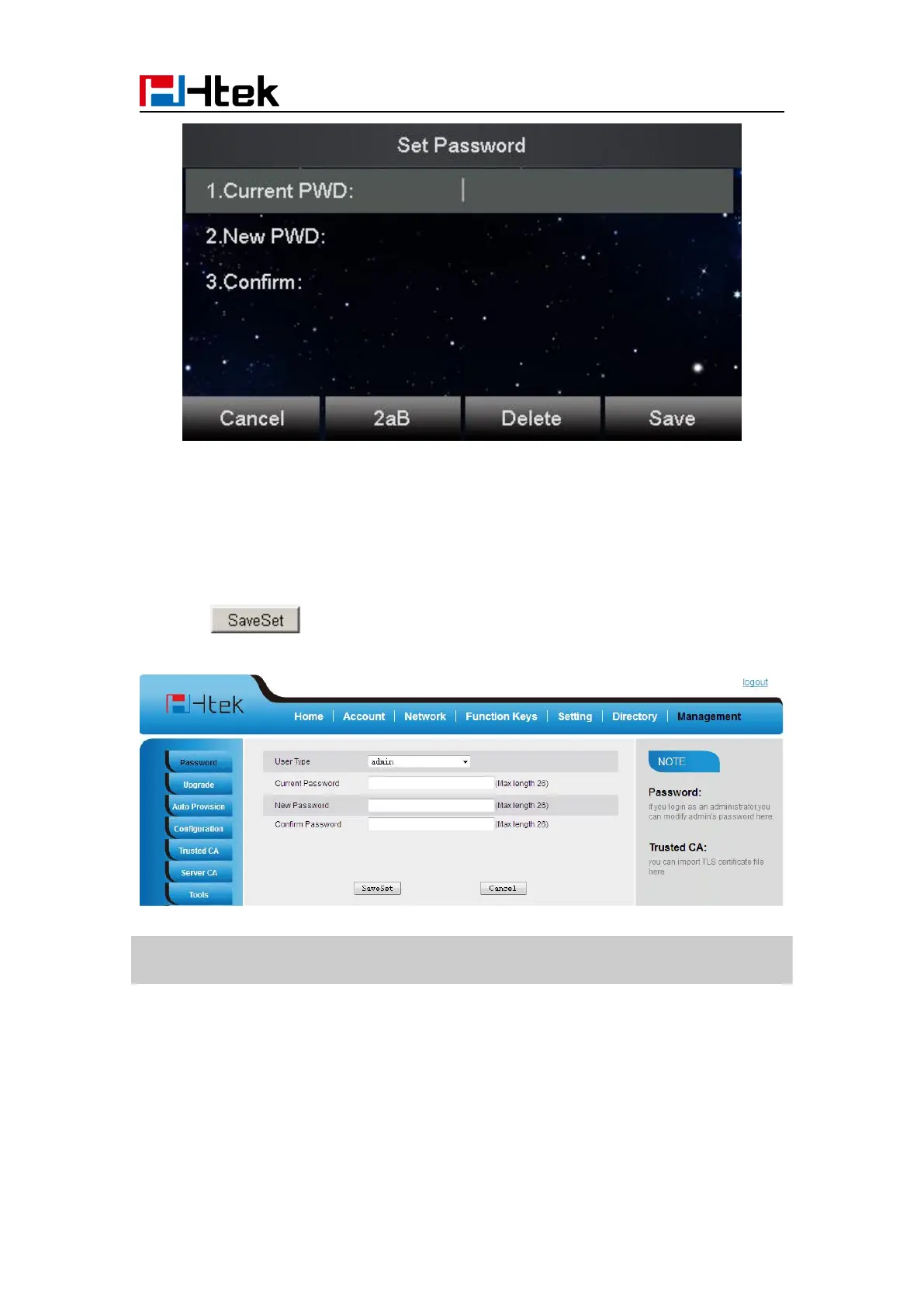
To change to password via Web Interface
3. Click to save the configuration.
Note:
When you use the web interface: user name: admin password: admin(default)
Display Mode
This phone support two Display mode: Text and Icon.
Icon Mode: all Items are shown same as the main with Icon.
Text Mode: Only the 8 main items will be shown as icon, and others all text description.



 To Next Page