Basic Call Features
96
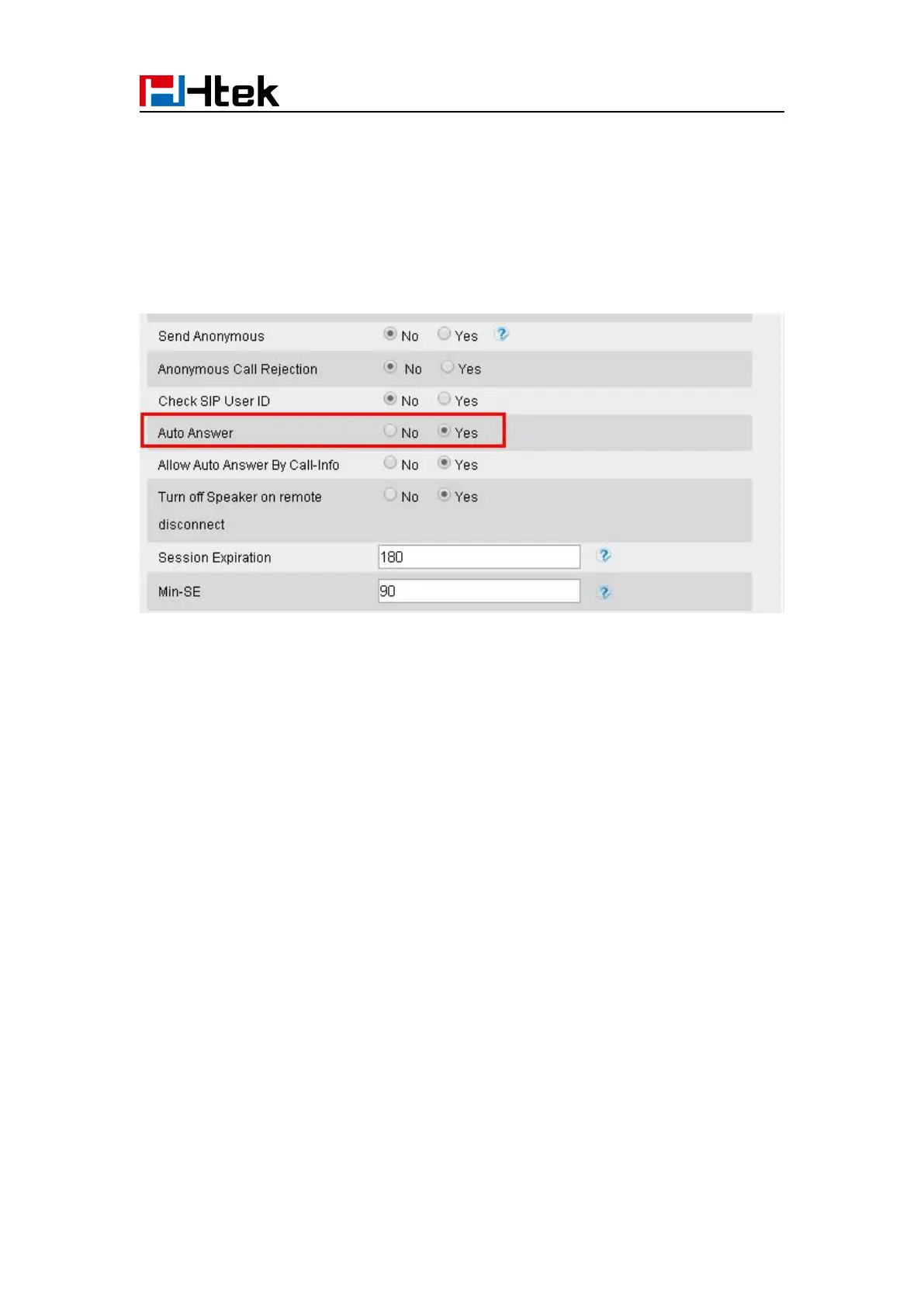
To enable Auto Answer via Web interface
1. To Click Account → Advanced
2. To choose Yes for the Auto Answer.
3. To click Saveset to save the configuration.
To Disable Auto Answer via Webpage
1. To Click Account → Advanced
2. To choose No for the Auto Answer.
3. To click Saveset to save the configuration.
Call Hold
When using the hold feature, the Hold icon will show on the display.



 To Next Page