Basic Call Features
97
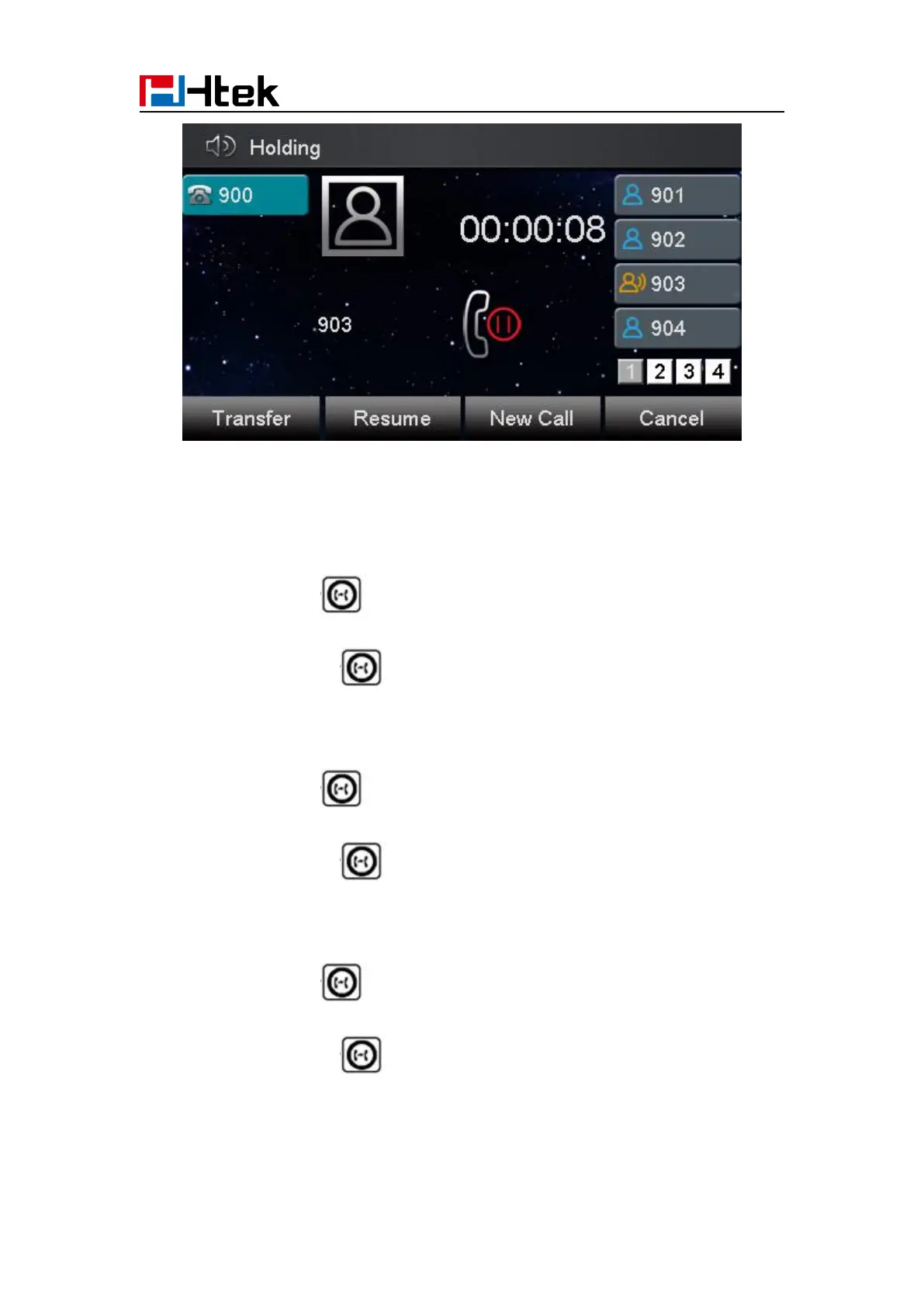
To make a call on hold during three modes:
To hold a call under handset mode:
1. Press Hold soft key or to hold the current call.
2. Press Resume soft key or to resume the call on hold.
To hold a call under headset mode:
1. Press Hold soft key or to hold the current call.
2. Press Resume soft key or to resume the call on hold.
To hold a call during the speaker mode:
1. Press Hold soft key or to hold the current call.
2. Press Resume soft key or to resume the call on hold.



 To Next Page