Function Key Features and Settings
151
Share line
Shared line is configured by assigning the same extension number to multiple lines. You can use
the shared line feature to share an extension number which is used on two or more IP phones at the
same time. An incoming call to that number will cause all phones to ring simultaneously. The
incoming call can be answered on one of the phones but not all of them. This feature is very useful
in the boss and secretary scenario. For example, the secretary can share the boss' extension
number on her phone. When there is an incoming call to the extension number of the boss, both
the phones of the boss and the secretary will ring simultaneously. Either the boss or the secretary
can answer the call. Calls on shared line can be placed on hold or barged in.
To configure the share line via phone interface
1. Press Menu →Features →Function Keys→ Line or Line Keys as Function Keys → Line
Key1(for example)
2. Select the wanted Line or Line Key.
3. Press and key to select the share line.
4. Enter the number in the value field.
5. Select the desired account in the Account field.
6. Press or Save soft key to save the configuration
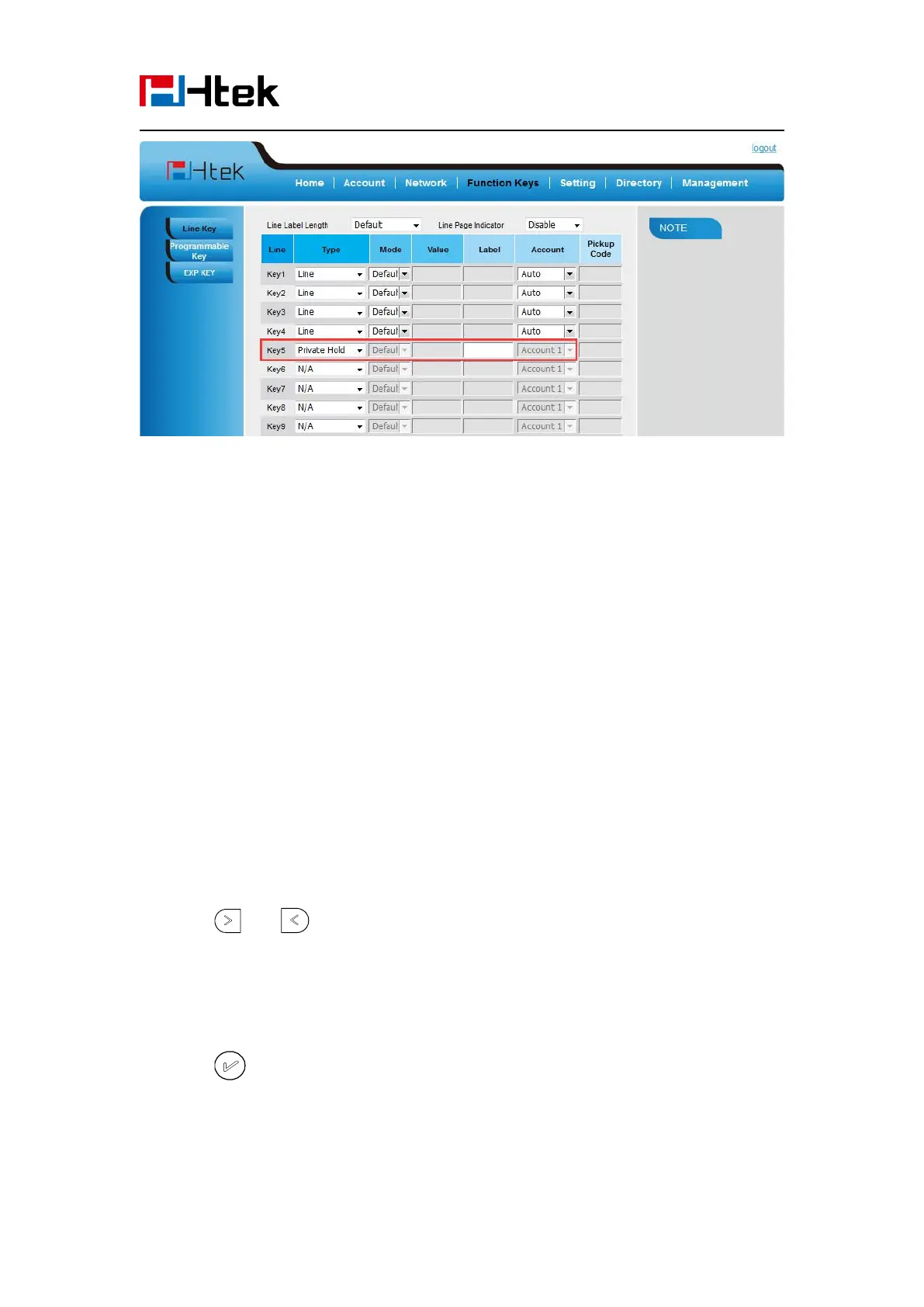
To configure the share line feature via web interface:
1. Click Function keys →Line Key.



 To Next Page