Basic Setting Configuration
75
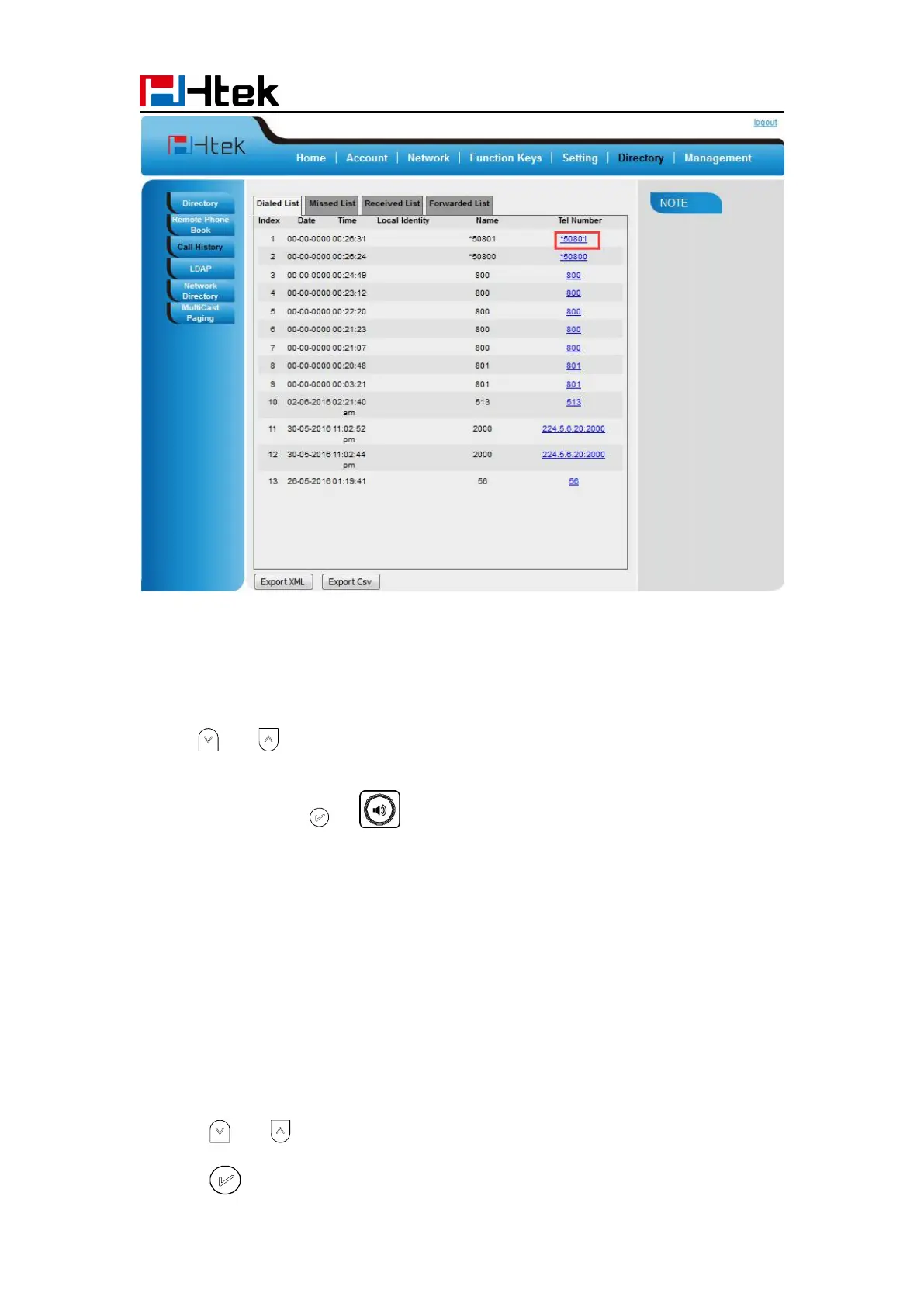
To Dial a call from Call History via phone interface:
1. Press History soft key or press Menu → History → Local history
2. Press and to select the targeted one.
3. Press the Send soft key, , or , or the corresponding line key.
Audio Setting
Ring Tone
You can adjust the type and volume of the ring tone.
To adjust the Ring Tone Type via Phone interface:
1. Press Menu → Setting → Basic Settings → Ring Tone.
2. Press and to select the aimed one.
3. Press or Save soft key to save the configuration.



 To Next Page