Basic Setting Configuration
74
and Forwarded Calls.
3. Press the Option soft key, and then select Delete All from the prompt list.
4. Press the OK soft key.
5. Press the OK soft key to confirm the deleting or the Cancel soft key to cancel.
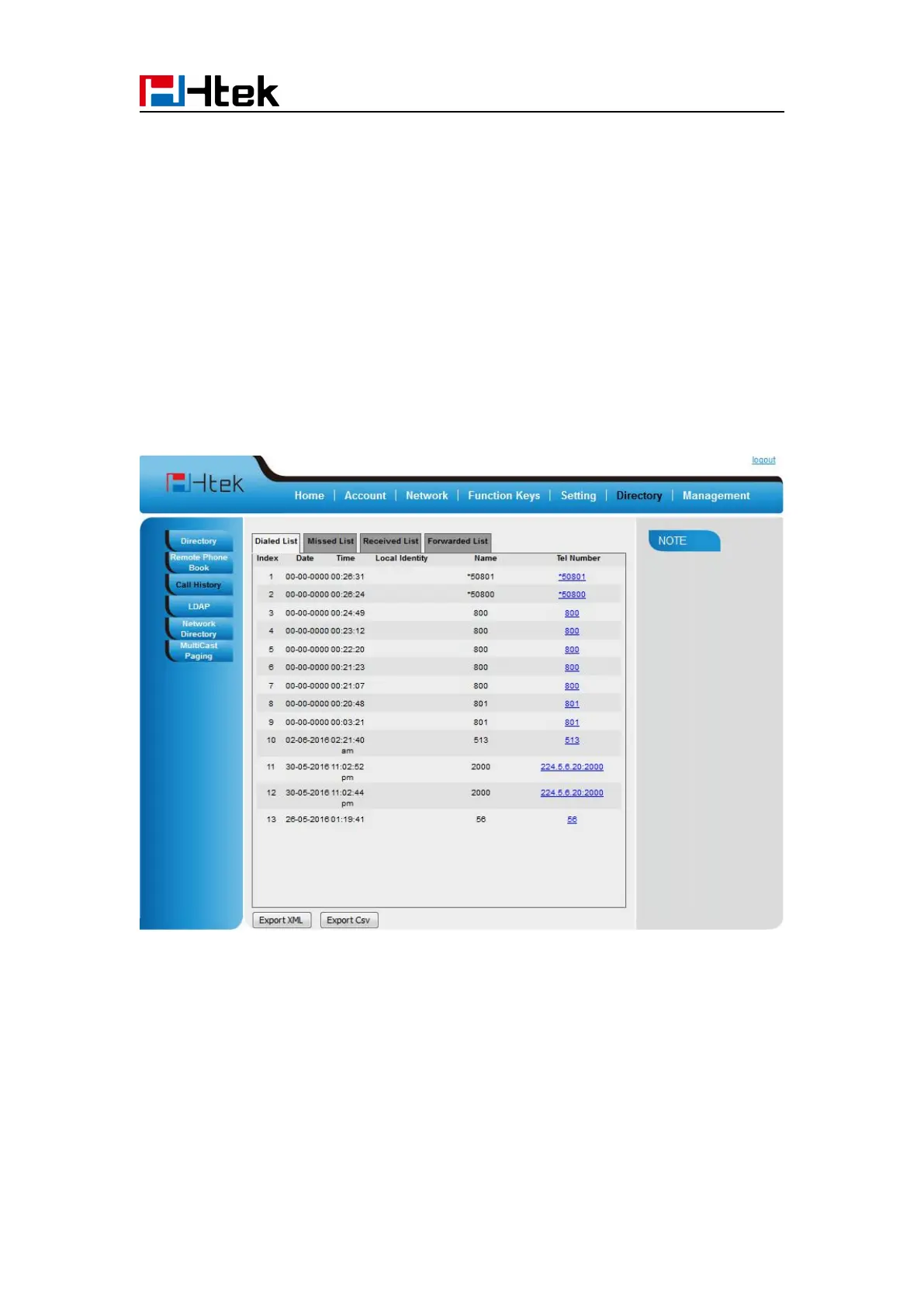
To check the call history via web interface:
2. Click Dialed List, Missed List, Received List, Forwarded List then you can see the history
list.
To Dial a call from Call History via web interface:
2. Select the desired history item, and click Tel Number.
3. Then the call is dialed on phone.



 To Next Page