Basic Setting Configuration
73
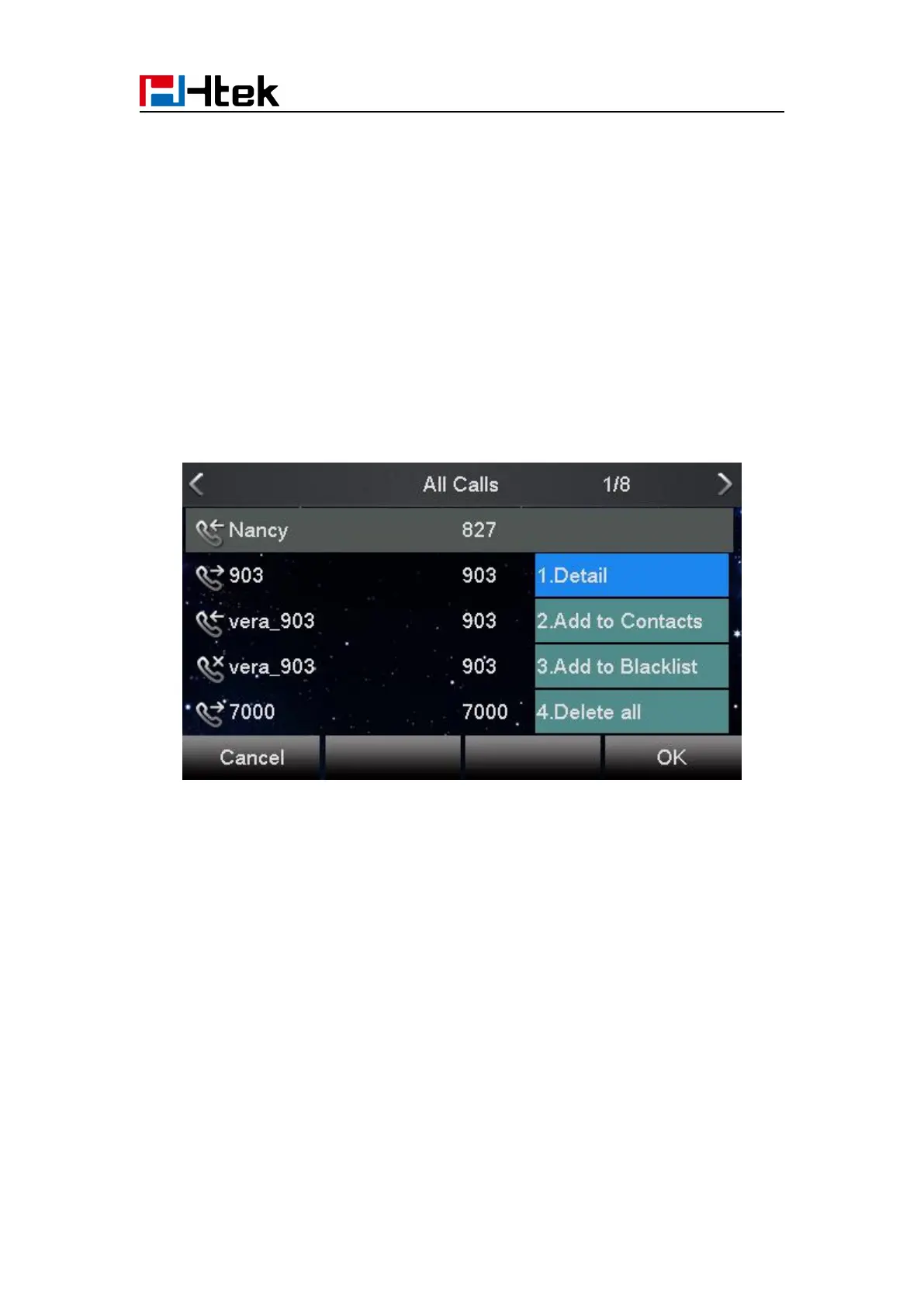
To check the call history via phone interface:
1. Press the History soft key. The LCD screen displays All Calls list.
2. Press Right or Left Key to switch among All Calls, Missed Calls, Received Calls, Dialed
Calls and Forwarded Calls.
3. Press to select the desired entry.
4. Press the Option soft key, and then select Detail from the prompt list.
5. The detailed information of the entry appears on the LCD screen.
To delete an entry from the call history list via phone interface:
1. Press the History soft key.
2. Press Right or Left Key to switch among All Calls, Missed Calls, Received Calls, Dialed Calls
and Forwarded Calls.
3. Press UP or DOWN key to select the desired entry.
4. Press the Delete soft key.
To delete all entries from the call history list via phone interface:
1. Press the History soft key.
2. Press Right or Left Key to switch among All Calls, Missed Calls, Received Calls, Dialed Calls



 To Next Page