Basic Setting Configuration
38
Note:
All languages may not be available for selection. The available languages depend on the
language packs currently loaded to the IP phone.
Wallpaper
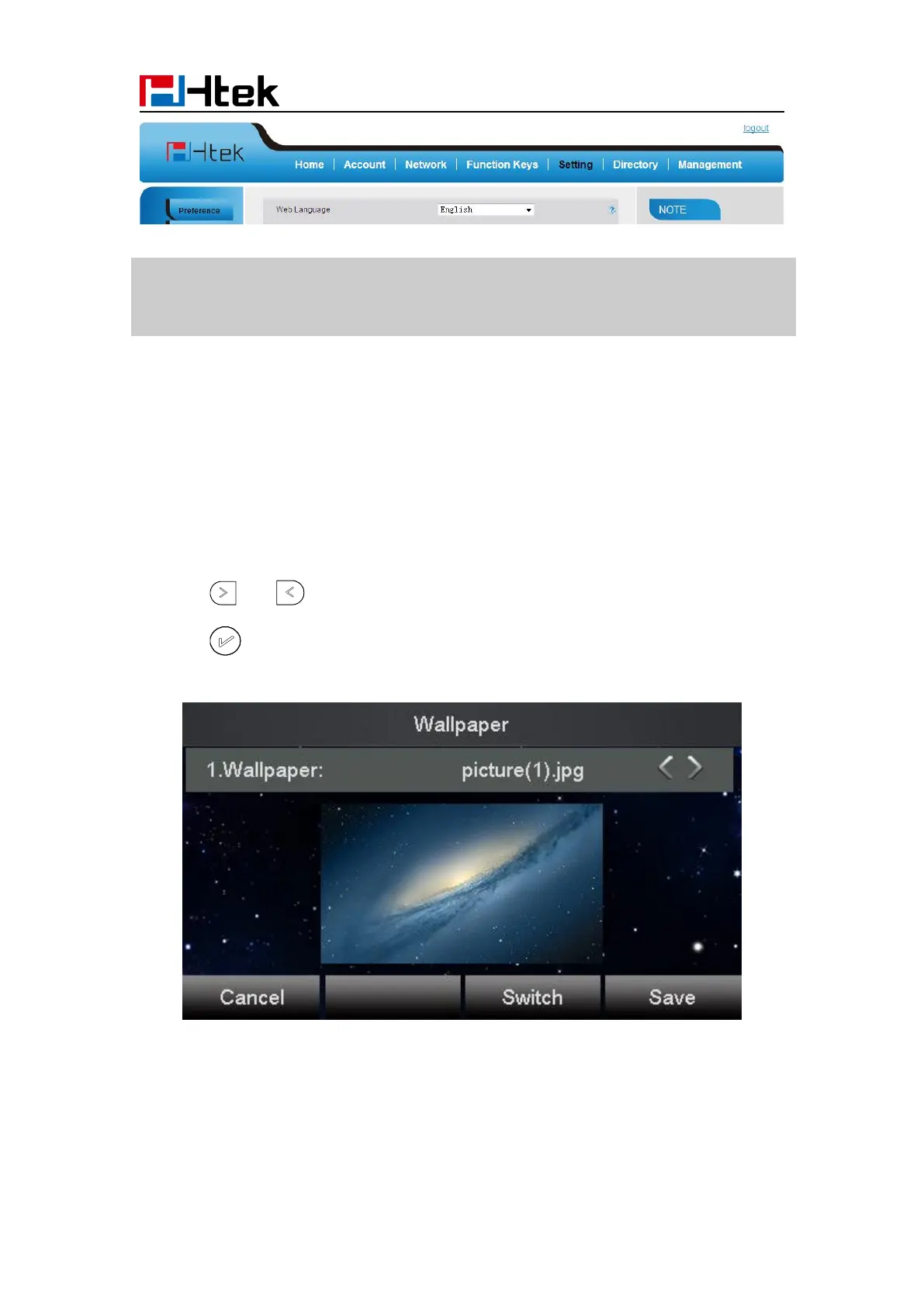
To change wallpaper, go by the following steps:
To change the wallpaper via phone interface:
1. To press Menu → Display → wallpaper
2. Press and or press Switch soft key to display the different pictures.
3. Press or Save soft key to save the selected picture as the wallpaper.
To change the wallpaper via web interface:
2. Select the desired wallpaper picture to upload.



 To Next Page