Troubleshooting
164
Installation instructions, refer to the phone installation section.
Check whether dial tone is present on one of the audio modes.
Switch between the Handset, Headset (if you have) or Hands-Free Speakerphone to check
whether dial tone is present for one of the audio modes.
If the dial tone exists on another audio mode, connect a different handset or headset to isolate
the problem.
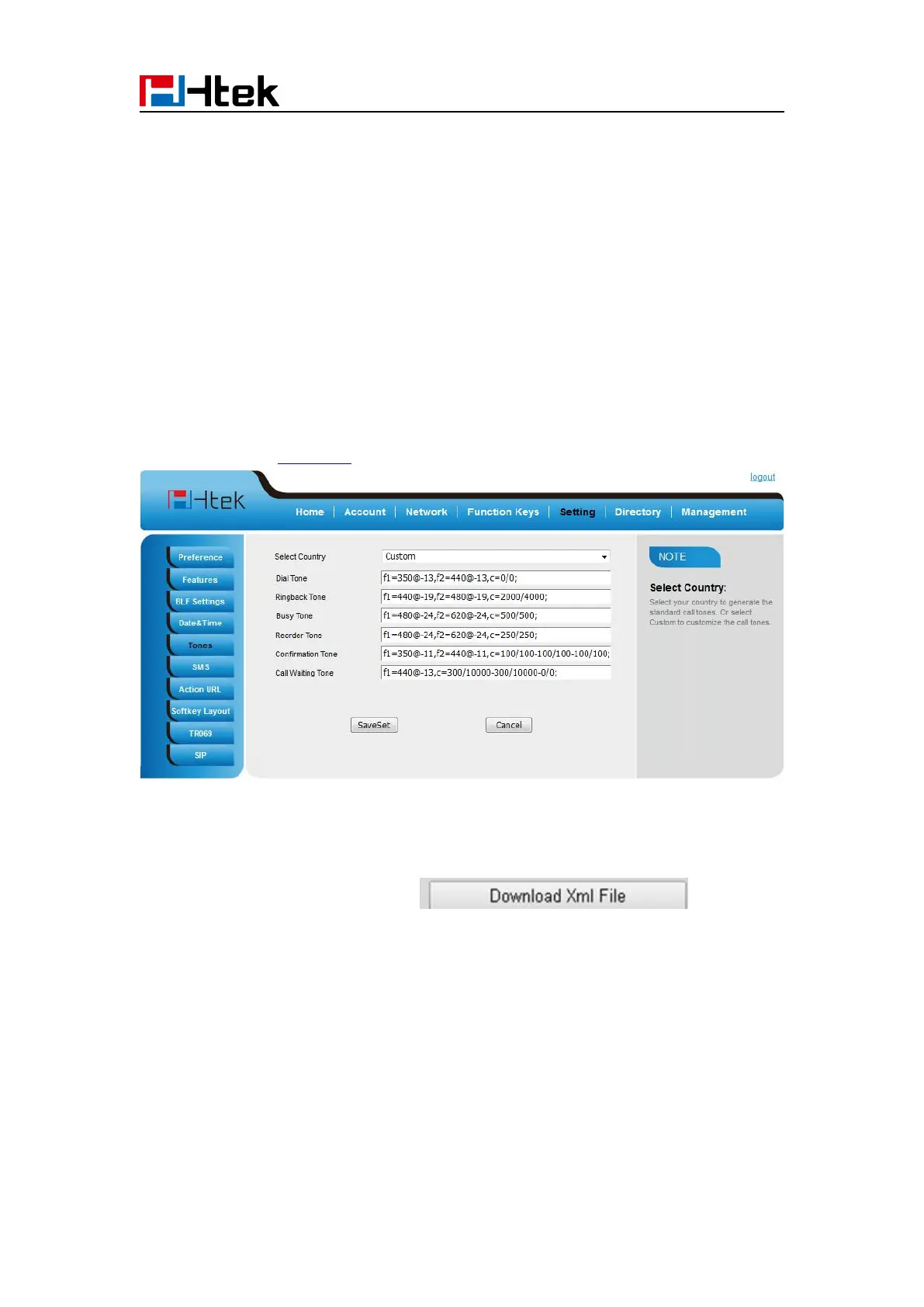
Where to set the tone?
You can set the tone on web interface:
Define the dial tone, ringing, busy tone…
For the tones, you can check with your system administrator.
For More Click Tone Notes.
How to download XML Configuration?
How to Import Trusted CA certificate?



 To Next Page