Function Key Features and Settings
127
Note:
This feature is not available on all servers. For more information, contact your system
administrator.
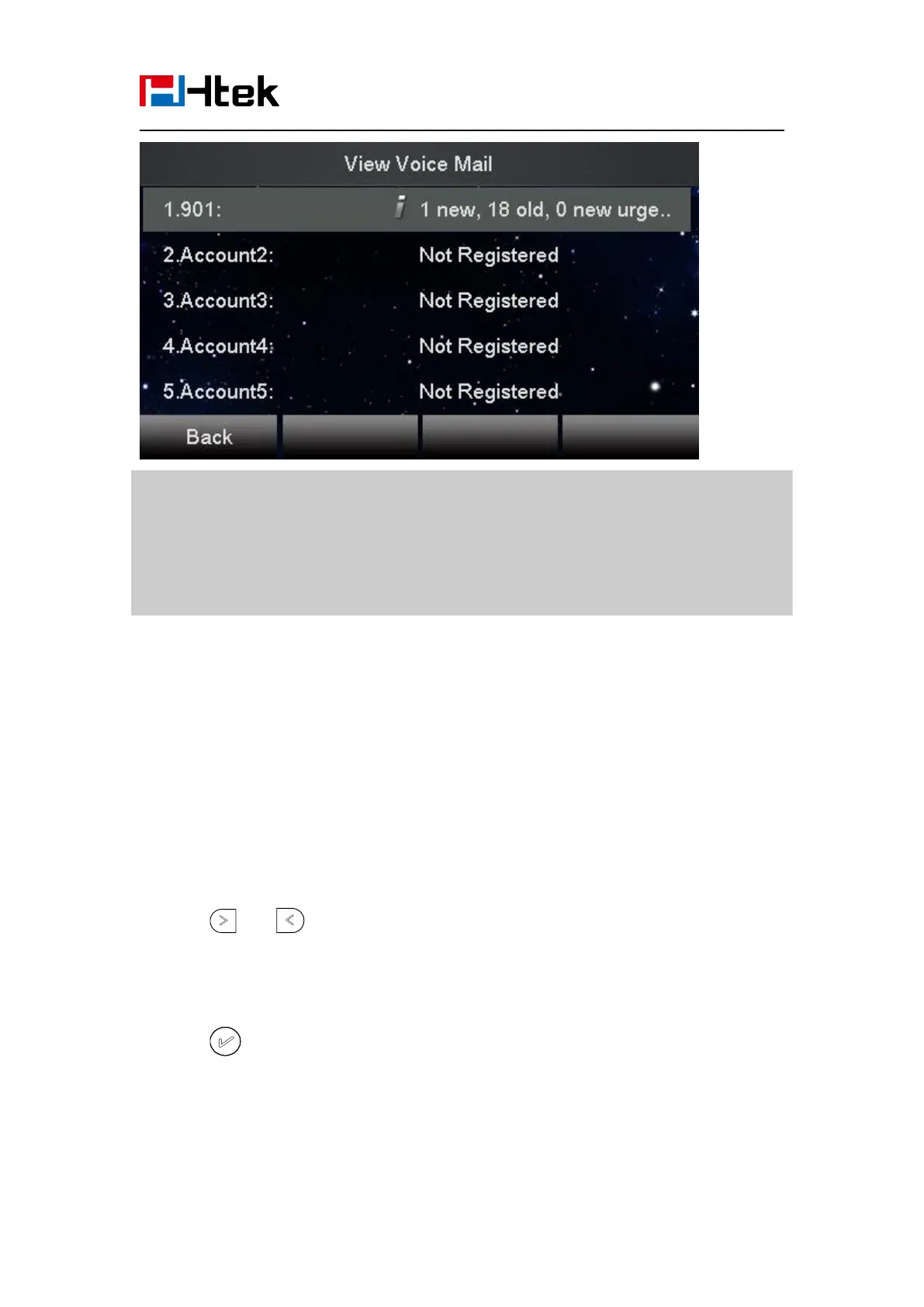
Before listening to voice mails, make sure the voice mail access code has been configured.
When all new voice mails are retrieved, the power indicator LED, voice mail indicator LED
and targeted Line or Line Key will go out.
Direct Pickup
With this feature, you can pick up the set line when it ringing.
To configure Direct Pickup feature via phone interface
1. Press Menu → Features → Function Keys → Line or Line Keys as Function Keys → Line
Key1(for example)
2. Press and key to select the Speed Dial in the type field.
4. Press or Save soft key to save the configuration
Then the selected Line or Line Key will work as Direct Pickup.
To configure Direct Pickup feature via Web Interface



 To Next Page