Basic Setting Configuration
60
To configure PC, Connect to Expansion Module via Phone interface:
Advanced Settings (password: admin)
Connect to Expansion Module.
3. Click the OK button, then the phone will reboot
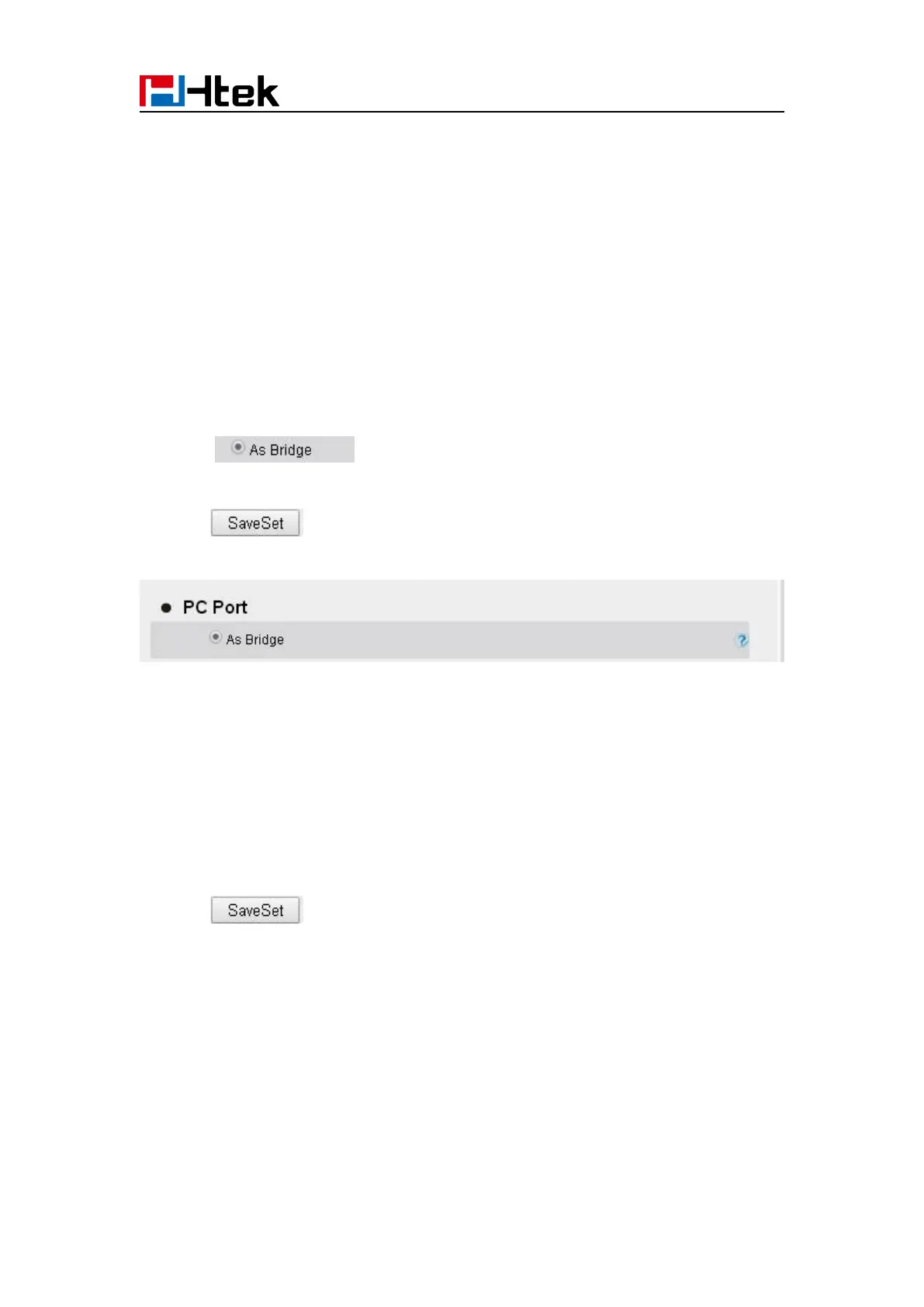
To configure Bridge via web interface:
3. Click and the phone will reboot automatically
To configure Router via web interface:
3. Fill the IP address and other necessary information.
4. Click and the phone will reboot automatically



 To Next Page