Basic Setting Configuration
43
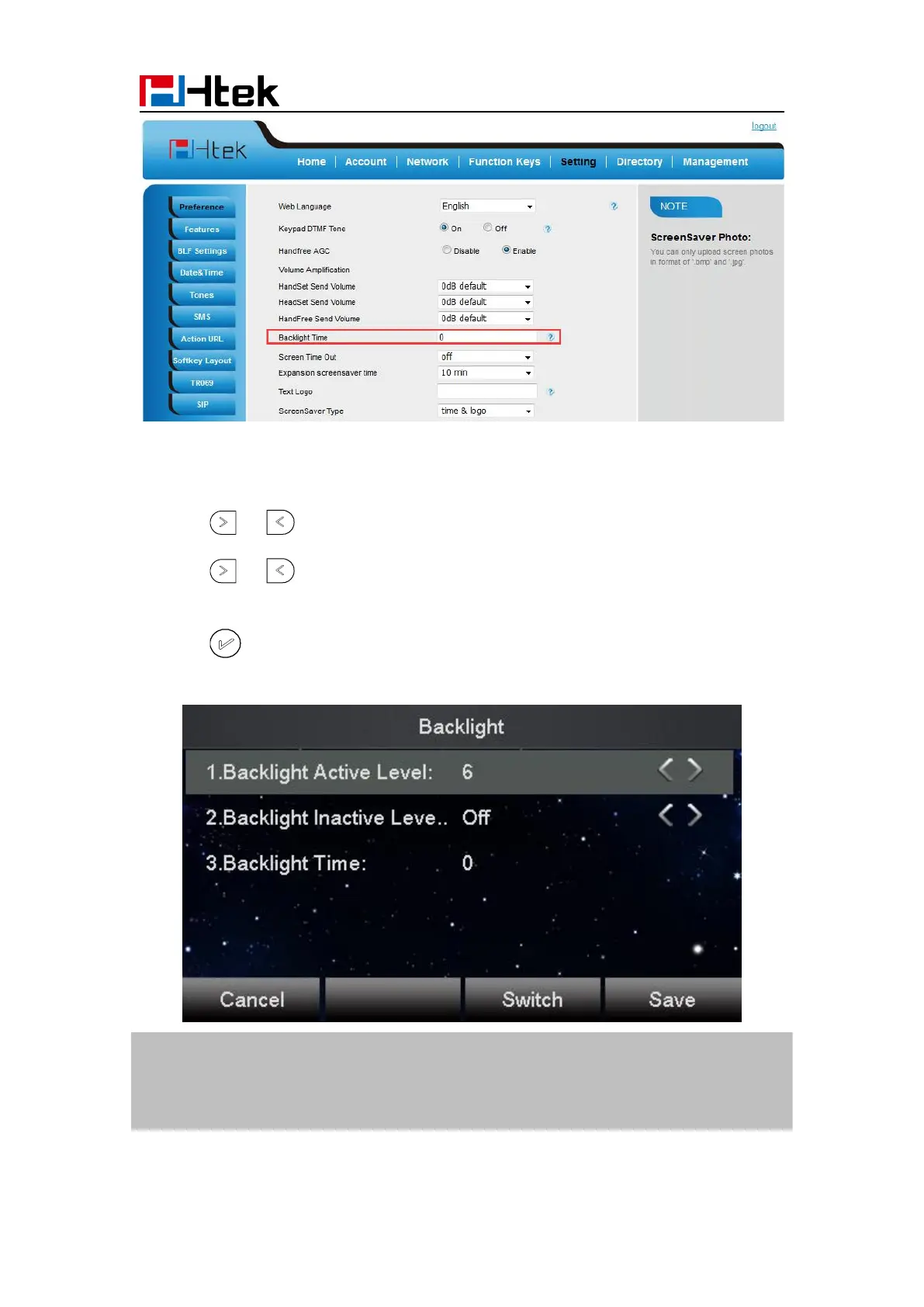
To set Backlight via web interface phone interface:
1. To press Menu → Display → Backlight
2. Press or to change the Backlight Active Level
3. Press or to change the Backlight Inactive Level.
4. Fill the Backlight Time.
5. Press or Save soft key to save the configuration.
1. Backlight Active Level is used to adjust the brightness of backlight
2. Backlight Inactive Level controls the backlight is all dark or brightness can be adjusted
3. Backlight Time refers to the time into the backlight



 To Next Page