Basic Call Features
106
To cancel the forward feature via Phone Interface
1. Option 1: To press the key to disable the forward feature.
2. Option 2: Press Menu →Features → Call forward→Always/Busy/No answer Forward
Press and to select the disable choice
Press or Save soft key to save the configuration.
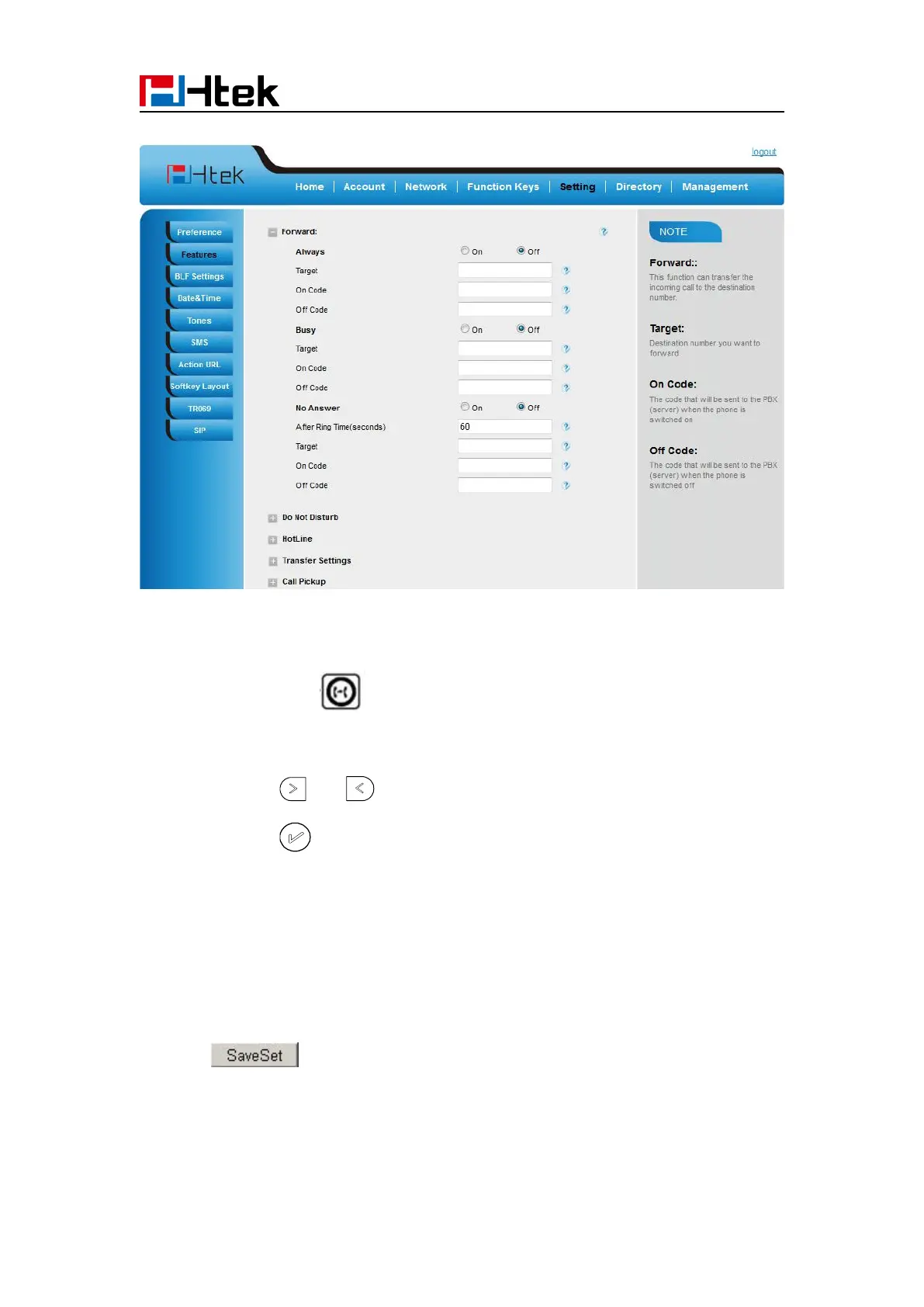
To cancel the forward feature via Web Interface
2. Click Off for the Always/Busy/No Answer
3. Click to save the configuration
To configure dynamic forward
Forward an incoming call during the ringing.



 To Next Page