Getting Started
19
Note:
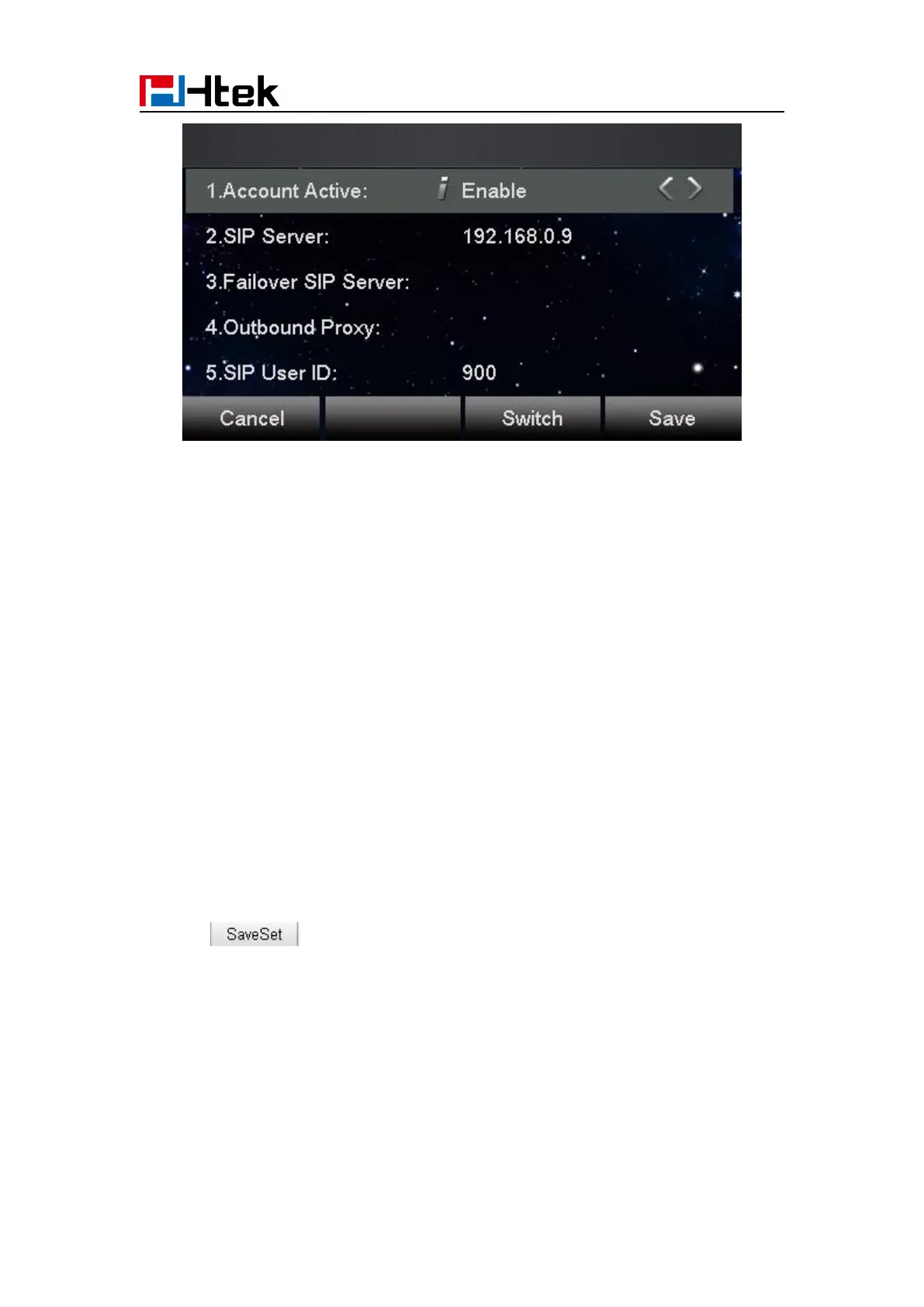
If there is a port of sip server, you need to press “1” on the keypad, then you will find the “:”.
Additional Information:
When the current input method is ABC/abc/2ab,
Pressing “1”, you will find “?”
Pressing “0”, you will find “< > () {} []”
Pressing “*”, you will find “*/”! @$”
Pressing “#”, you will find “#’%&*|”
To register via web interface:
1. Login webpage and Click Account
2. Select the desired Account
3. Select Yes for Account Active
4. Filled the Primary SIP SERVER and other account information
5. Click to save the configuration.



 To Next Page