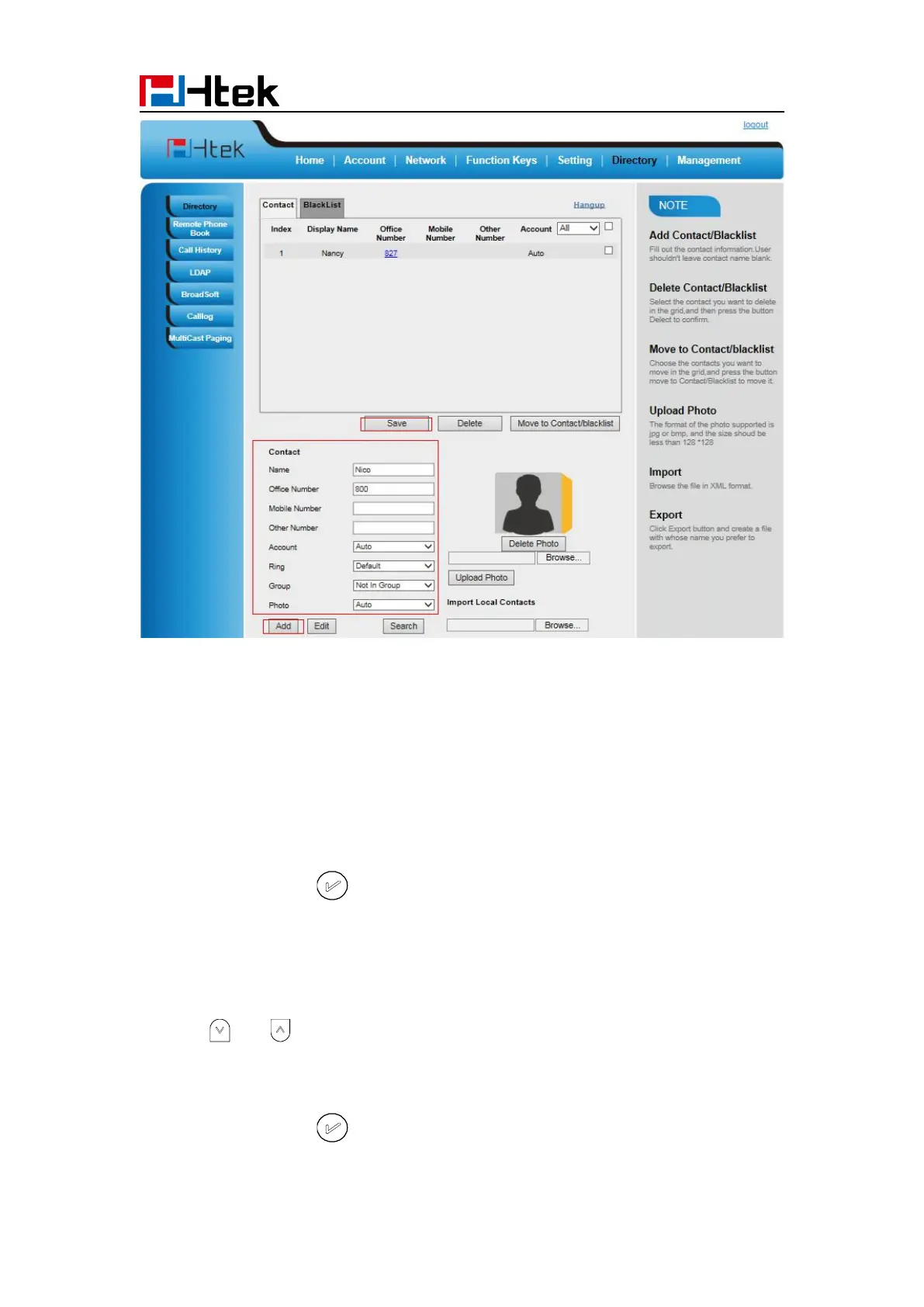
Basic Setting Configuration
64
B: To add contacts into blacklist
To add blacklist manually via phone interface:
1. Press Menu → Directory → Blacklist
3. Enter the necessary information as Name, Phone number…
4. Press save soft key or to add the contacts successfully.
To add blacklist from history via phone interface:
1. Press History soft key or press Menu → History → Local history
2. Press and to select the targeted one.
3. Press Option soft key → Add to Blacklist
4. Edit the necessary information as Name, Phone number…
5. Press save soft key or to add successfully.



 To Next Page