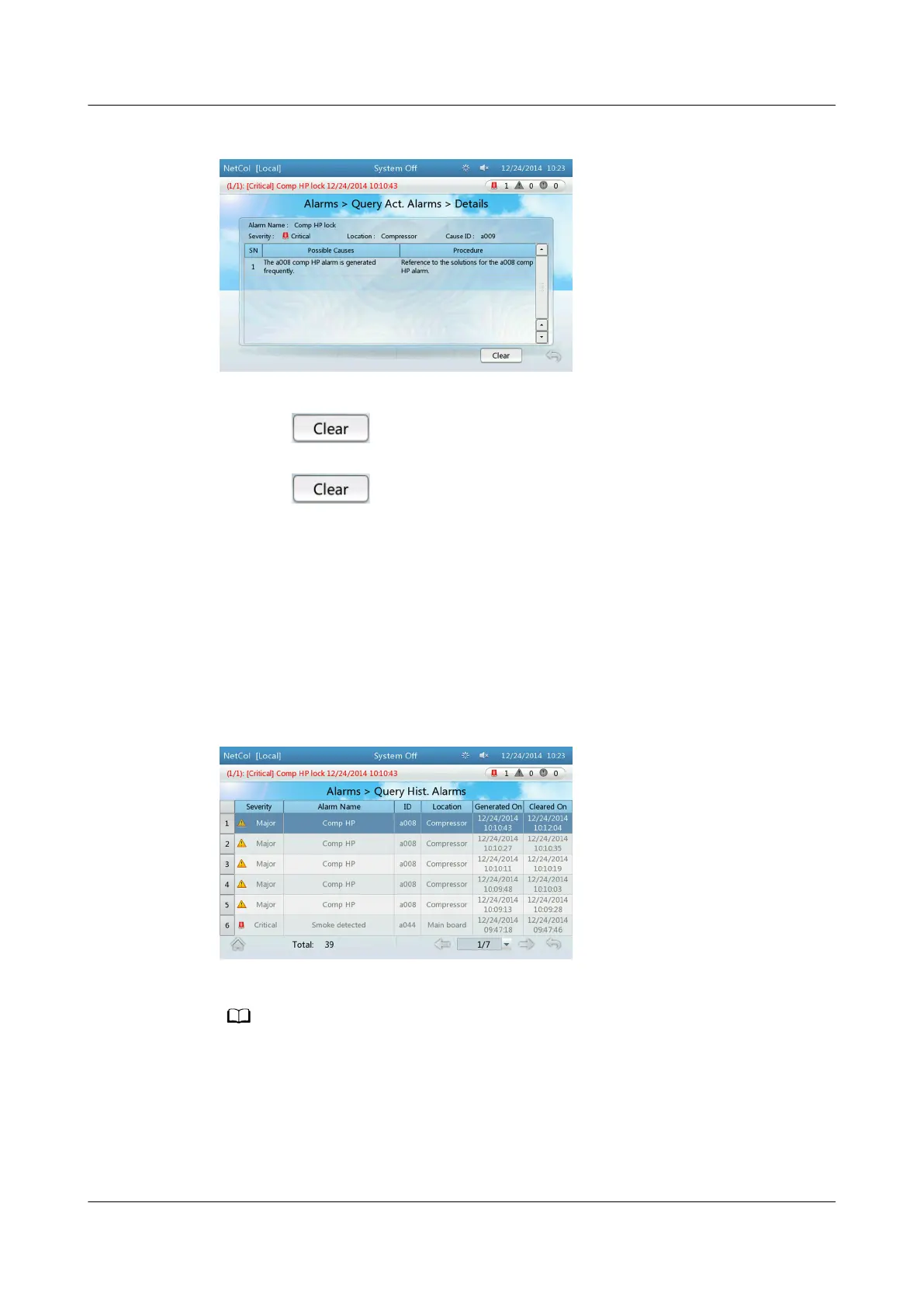
Figure 4-20 Details
● If the icon is not displayed on the Details screen, the alarm can be
automatically cleared after the fault is
rectied.
● If the icon is displayed on the Details screen, the alarm can be
manually cleared by tapping the Clear button after the fault is
rectied. The
alarm clearance type (automatic or manual) varies with smart cooling
products. Some of the alarms can either be cleared automatically or manually.
Perform operations as required.
For details about how to manually clear an alarm, see 4.7.7 How to
Manually Clear Alarms.
● To query historical alarms, choose Common Functions > Query Hist. Alarms
or Alarms > Query Hist. Alarms on the home screen. Figure 4-21 is
displayed.
Figure 4-21 Querying historical alarms
Historical alarms are displayed in chronological order. The latest cleared alarm is displayed
in the uppermost row.
NetCol5000-A(025, 035) In-row Air Cooled Smart
Cooling Product
User Manual (600 mm Width) 4 ACC Introduction
Issue 17 (2020-10-22) Copyright © Huawei Technologies Co., Ltd. 111







 To Next Page