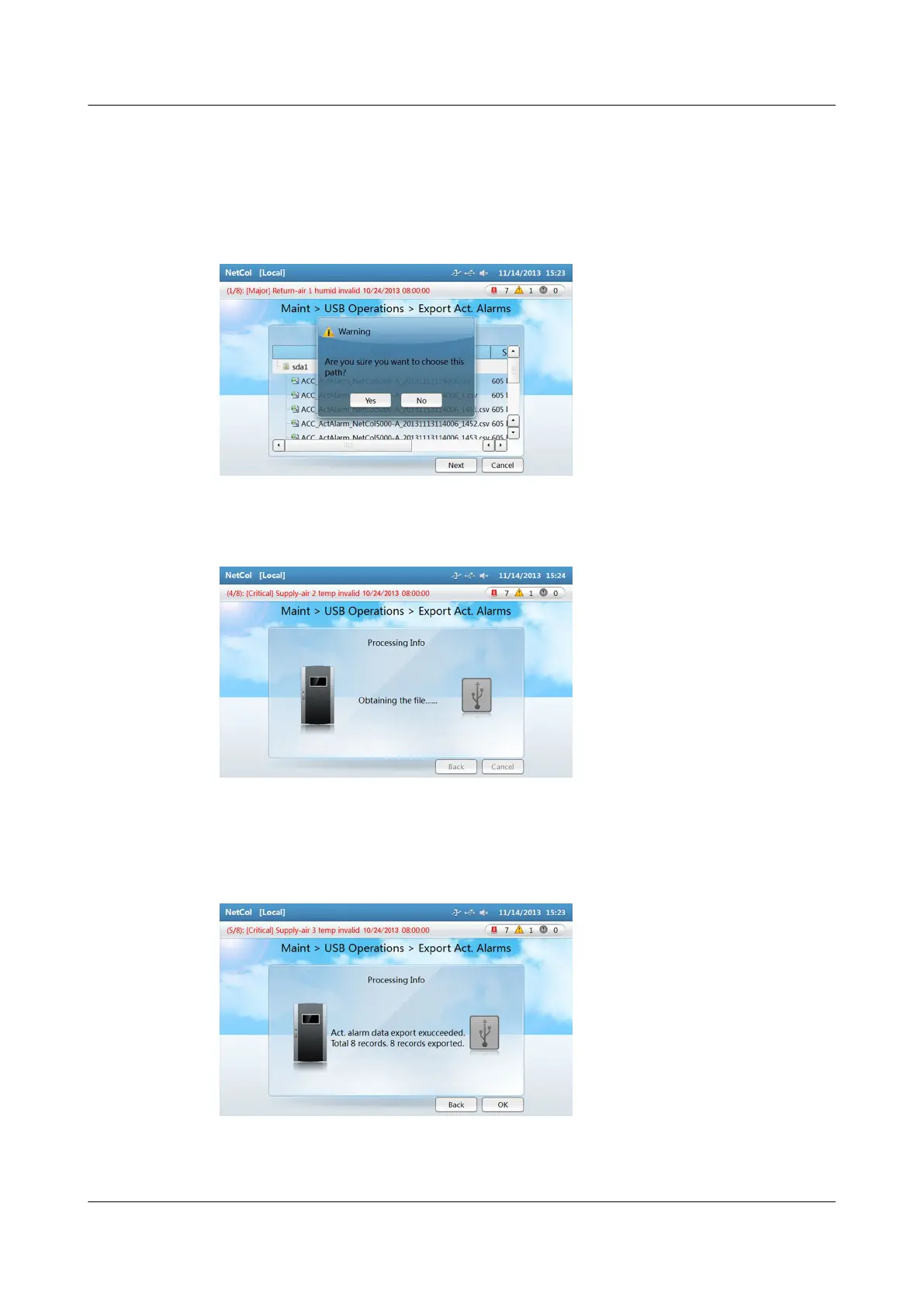
Step 2 Tap the le where the user saves active alarms in the Select Path dialog box and
tap Next. Then tap Yes in the displayed dialog box shown in Figure 4-31. Enter
the Processing Info screen shown in Figure 4-32.
Figure 4-31 Warning dialog box
Figure 4-32 Processing info
Step 3 After the data is successfully exported, Figure 4-33 is displayed. Click OK.
Figure 4-33 Screen showing that data export has succeeded
NetCol5000-A(025, 035) In-row Air Cooled Smart
Cooling Product
User Manual (600 mm Width) 4 ACC Introduction
Issue 17 (2020-10-22) Copyright © Huawei Technologies Co., Ltd. 118







 To Next Page