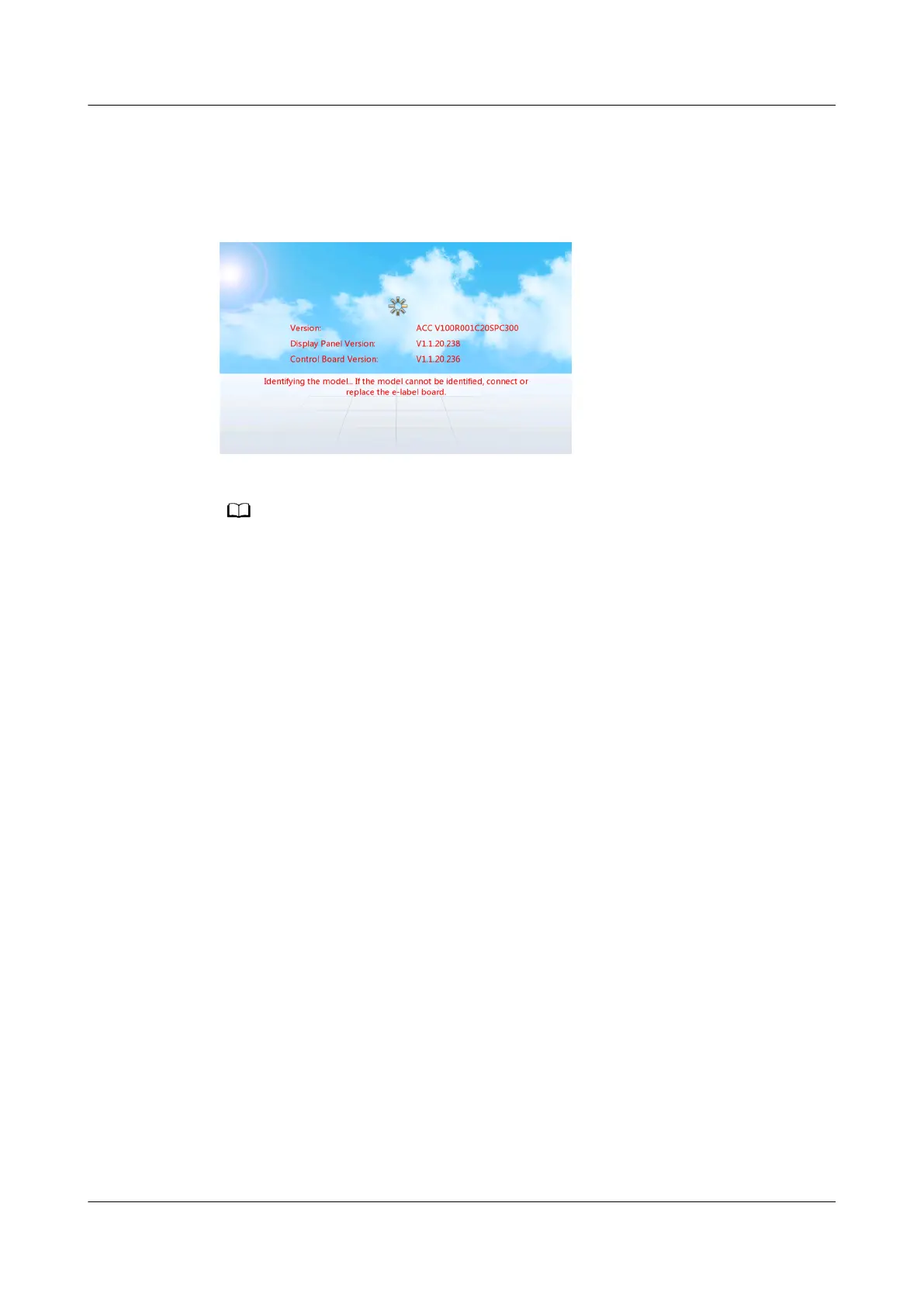
● If the information shown in Figure 4-50 is displayed on the controller LCD,
the smart cooling product cannot run properly. Perform Step 2 and
subsequent steps.
Figure 4-50 Message 2
In the Figure 4-50 the ACC V100R001C20SPC300 version is used as an example to describe
the WebUI prompt messages. During actual operations, the version in use prevails.
Procedure
Step 1 Check whether strong electromagnetic interference exists around the E-label
identication board.
● If yes, contact Huawei technical support.
● If no, continue with Step 2.
Step 2 Disconnect the power supply of the smart cooling product.
Step 3 Check whether the E-label
identication board is properly connected.
● If no, reconnect the board properly and continue with Step 5.
● If yes, continue with Step 4.
Step 4 Check whether cables are properly connected.
● If yes, contact Huawei technical support to replace the E-label
identication
board.
● If no, reconnect or replace cables and perform Step 5.
Step 5 Reconnect the power supply of the smart cooling product.
Step 6 If the fault persists, contact Huawei technical support.
----End
NetCol5000-A(025, 035) In-row Air Cooled Smart
Cooling Product
User Manual (600 mm Width) 4 ACC Introduction
Issue 17 (2020-10-22) Copyright © Huawei Technologies Co., Ltd. 133







 To Next Page