TE20 Videoconferencing Endpoint
3 Conference Operations Using the Remote Control
Huawei Proprietary and Confidential
Copyright © Huawei Technologies Co., Ltd.
Step 3 Press the button on the remote control, switch to , and press the on the remote
control.
If no password is set for the conference, the endpoint joins the conference directly.
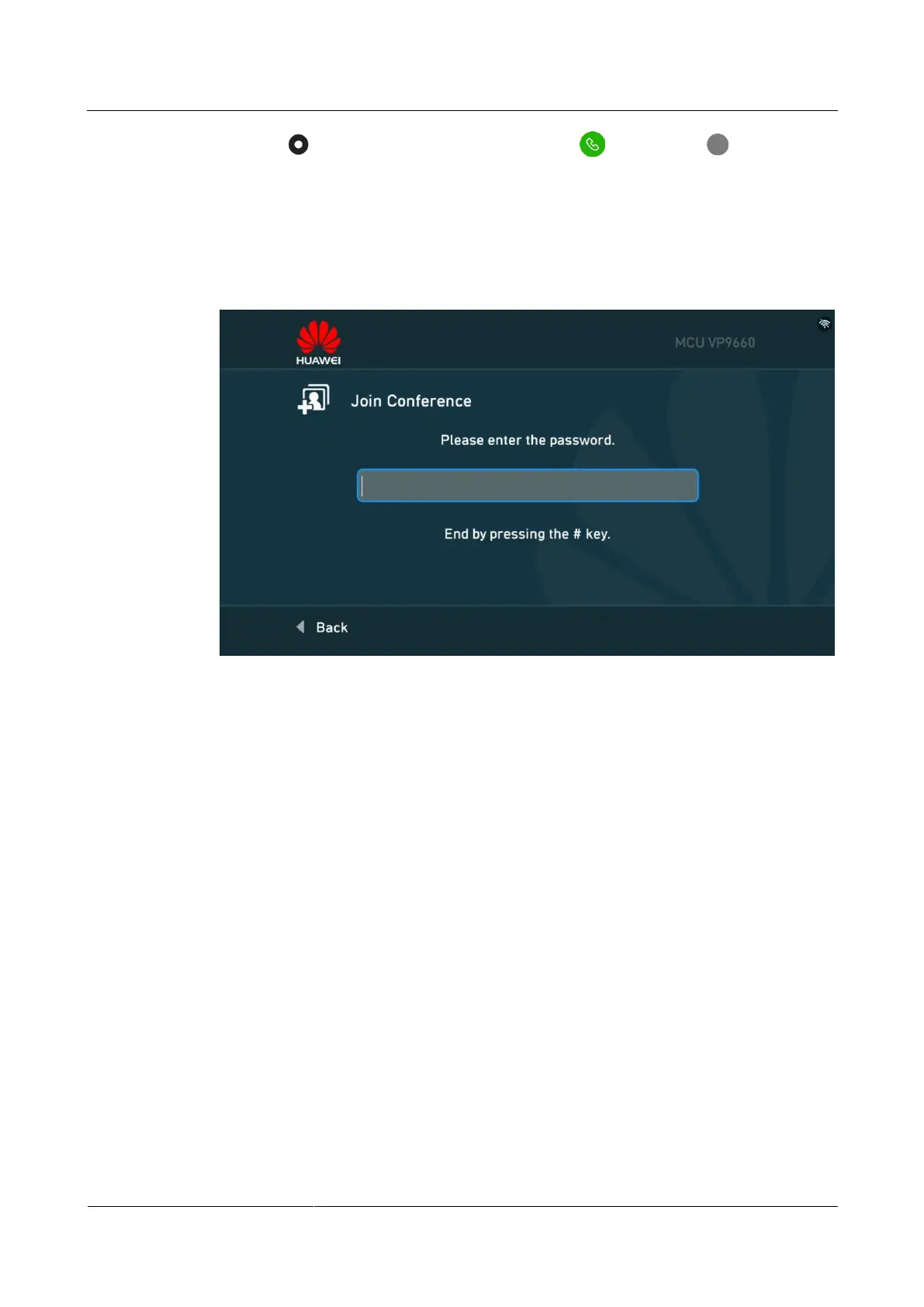
If a password is set for the conference, the screen shown in Figure 3-3 is displayed, and
continue Step 4 and Step 5.
Figure 3-3 Entering the conference password
Step 4 Press any number key on the remote control.
The Two-Stage Dialing dialog box is displayed.
Step 5 Enter the conference password and press the # key to join the conference.
----End
3.2.2 Joining an HD Video Conference over an IMS Network
Prerequisites
You have obtained the conference access number and password (optional) from the
conference convener.
You have set IMS parameters. For details, see 4.2.2 Joining an HD Video Conference
over an IMS Network.
Procedure
Step 1 On the main menu, press any number key on the remote control.
The Speed Dial page is displayed, as shown in Figure 3-1.
Step 2 In the text box, enter the conference access number.



 To Next Page