TE20 Videoconferencing Endpoint
8 Operation UI Customization
Huawei Proprietary and Confidential
Copyright © Huawei Technologies Co., Ltd.
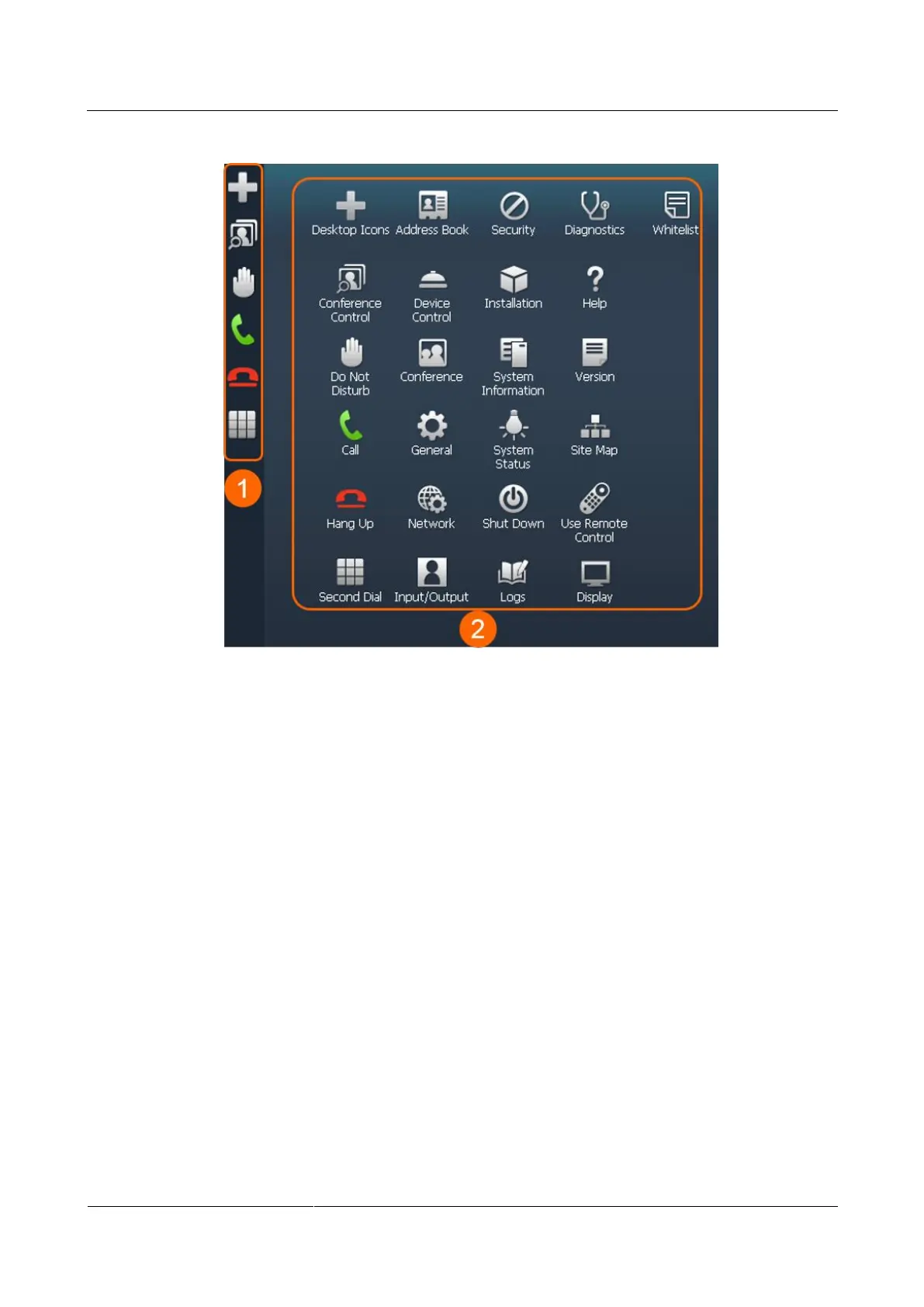
Figure 8-1 Shortcut bar and desktop icons
8.1.1 Desktop Icons
You can customize icons to be displayed on the home page of the endpoint web interface.
Procedure
Step 1 Choose System Settings > Display and click the User defined tab.
Step 2 Click Desktop Icons and select the icons you want to display on the desktop.
Step 3 Follow the onscreen instructions to complete your settings.
----End
8.1.2 Shortcut Bar Icons
You can customize icons (a maximum of 10) to be displayed on the shortcut bar of the
endpoint web interface.



 To Next Page