TE20 Videoconferencing Endpoint
3 Conference Operations Using the Remote Control
Huawei Proprietary and Confidential
Copyright © Huawei Technologies Co., Ltd.
Step 3 Press the button on the remote control, switch to , and press the on the remote
control.
If no password is set for the conference, the endpoint joins the conference directly.
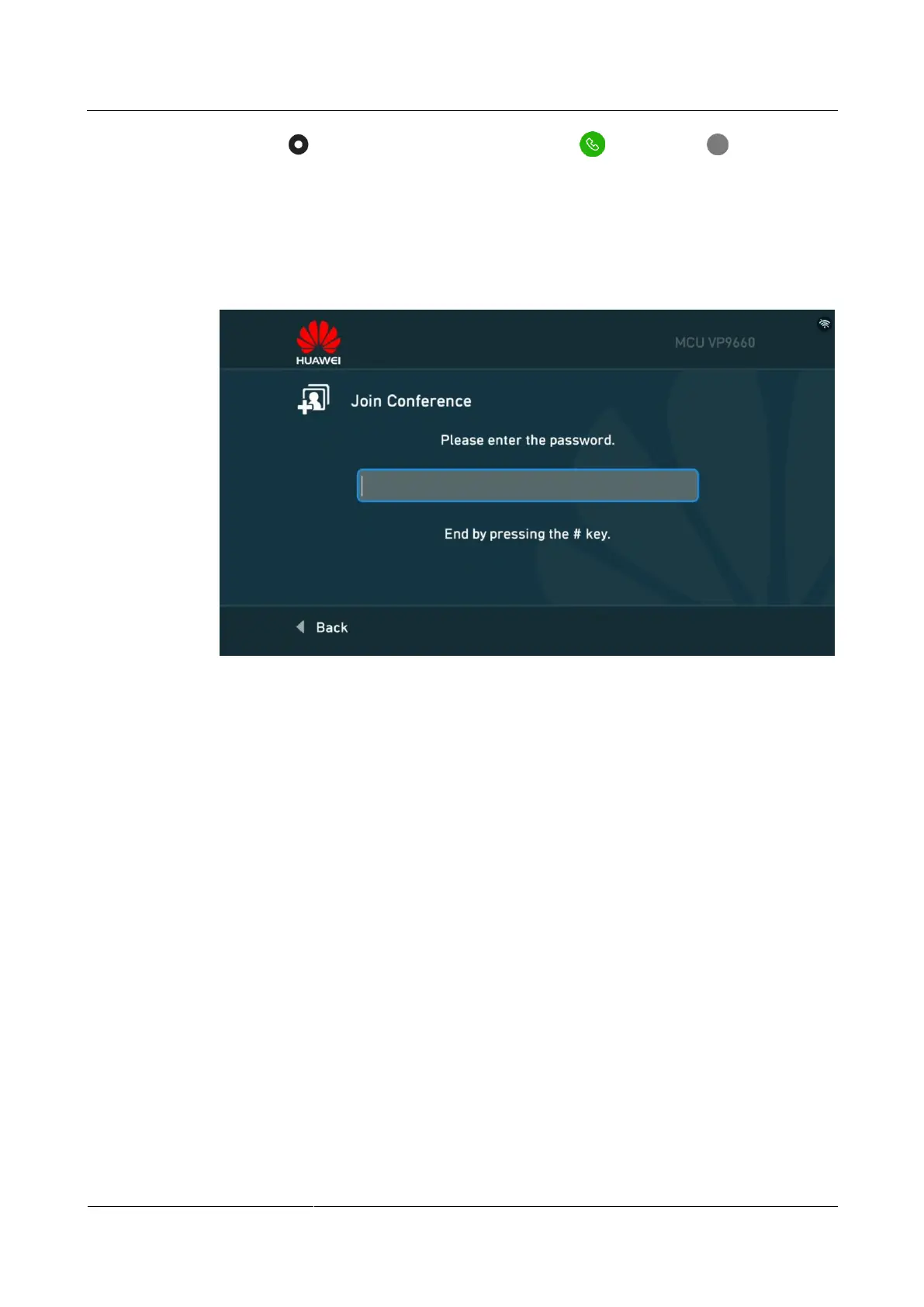
If a password is set for the conference, the screen shown in Figure 3-4 is displayed, and
continue Step 4 and Step 5.
Figure 3-4 Entering the conference password
Step 4 Press any number key on the remote control.
The Two-Stage Dialing dialog box is displayed.
Step 5 Enter the conference password and press the # key to join the conference.
----End
3.2.3 Joining a Conference Initiated by a Third-Party
Videoconferencing Platform
The endpoint can join HD video conferences initiated by a third-party cloud
videoconferencing platform, for example, Videxio cloud videoconferencing platform (referred
to as Videxio platform hereinafter).
Prerequisites
The endpoint has been interconnected with the Videxio platform. For details, see TE20
Videoconferencing Endpoint V500R003C00 Configuration Guide.
A virtual conference room has been set up using the Videxio platform.
The moderator or guest password for entering the virtual conference room has been
obtained from the administrator.



 To Next Page