TE20 Videoconferencing Endpoint
3 Conference Operations Using the Remote Control
Huawei Proprietary and Confidential
Copyright © Huawei Technologies Co., Ltd.
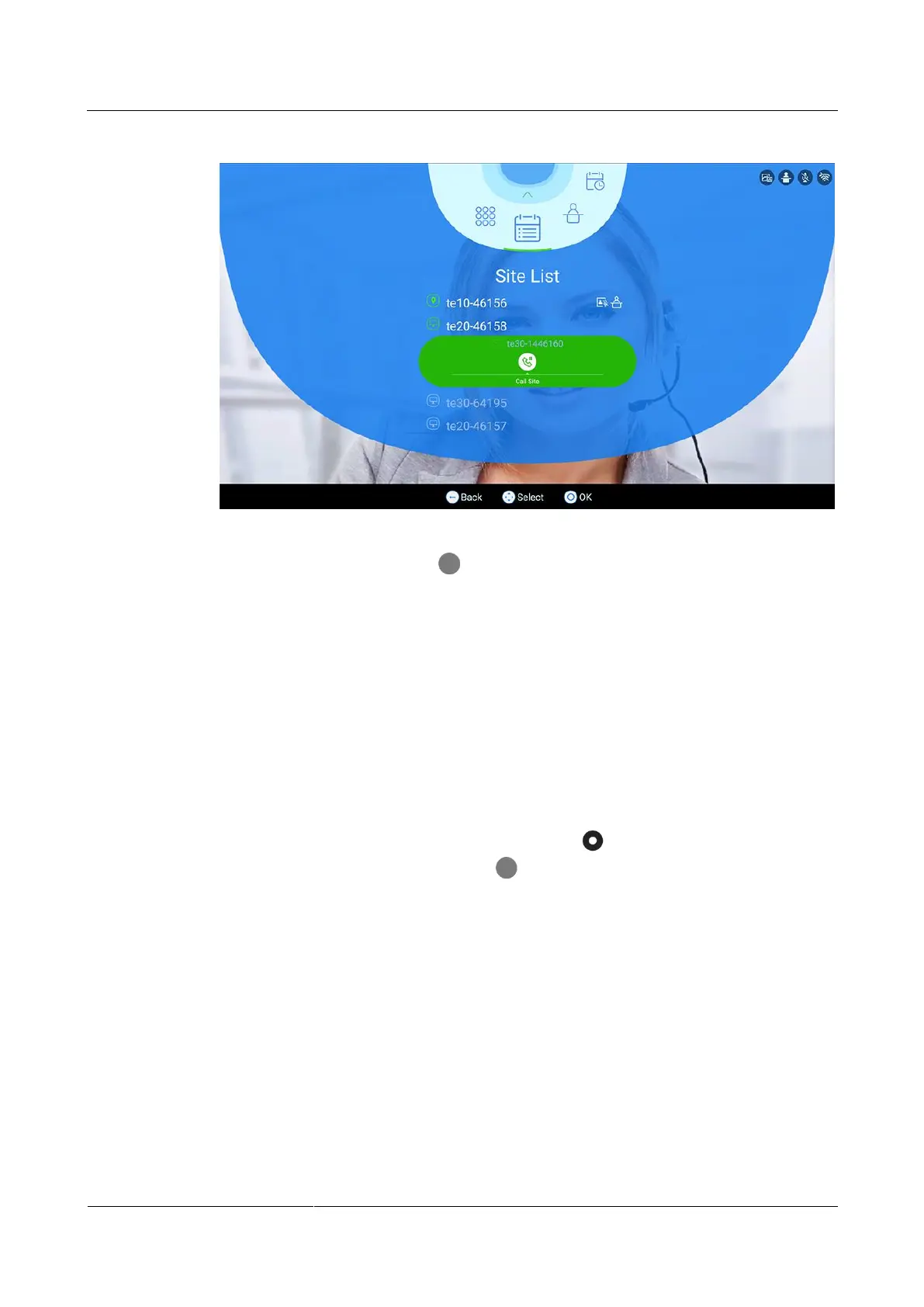
Figure 3-9 Calling a site
Step 3 On the remote control, press the button to start a call.
----End
3.3.6 Mute/Unmute MIC
Application Scenario
If the microphone of a site is muted/unmuted by the chair site, the site cannot/can be heard by
the other sites.
Procedure
Step 1 On the Site List screen shown in Figure 3-6, press the button on the remote control,
switch to a conference site, and press the button on the remote control.
The conference control page is displayed, as shown in Figure 3-10.



 To Next Page