TE20 Videoconferencing Endpoint
Huawei Proprietary and Confidential
Copyright © Huawei Technologies Co., Ltd.
If the security certificate is invalid, click Continue to this website to resume the login.
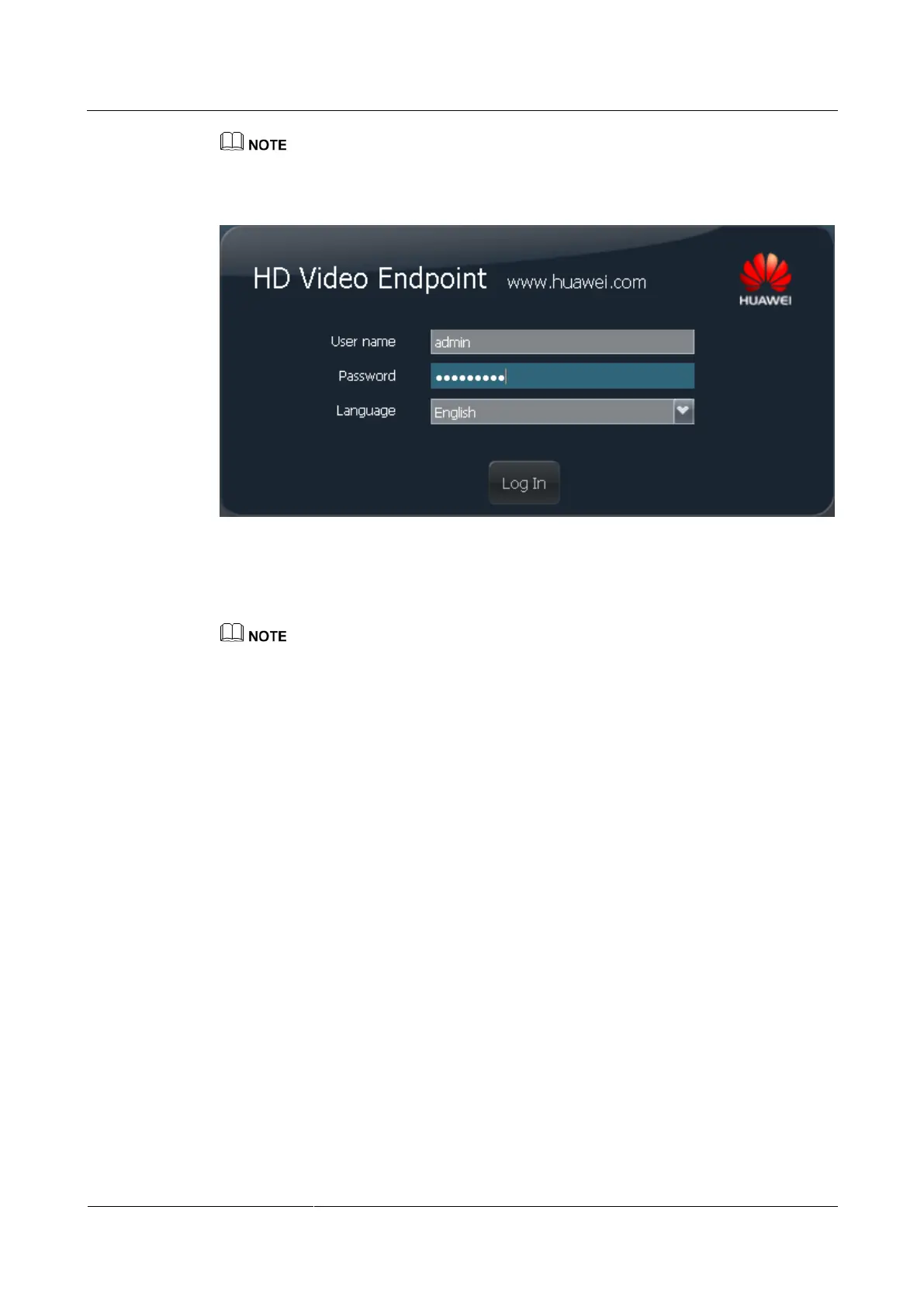
Figure 10-1 Web login page
Step 3 Enter the user name and password. Select a language.
Step 4 Click Log In, or press Enter.
To ensure data security, after accessing the web interface, close the browser and delete browser caches.
----End
Changing the User Name and Password
You can change the passwords of admin and api accounts on the web interface.
Step 1 Choose System Settings > General > Personal.
Step 2 Change the account password.
The password contains at least eight characters.
The password must contain at least three types of the following: uppercase letter,
lowercase letter, digit, or special character.
The password cannot contain more than two consecutive characters that are the same.
Step 3 Click Save.
----End
10.2.5 Web Access Control
The endpoint adopts HTTPS mode, which is the secure version of Hypertext Transfer
Protocol (HTTP).
With the web access control function, the endpoint:



 To Next Page