TE20 Videoconferencing Endpoint
3 Conference Operations Using the Remote Control
Huawei Proprietary and Confidential
Copyright © Huawei Technologies Co., Ltd.
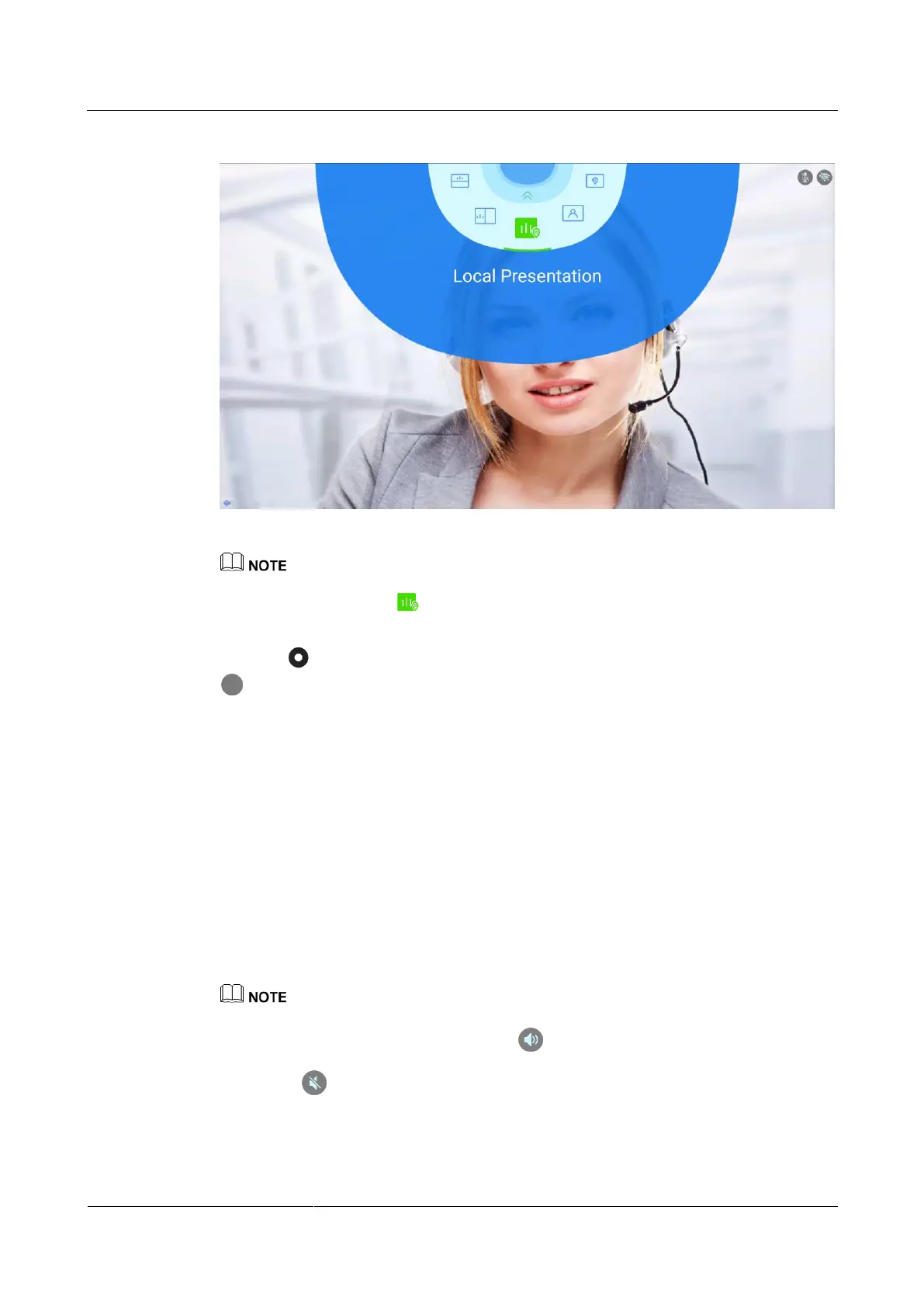
Figure 3-14 Example for configuring the conference screen layout
Specific icons appearing on the screen layout screen are related to the endpoint status. For example, the
Local Presentation icon is displayed only when the local site is connected to a presentation
source, and disappears when local presentation is terminated.
Step 3 Press the button on the remote control, switch to a screen layout model, and press the
on the remote control.
----End
3.8 Adjusting the Volume at Your Site
You can use the remote control to adjust the sound heard by the local site.
Procedure
Press the plus sign of the volume button on the right of the remote control to increase the
sound.
Press the minus sign of the volume button on the right of the remote control to decrease
the sound.
Changing the volume affects only the sound you hear at your site.
When changing the volume, the status icon in the upper right corner will change accordingly,
and the volume size will be displayed. When the volume is changed to the lowest value, the status
icon will be displayed in the upper right corner.



 To Next Page