TE20 Videoconferencing Endpoint
Huawei Proprietary and Confidential
Copyright © Huawei Technologies Co., Ltd.
5 Device Control
5.1 Controlling Cameras
You can control the camera of an endpoint on its web interface or remote control UI.
5.1.1 Using the Remote Control
You can adjust local and remote cameras using the remote control.
Adjusting the Focal Length
You can use PTZ to zoom the local camera in or out.
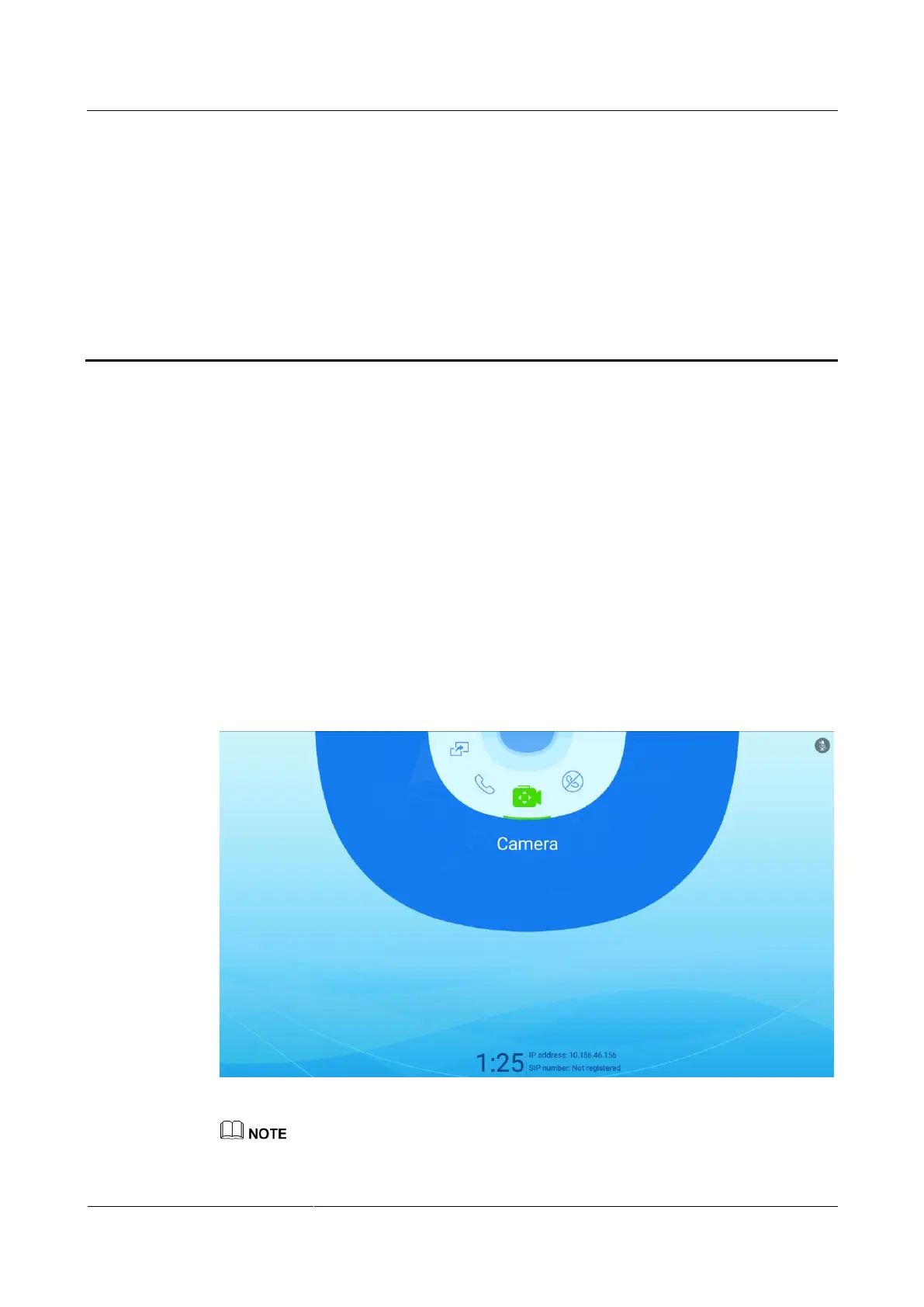
Step 1 Choose Camera to access the Camera screen, as shown in Figure 5-1.
Figure 5-1 Camera screen
If you have adjusted the focal length to its minimum value by pressing the volume down button, you
cannot pan or tilt the camera using the arrow buttons.



 To Next Page