TE20 Videoconferencing Endpoint
Huawei Proprietary and Confidential
Copyright © Huawei Technologies Co., Ltd.
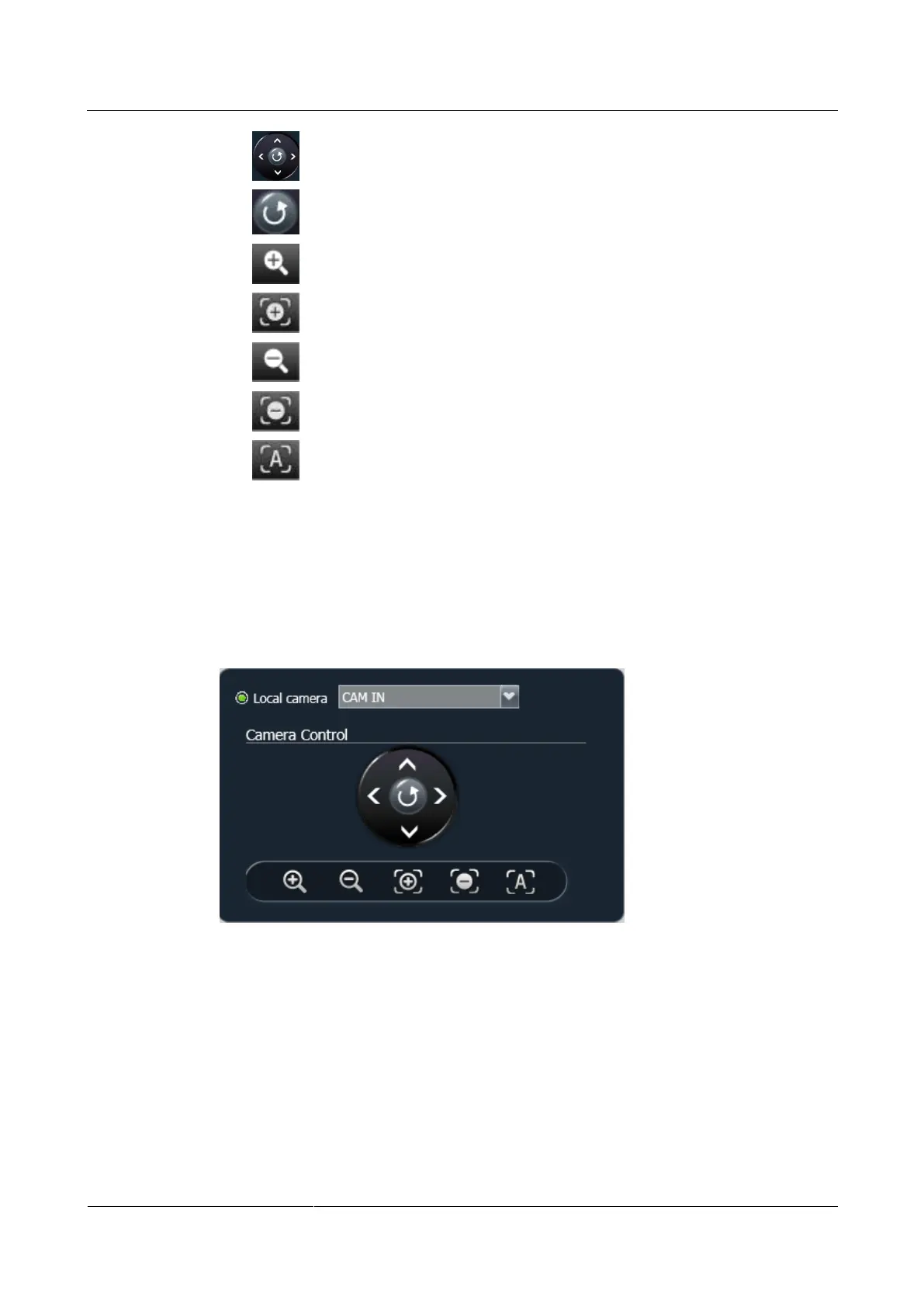
: Turns the camera upward, downward, leftward, and rightward.
: Turns the camera forward.
: Enlarges the image taken by a camera.
: Zooms in on a scene.
: Shrinks the image taken by a camera.
: Zooms out on a scene.
: Automatically adjusts the camera focus.
Procedure
Step 1 Choose Device Control > Device Control.
Step 2 In the upper right corner of the Video Control page, select the camera you want to control, as
shown in Figure 5-3.
Figure 5-3 Camera control
Step 3 Click the controls shown in Figure 5-3 to control cameras.
----End
5.2 Selecting Video Sources
On the endpoint web interface, you can select local video and presentation input sources and
video output sources.



 To Next Page