TE20 Videoconferencing Endpoint
4 Conference Operations Using the Web Interface
Huawei Proprietary and Confidential
Copyright © Huawei Technologies Co., Ltd.
4 Conference Operations Using the Web
Interface
You can join conferences in multiple ways on the endpoint web interface. During a
conference, you can control the conference or share presentation.
4.1 Initiating a Point-to-Point Conference
You can initiate a point-to-point conference in multiple ways on the endpoint web interface.
4.1.1 Initiating a Conference from the Call Page
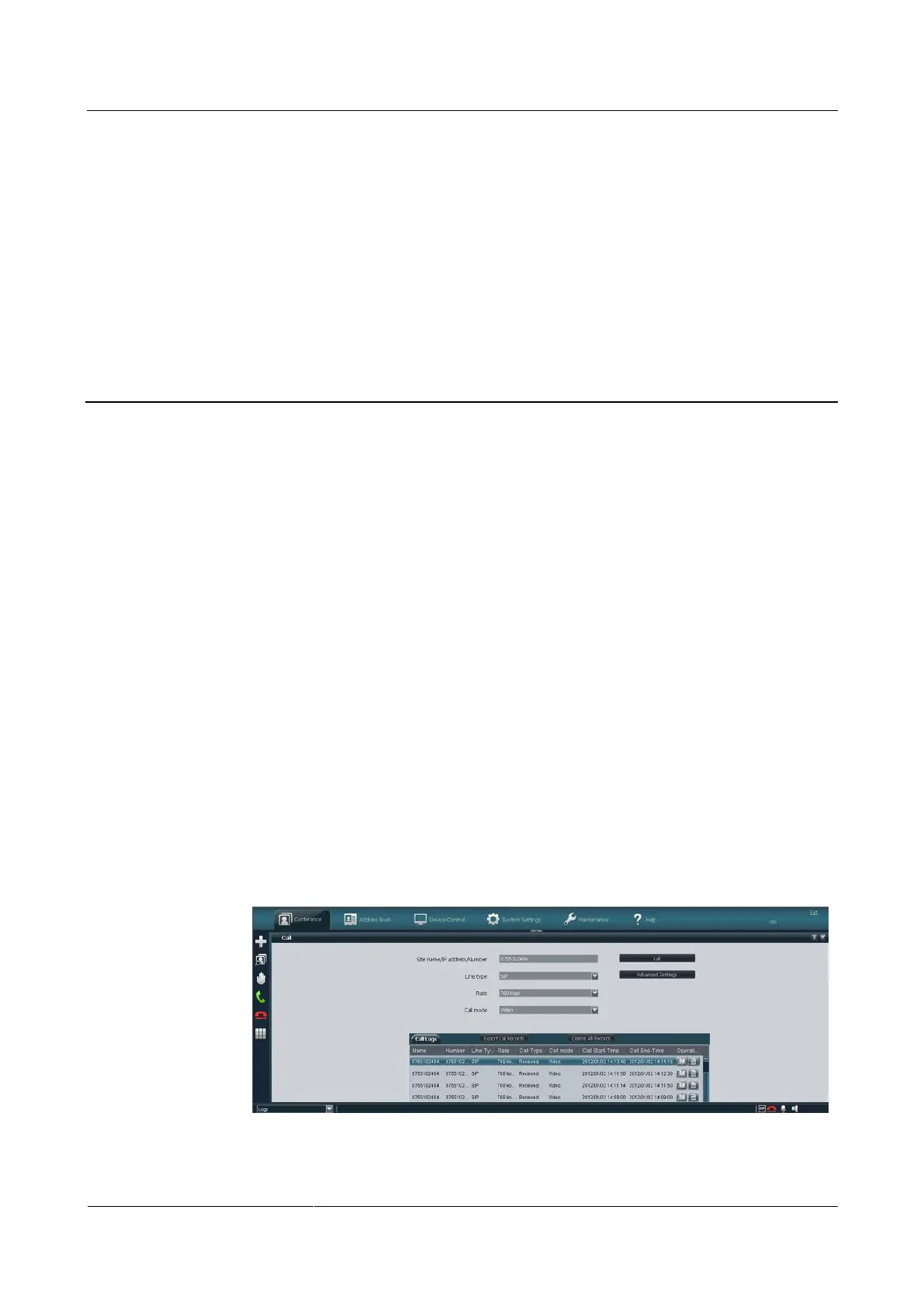
On the call page, you can select a site, configure the line type and rate for the site, and place a
call to the site to start a conference.
Procedure
Step 1 Choose Conference > Call.
Step 2 Select a remote site you want to call using either of the following methods:
In the Call Logs area, select a remote site, as shown in Figure 4-1.
Figure 4-1 Initiating a call from the call history



 To Next Page