TE20 Videoconferencing Endpoint
Huawei Proprietary and Confidential
Copyright © Huawei Technologies Co., Ltd.
Step 2 Press the side volume buttons to zoom in or out on video images shot by the camera.
Press on the remote control to adjust the camera to its home position.
----End
Controlling the PTZ
You can pan, tilt, and zoom the local camera.
Perform as follows:
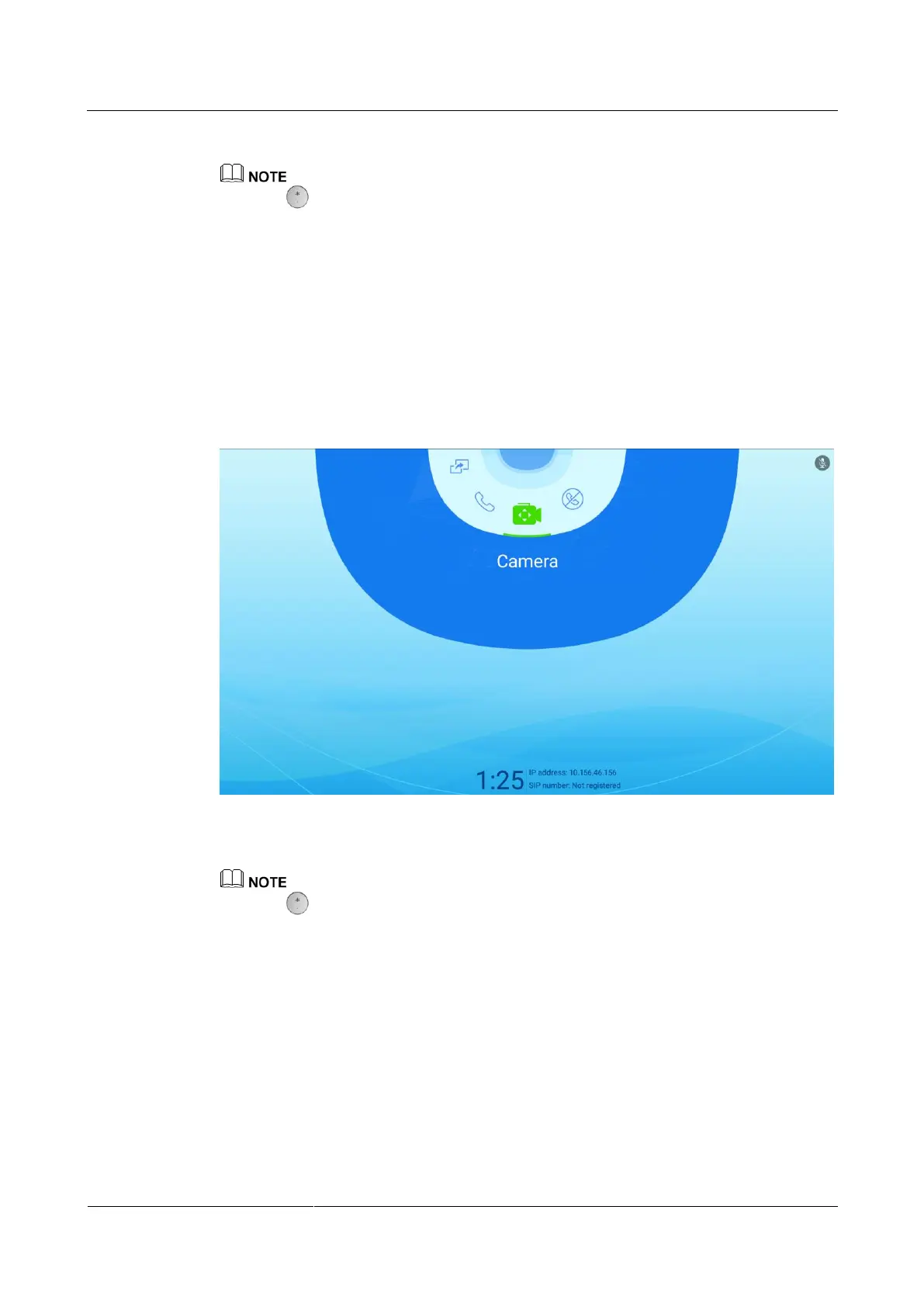
Step 1 Choose Camera to access the Camera screen, as shown in Figure 5-2.
Figure 5-2 Camera screen
Step 2 Press the arrow buttons on the remote control to pan or tilt the camera.
Press on the remote control to adjust the camera to its home position.
----End
5.1.2 Using the Web Interface
Using the web interface, you can pan, tilt, and zoom (PTZ) the local camera to view what you
want.
Prerequisites
You are familiar with the following buttons for camera control:



 To Next Page