18
- Laminator LED status by color
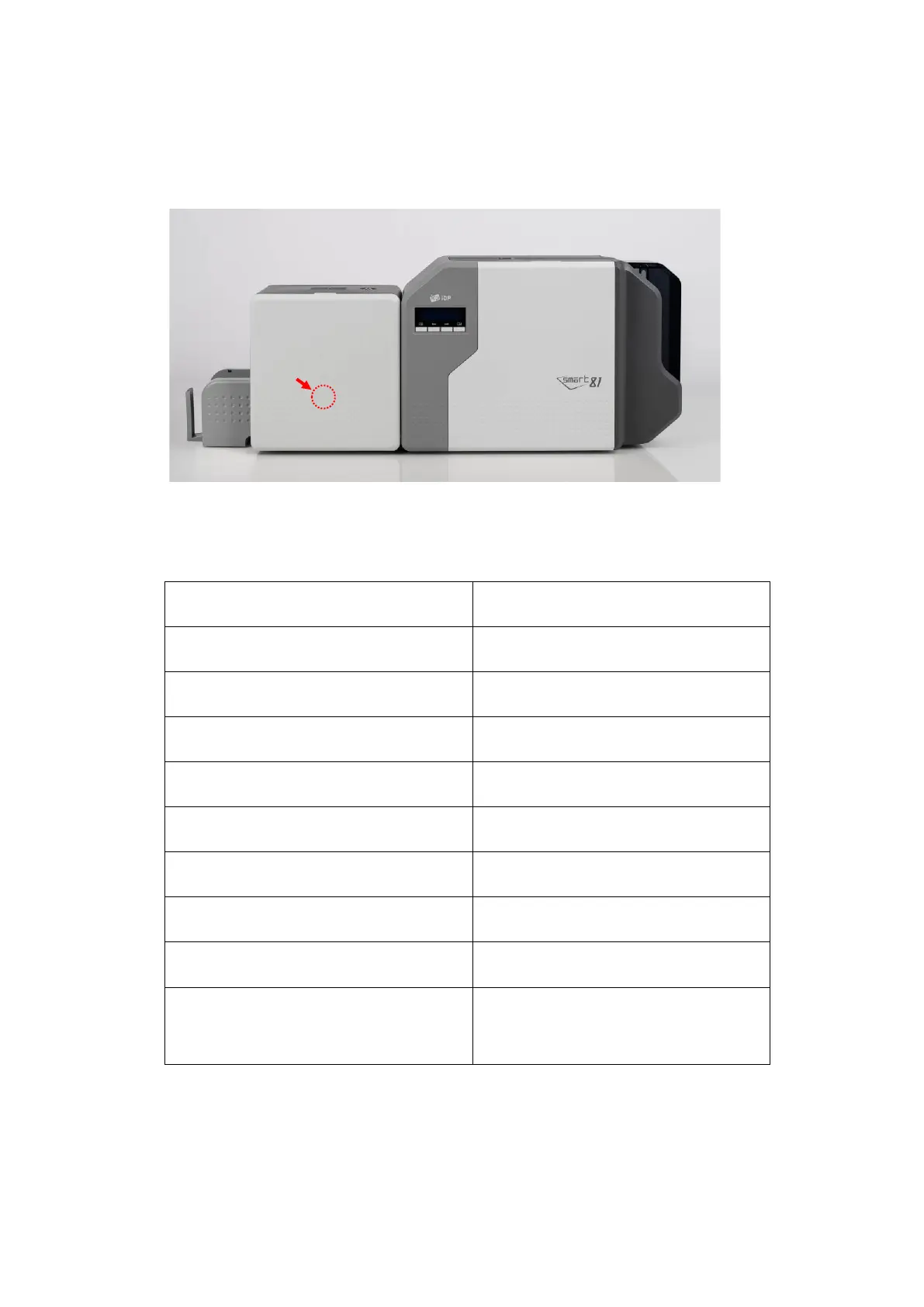
When Install and use Laminator on the SMART-81(Figure 7), You can check status of
laminator with indicator(LED)’s color.
※
Laminator LED Location
LED Status Description
■ Blue (on) Normal standby
■ Green (on) Executing Printer’s command.
■ Sky (on) Executing Laminator
■ Yellow (on : 500ms off : 500ms) Case open
■ Pink (on : 500ms off : 500ms) Laminator Film zero
■ Red (on : 200ms off : 200ms) Laminator Film TAG error
■ Red (on : 500ms off : 500ms) Laminator Film search error
■ Red (on : 200ms off : 500ms) Heating temperature error
■ Red (on)
Other errors ( ex. Card
Move error etc.)



 To Next Page