EasyManua.ls Logo

IEMCA VIP 80 - Page 76

Default Icon
152 pages
Print Icon
To Next Page IconTo Next Page
To Previous Page IconTo Previous Page
Loading...
14
2
INSTALLATION PROCEDURE
302.061
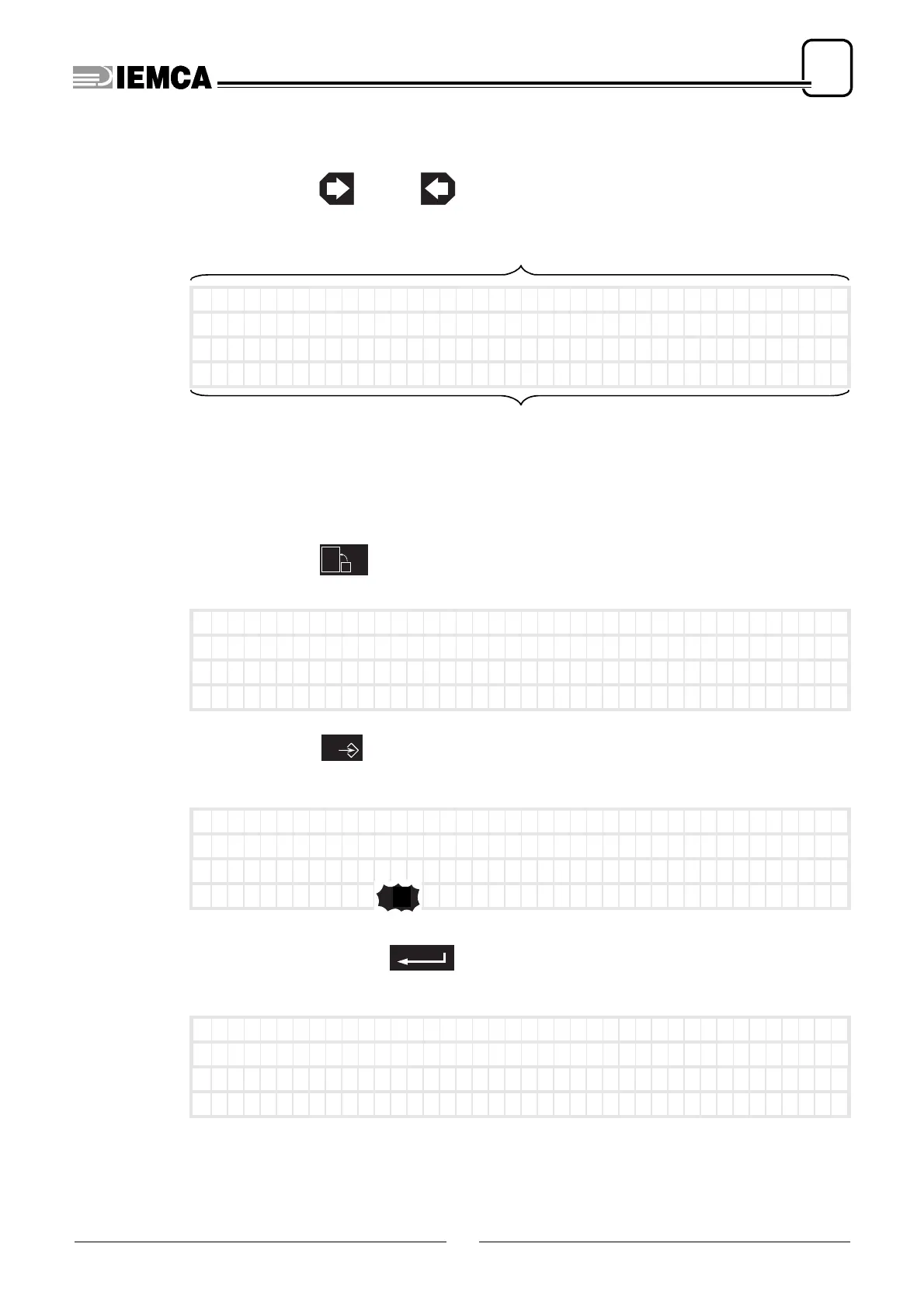
Selecting the parameters in sequence
press: or
appears. Ex:
Selecting the parameter required
the parameter value blinks
press:
appears:
press:
appears:
enter the number of the
parameter required. Example:
appears. Ex:
(mm)
no.1 Bar end adjustm
ent
Ins)Press ENTER) to c
onf i rm
)
Mo v e
––––––––––––––––––––
––––––––––––––––––––
parameter
operations that can be carried out
20
MAIN
*** MEN
U***
5-02-00
12:09:40
(GB) (Par . 0 ) (Co
de 0)
)
Mo v e
––––––––––––––––––––
––––––––––––––––––––
0
*** MEN
U***
5-02-00
12:09:40
(GB) (Par . 0 ) (Co
de 0)
)
Mo v e
––––––––––––––––––––
––––––––––––––––––––
1
0
20
plus
(sec)
no.20 Cyc l e s tart la
g
Ins)Press ENTER) to c
onf i rm
)
Mo v e
––––––––––––––––––––
––––––––––––––––––––

Table of Contents

Related product manuals