15
2
INSTALLATION PROCEDURE
302.061
❑
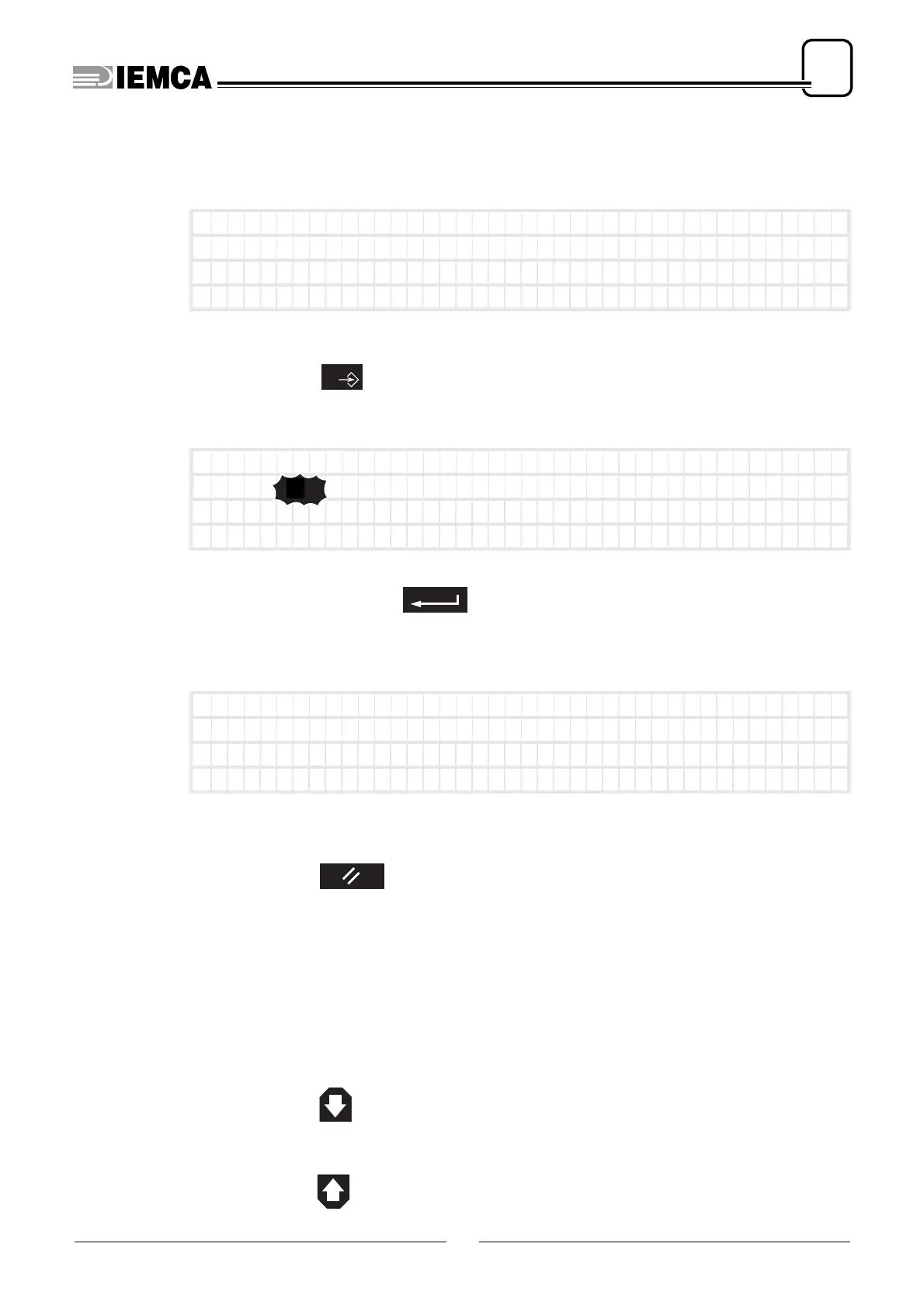
Entering or modifying the operator parameter value
The required parameter should be displayed
Ex:
select the parameter value by recalling the selecting cursor
press:
the parameter value blinks
Ex:
type the value to
assign. Ex:
the value in inches will be shown automatically, or, if the value is entered in
inches, it will be shown in millimetres (mm)
it appears:
Suspending the selection function
press:
the parameter value stops blinking. Besides, if the value has been modified but
the modification has not been saved, the valid value is the one preceding the
modification.
❑
Subparameters
Some parameters have subparameters.
To access the subparameters, scroll down the parameter screen image
press many times:
to return to the parameter screen image
press many times:
115 (mm)
no.1 Bar end adjustm
ent
Ins)Press ENTER) to c
onf i rm
←
→
)
Mo v e
––––––––––––––––––––
––––––––––––––––––––
0
115 (mm)
no.1 Bar end adjustm
ent
Ins)Press ENTER) to c
onf i rm
←
→
)
Mo v e
––––––––––––––––––––
––––––––––––––––––––
1
1 1 5
120
plus
120 (mm)
no.1 Bar end adjustm
ent
Ins)Press ENTER) to c
onf i rm
←
→
)
Mo v e
––––––––––––––––––––
––––––––––––––––––––






 To Next Page