16
2
INSTALLATION PROCEDURE
302.061
❑
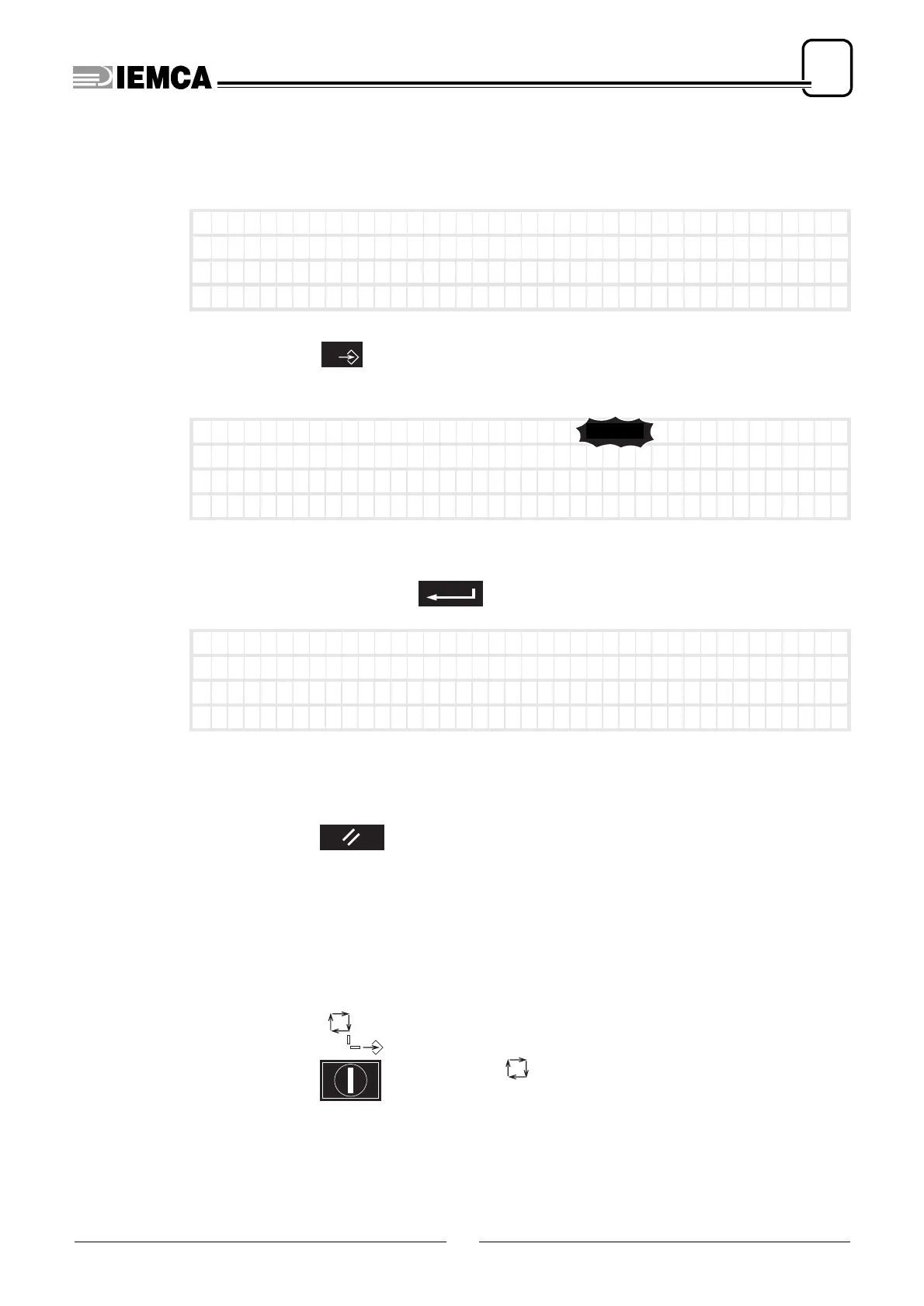
Entering or modifying the subparameter values
The desired subparameter must be displayed.
press:
The subparameter value blinks
appears. Ex:
type the value
to assign. Ex:
it appears:
Suspending the selection function
premere:
The subparameter value stops blinking. In addition, if the value has been mo-
dified without saving, the valid value will be the previous one.
❑
Quitting the operator parameters
Exit from data entering mode
turn the selector: onto position
Connect ion accelerat
ion 1100(mm/sec* sec)
New spe ed
1000(mm/ sec )
New spe ed po i n t
800(mm)
0
Connect ion accelerat
ion 1100(mm/sec* sec)
New spe ed
1050(mm/ sec )
New spe ed po i n t
800(mm)
15.0
1 0 0 0
1050
plus
Connect ion accelerat
ion 1100(mm/sec* sec)
New spe ed
1050(mm/ sec )
New spe ed po i n t
800(mm)






 To Next Page