98 Programming example
Anti-intrusion control panels
Via software Click on the Readers button, the section on the right will show all the configured readers.
At this point, clicking on the button accesses a section where you can select the partitions
to associate with the reader and configure the shortcut of the red and blue LEDs.
PROGRAMMING
KEYPAD
6. Associate the keypad with the “Ground floor” and “First floor” partitions.
Via keypad
PROGRAMMING Keypads, ChoosePeripheral, KEYP. 001", Partitions
In this section you can enable the “Ground floor” and “First floor” partitions.
Via software Click on the Keypads button, the section on the right will show the configured keypad.
Here you can associate the keypad with the partitions.
PROGRAMMING
EXPANSIONS
7. To program the devices connected to the expansion terminals:
Via keypad
PROGRAMMING Terminals,
select the terminal concerned
Press the button to configure the terminal as an output. Press OK to access the
programming menu.
Via software To program the zone, select the Terminals button. The section on the right will show the
graphic representation (map) of the terminals of the entire system.
Right clicking-on the expansion terminal will allow you to configure it as an output, after which
a double click will access the terminal programming phase.
PROGRAMMING
KEYS
8. Associate the keys ([O] and [P]) with the “Ground floor” and “First floor” partitions:
Via keypad
PROGRAMMING Keys, Change key, "Key 00x", Partitions
In this section you can enable the “Ground floor” and “First floor” partitions.
Via software Click on the Keys button, in the section on the right you will be able to view the keys and the
partitions to associate with them.
9. Enroll the keys, using one of the proximity readers and/or a keypad.
Via keypad
PROGRAMMING Keys, Enroll, "Reader 00x", "Key 00x"
Hold the key in the vicinity of the reader and then move it away. The keypad you are working
on will emit a beep to confirm that the key has been enrolled.
PROGRAMMING
WIRELESS
KEYFOBS
10. Associate the shortcuts for the arm/disarm commands and control of expansion outputs
to the keyfob command buttons [O]
Via keypad
PROGRAMMING Keys, Key parameters, "Key 00x", Shortcut
This section will allow you to associate the shortcuts that are not default shortcuts, specifically
“Activate output” shortcuts. to buttonsF3 and F4 then select the respective outputs on the
expansion.
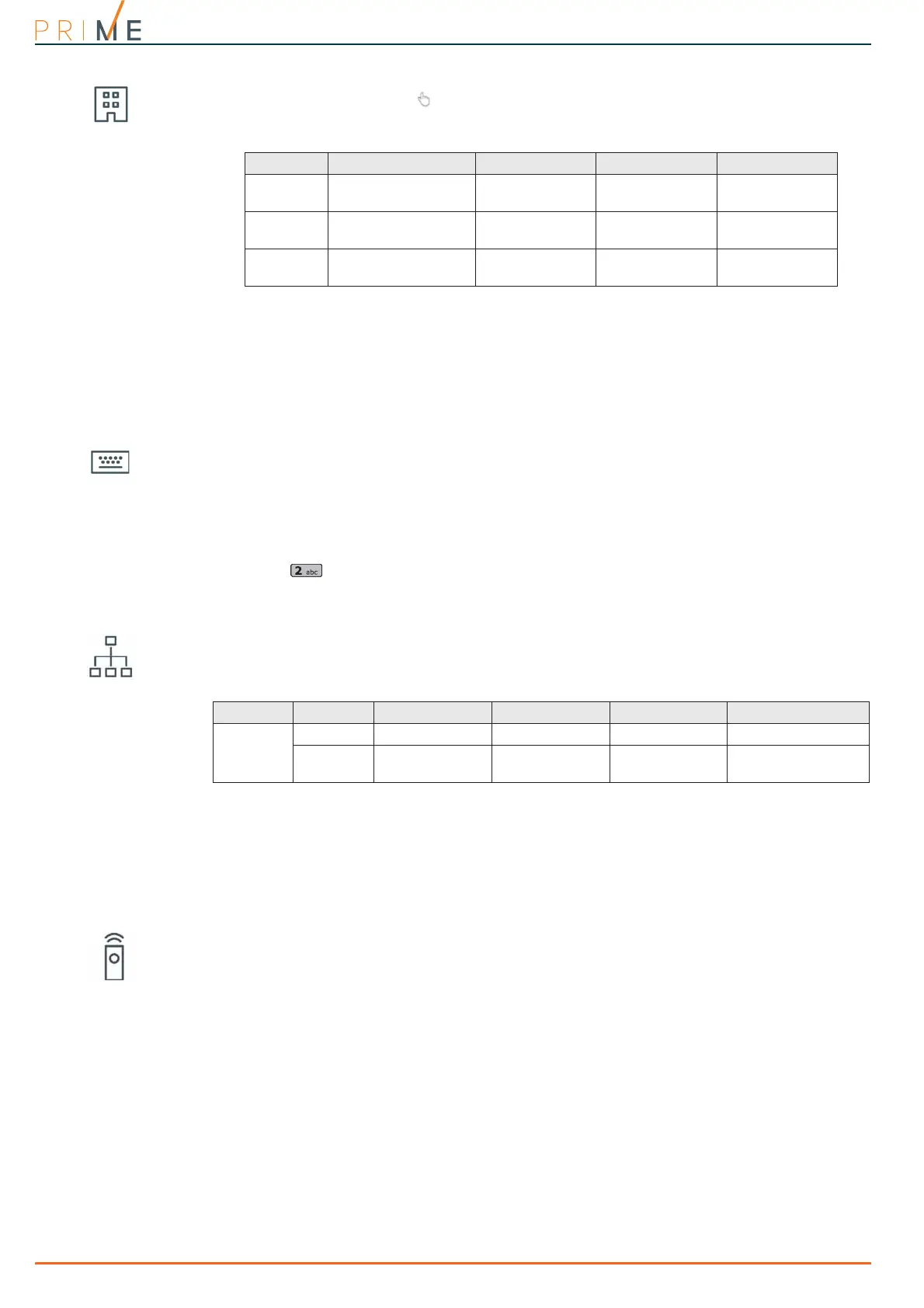
Table 22-3: Reader parameters
Device Description Partitions Red LED shortcut Blue LED shortcut
I
Reader entrance door
Ground floor
First floor
Default Default
J
Keypad
(integrated reader)
Ground floor
First floor
Default
Execute “Scenario
3” arming mode
K
Reader bedroom
Ground floor
First floor
Execute “Scenario
3” arming mode
None
Table 22-4: Expansion parameters
Device Terminal Description Type Output options Monostable time
L
1
Cancel Output Monostable 30 seconds
2
Garden lights Output
Monostable
Switch
60 minutes



 To Next Page